Install the Station and Charging Cable
37
Prepare the Charging Cable for Use
For Stations Without a CMK
1. Extend the charging cable to its full length to remove
any kinks or twists.
2. Drape the charging cable over the top of the charging
station.
3. Insert the connector in its holster.
4. Proceed to Section 10 to complete the station setup.
For Stations With a CMK
Note: Installing the knot bearing requires no tools. You do not need anything from the extra cable
clamp kit that comes with the CMK.
1. Extend the charging cable to its full length to remove
any kinks or twists.
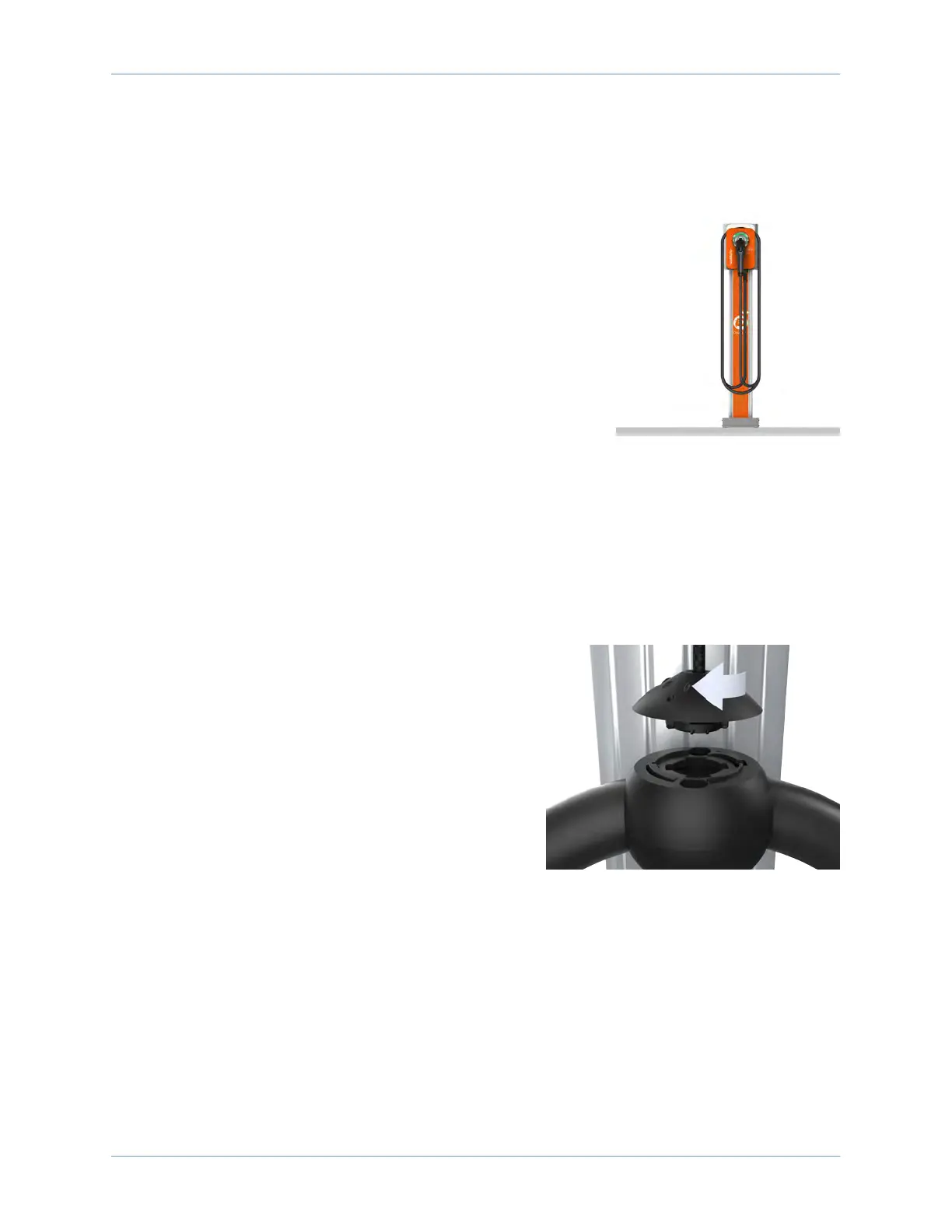
2. Align the knot bearing on each rope to its
corresponding mating feature on the cable clamp.
3. Turn the knot bearing clockwise approximately one-
quarter turn. Push down gently while turning the knot
bearing.
Note: If you are installing a single station CPF50,
attach the charging cable on the left side of the
station to minimize interference with the RFID reader.
4. Proceed to Section 10 to complete the station setup.












 To Next Page