19
5
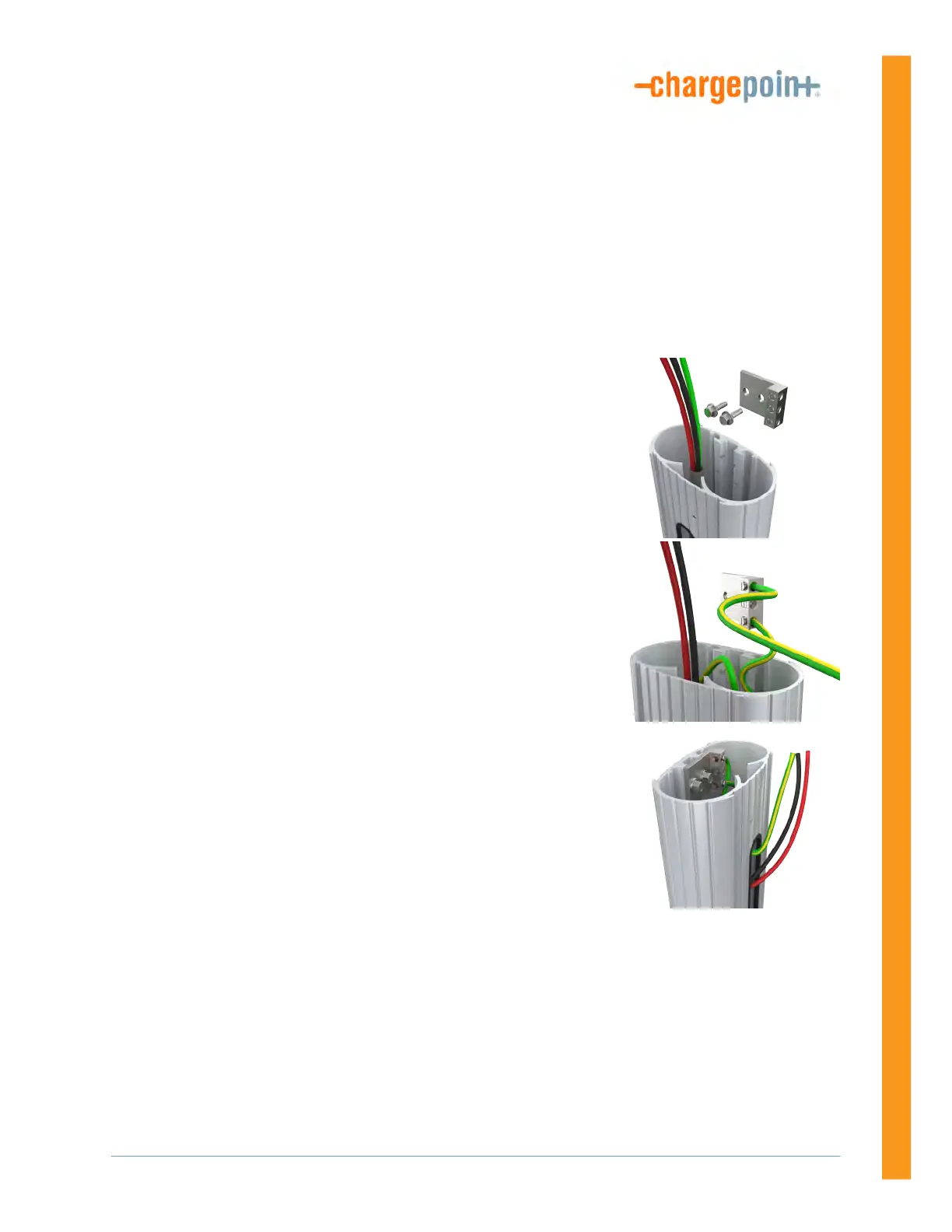
Mount a Single Station Bracket
(Without a CMK)
1. Remove the ground lug from the pedestal using a 7/16 in
wrench. Save the screws to reinstall later.
2. Connect the ground wire from the service wiring to the ground
lug.
3. Run the ground wire from the ground lug through the wiring
opening in the front of the pedestal.
4. Reinstall the ground lug to the pedestal using the 7/16 in
wrench and the two screws you removed.












 To Next Page