User manual CHD FiVE
© All rights reserved
4 Reset CHD FiVE
4.1 SOFTWARE RESET
If the device hangs up or does not
respond to any action please
perform software reset.
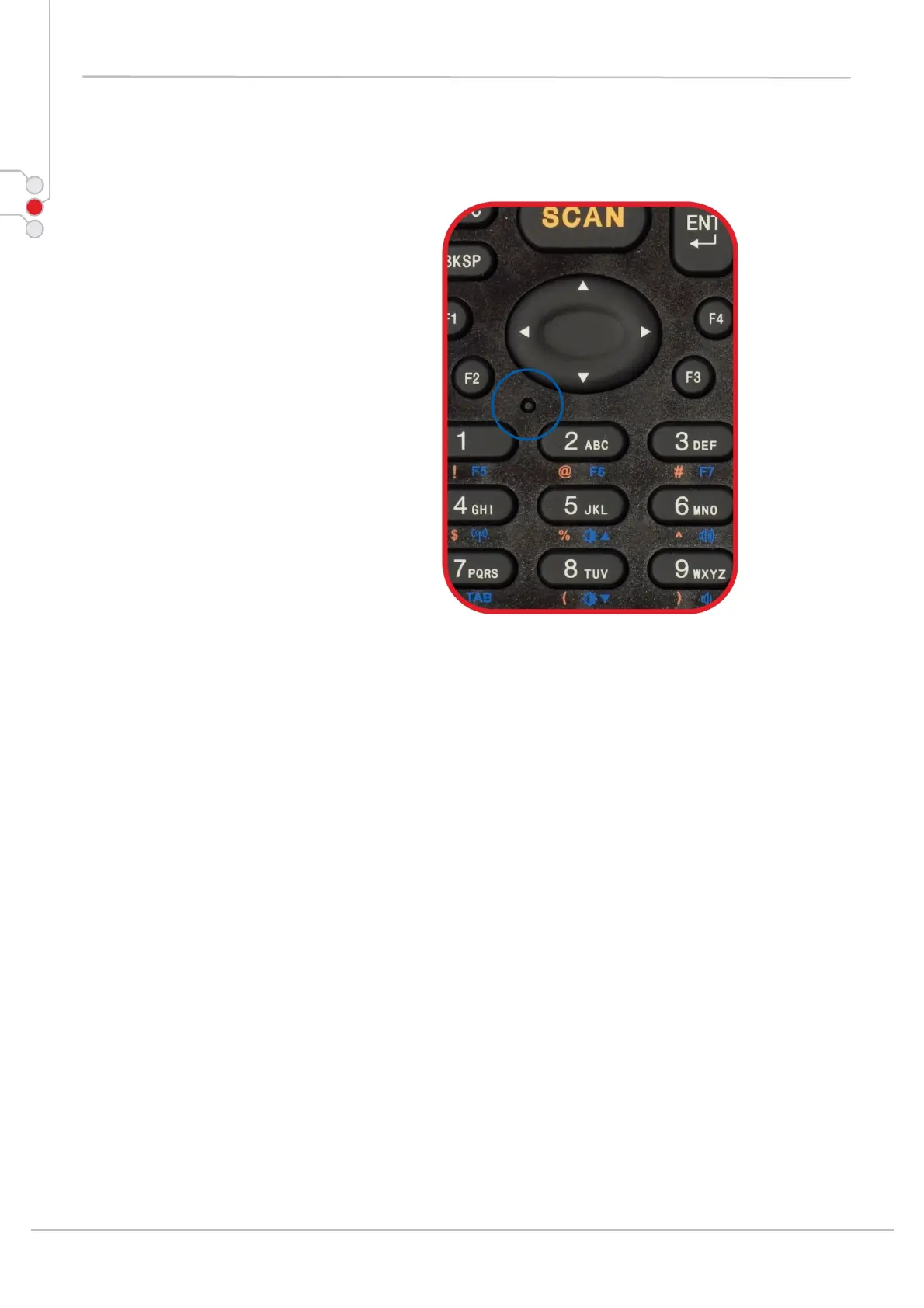
Using stylus press reset button for
1 second and release. Reset button is
located between < Navigation >
and < 1 > & < 2 > buttons.
All unsaved data will be lost
when performing a software reset.
Computer Hardware Design 16



 To Next Page