User manual CHD FiVE
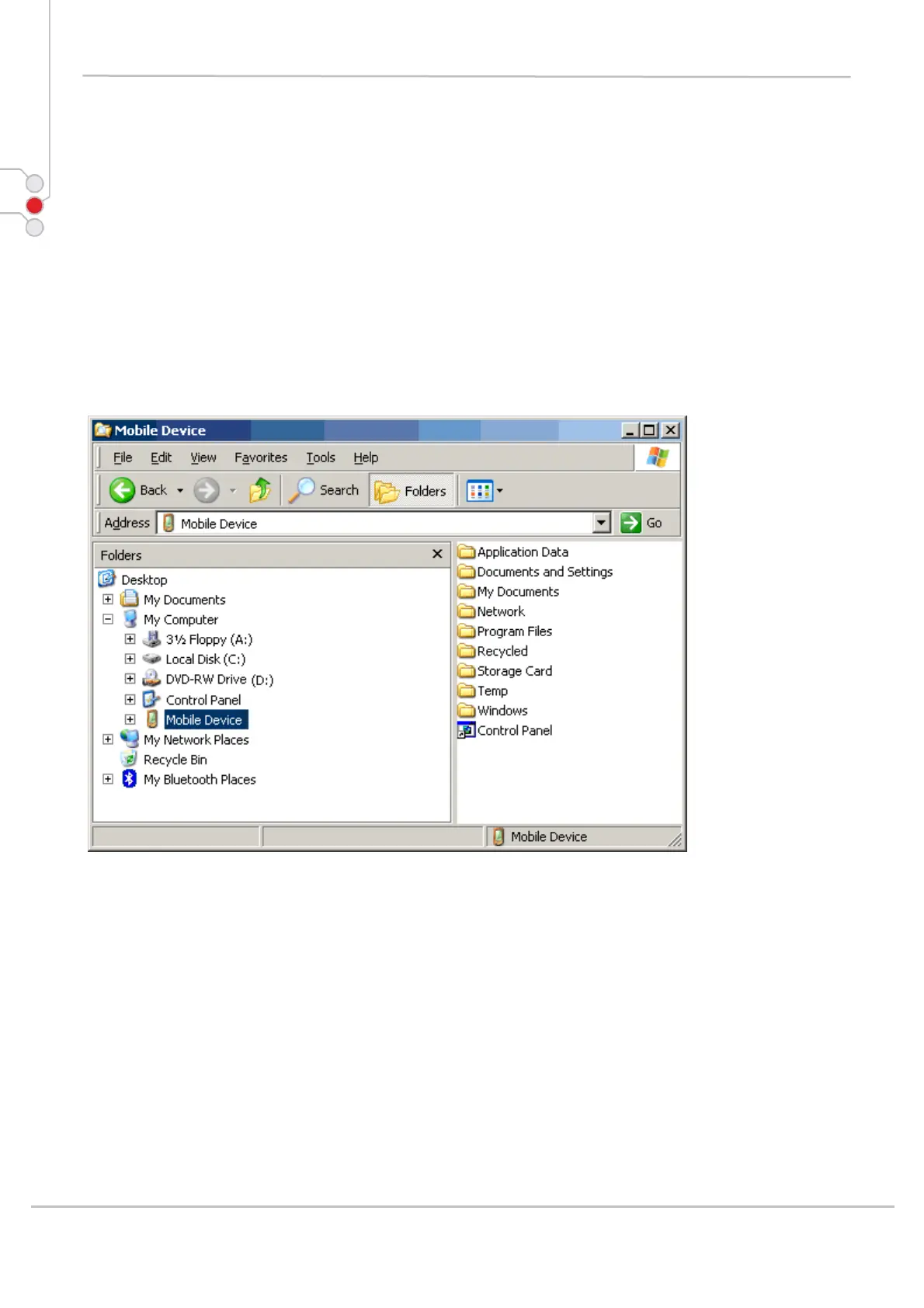
7.1.3 Exploring the Mobile Device
To transfer files, complete the following steps on the host PC:
Transferring Files
Select Start > Programs > Microsoft ActiveSync.
Double-click on the ActiveSync icon in the System Tool Tray.
After you have established a connection with your PDA, click on the Explore button at the
top of the ActiveSync window (or select Explore from the File menu).
Navigate to the target directory on your portable and copy the desired file by using the
Copy/Paste method or dragging and dropping the desired file(s) into the folder.
Depending on the file type, ActiveSync may convert the file into a format appropriate for the
Windows CE .NET device.
© All rights reserved
Computer Hardware Design 60



 To Next Page