User manual CHD FiVE
6.2 BACKLIGHT
Modify display and keyboard backlight brightness. Also
set backlight options (i.e. turn off time).
To modify backlight settings open:
Start > Settings > Control Panel >
Backlight
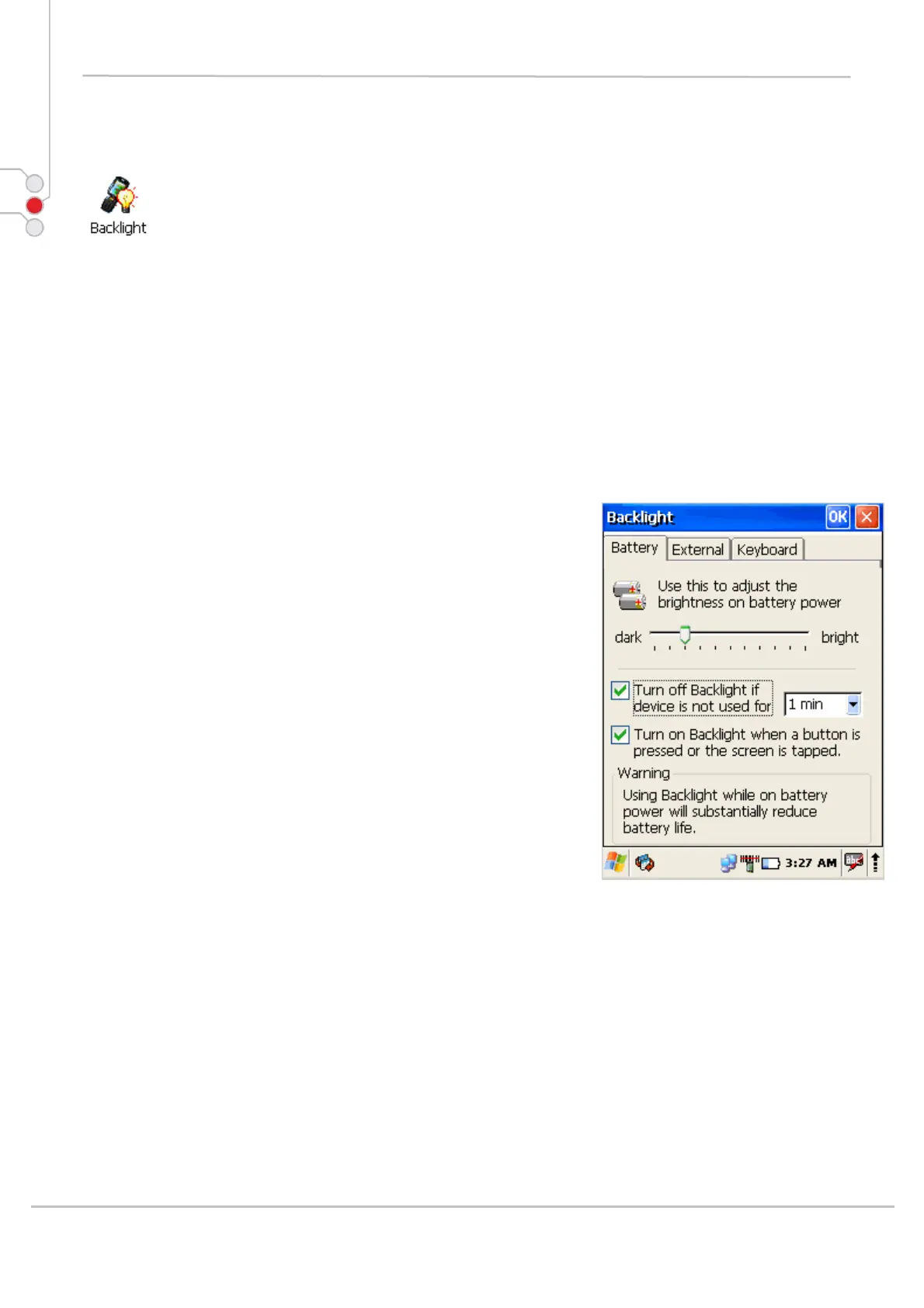
6.2.1 Battery power
Modify display backlight settings when device runs on
batteries.
• Set display brightness level
• Set backlight timeout time.
Available options:
10 sec (by default)
30 sec
1 min
2 min
3 min
4 min
5 min
• Enable to turn on backlight when a button is
pressed or the screen is tapped
To extend battery life it is recommended to set display
backlight turn off timer as short as possible.
To extend battery life it is recommended to set display
backlight brightness level as low as possible.
© All rights reserved
Computer Hardware Design 28



 To Next Page