User manual CHD FiVE
6.9 KEYBOARD PROPERTIES
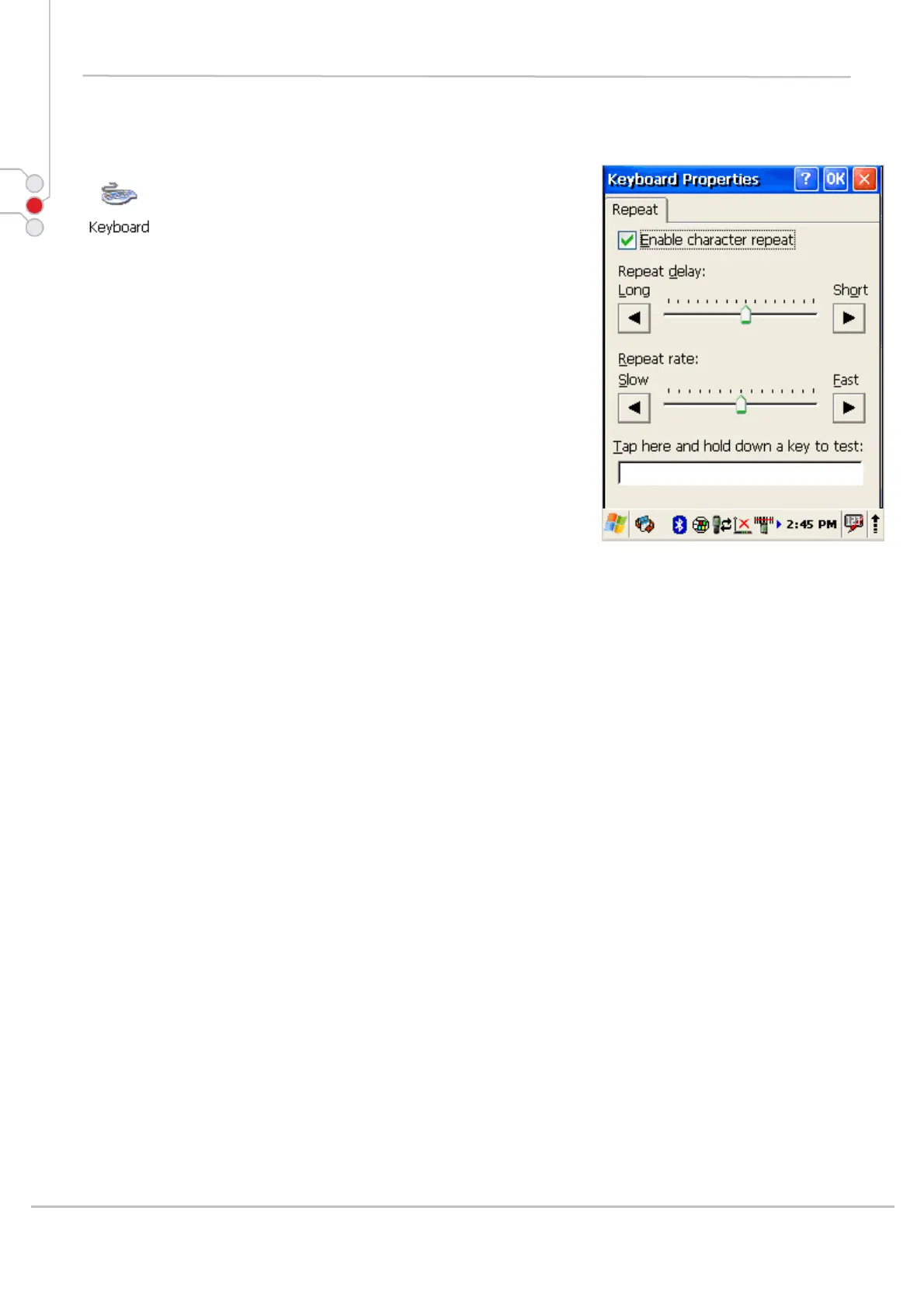
Adjust device actions while keyboard key is pressed
down.
1. Select
Start > Settings > Control Panel >
Keyboard properties
2. Enable character repeat -
3. Adjust Repeat delay slider to change delay time
between two inserted symbols while keyboard key
is pressed.
4. Adjust Repeat rate slider to change repeat rate
when keyboard key is pressed.
5. To exit Keyboard properties, press OK from the
control bar, or press the < ENT > key on the
keypad.
© All rights reserved
Computer Hardware Design 40



 To Next Page