User manual CHD FiVE
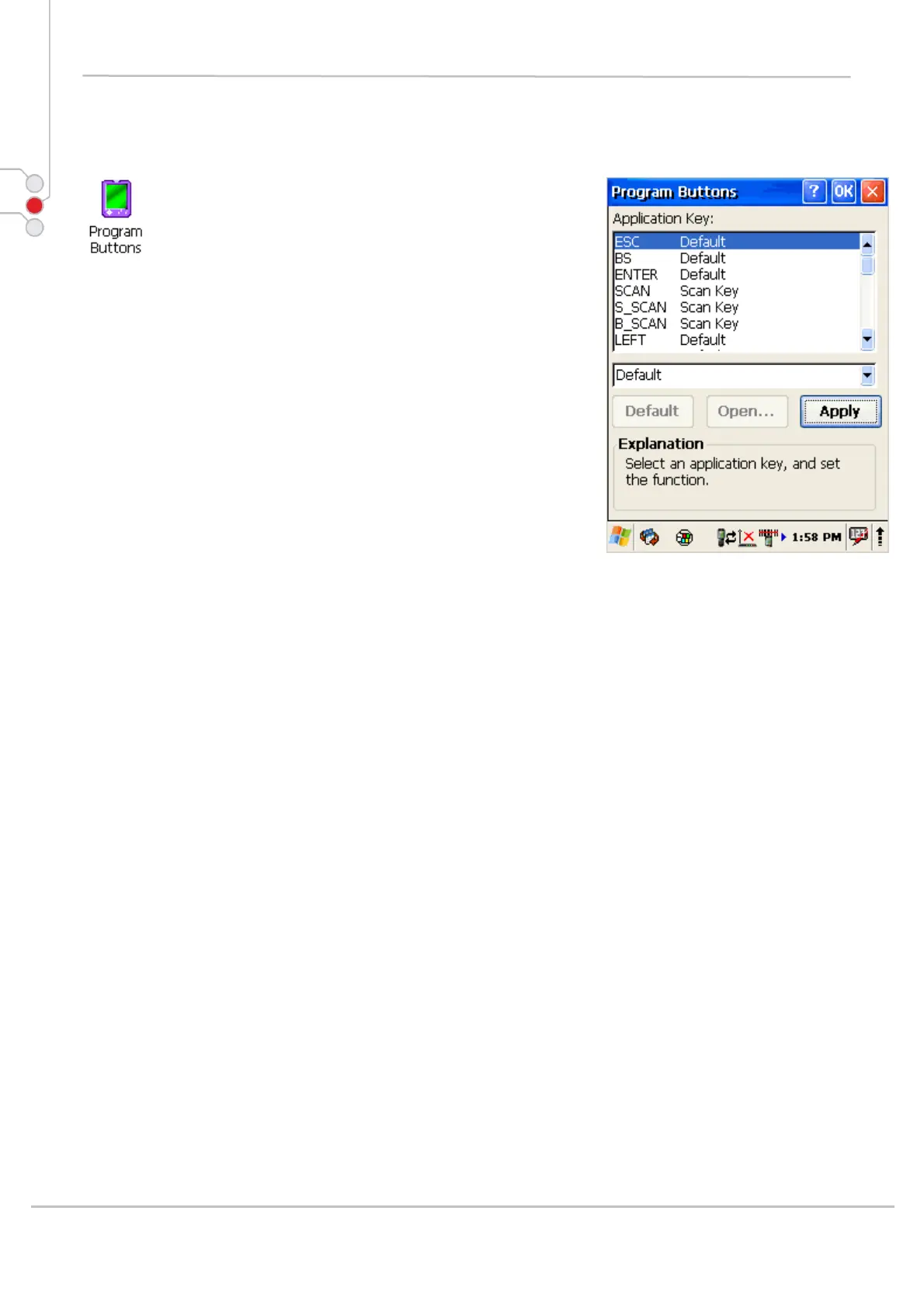
6.15 PROGRAM BUTTONS
1. Select
Start > Settings > Control Panel >
Program buttons
2. Select programmable button from the list
3. Chose its type:
• Default – button will be assigned default function
• No function – button does not have any
functions
• Scan key – button is used as Scan key
• Application – click on Open button and select
application to bind with this key
4. To exit, press OK from the command bar, or press
the < ENT > key on the keypad
© All rights reserved
Computer Hardware Design 48



 To Next Page