User manual CHD FiVE
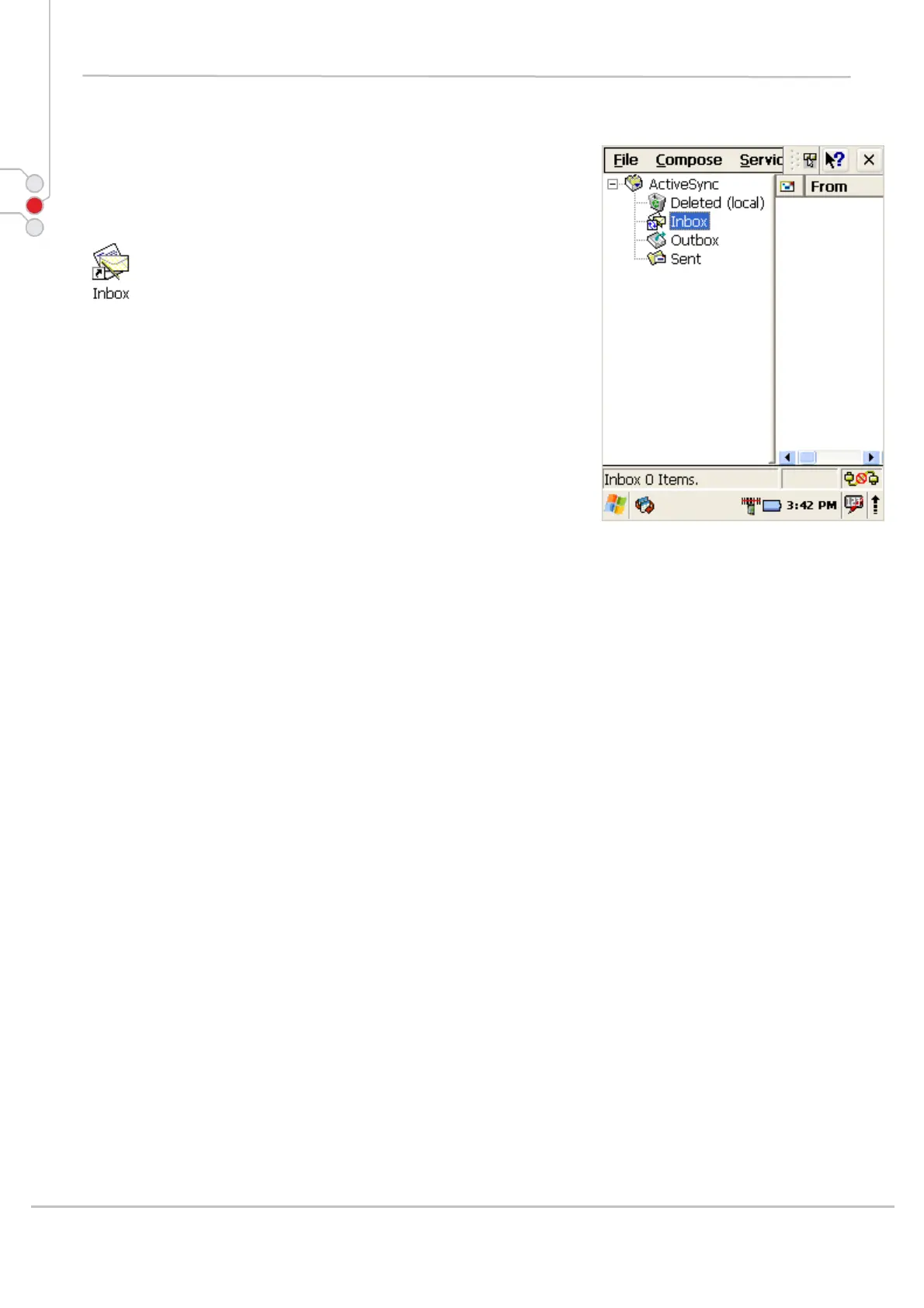
5.2 INBOX
The PDA comes with Inbox for Windows CE .NET
installed from the factory. Inbox is a familiar Microsoft
email interface.
To set up Inbox:
1. Select Start > Programs > Inbox
2. Select Services > Options from the command
bar.
3. Drag the dialog to show the right edge to configure
email.
4. Select Add...
5. Select Service Type and enter in name of email
service in the Service Name field.
6. Select the type of service.
7. Enter the server and user information in the Mail
Service Definition.
8. Configure your inbox using the Mail General
Preferences dialog.
9. Configure your mail retrieval settings using the
Mail Inbox Preferences.
10. Press OK to complete the Inbox configuration.
Receiving email
1. Select Services > Connect from the command
bar.
2. Select Services > Send/Receive Mail from
the command bar to manually retrieve mail. Any
pending email appears in the inbox after
connecting.
© All rights reserved
Computer Hardware Design 19



 To Next Page