User manual CHD FiVE
© All rights reserved
Computer Hardware Design 17
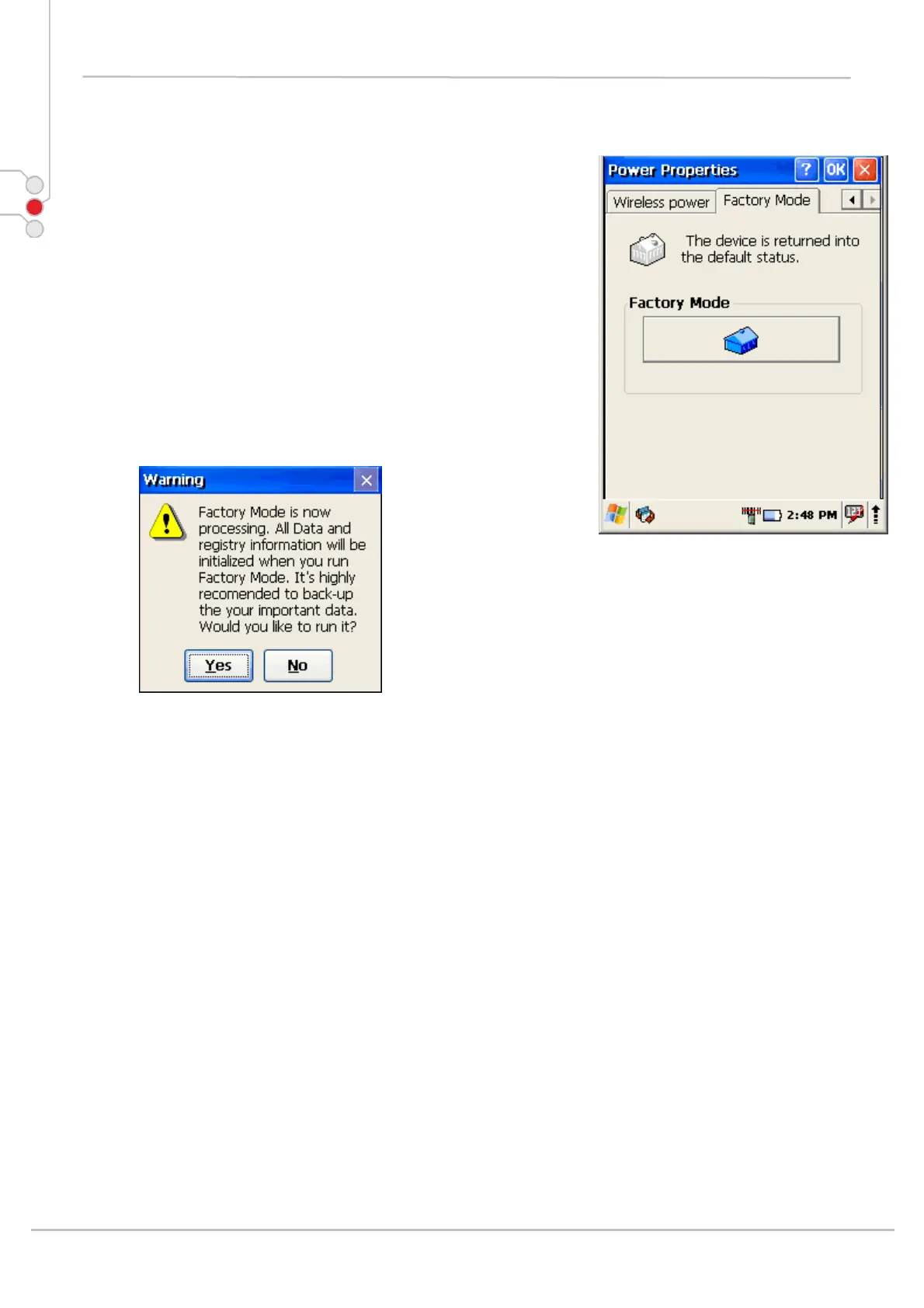
4.2 FACTORY MODE
If performance of the device becomes unstable or
settings have been changed to the state when it is not
possible to revert them.
It is recommended to perform reset to factory mode.
1. Select
Control Panel -> Power -> Factory mode tab
2. Tap on Factory mode
3. Confirm by taping on Yes
4. After restart you will need to align screen
All data and custom settings will be lost if Factory
mode is performed. It is recommended to backup all
your data to removable storage or to other computer
before performing a Factory mode.



 To Next Page