User manual CHD FiVE
6.6 DISPLAY PROPERTIES
To modify the display and/or backlight of the PDA refer to
the following:
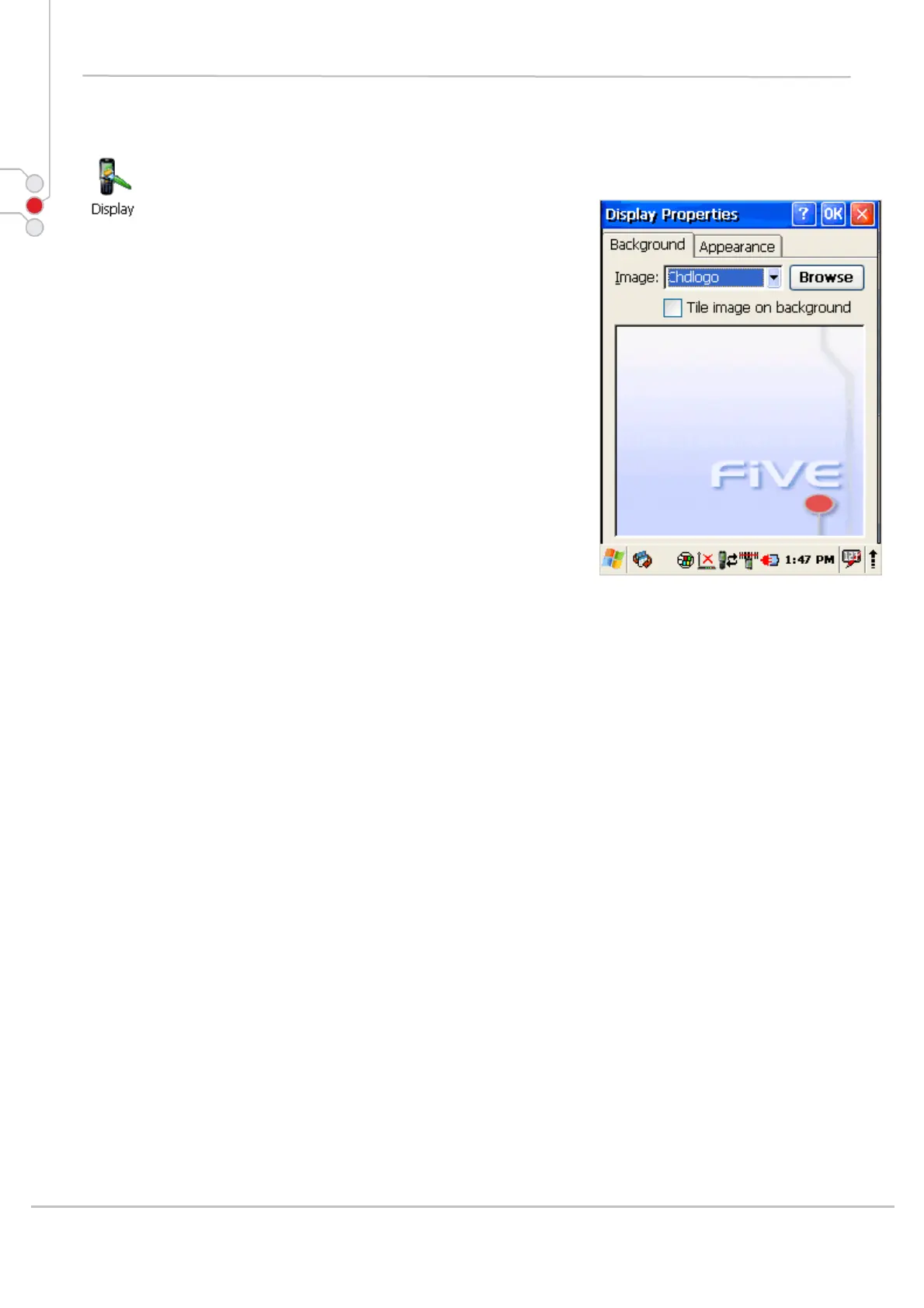
6.6.1 Background
Change background image:
The current file is located in the Windows directory with
the CHD logo file named logo.bmp. Place a new image in
the Windows directory. Image must be exactly 240 by
320 pixels.
1. Select Start > Settings > Control Panel
> Display.
2. Press Browse and select new image.
3. Tap on OK to save settings.
© All rights reserved
Computer Hardware Design 34



 To Next Page