User manual CHD FiVE
5.4 QUICK SCANSET APPLICATION
CHD FiVE comes with preinstalled scanner software.
Application works in background and has a System try
icon next to battery level icon.
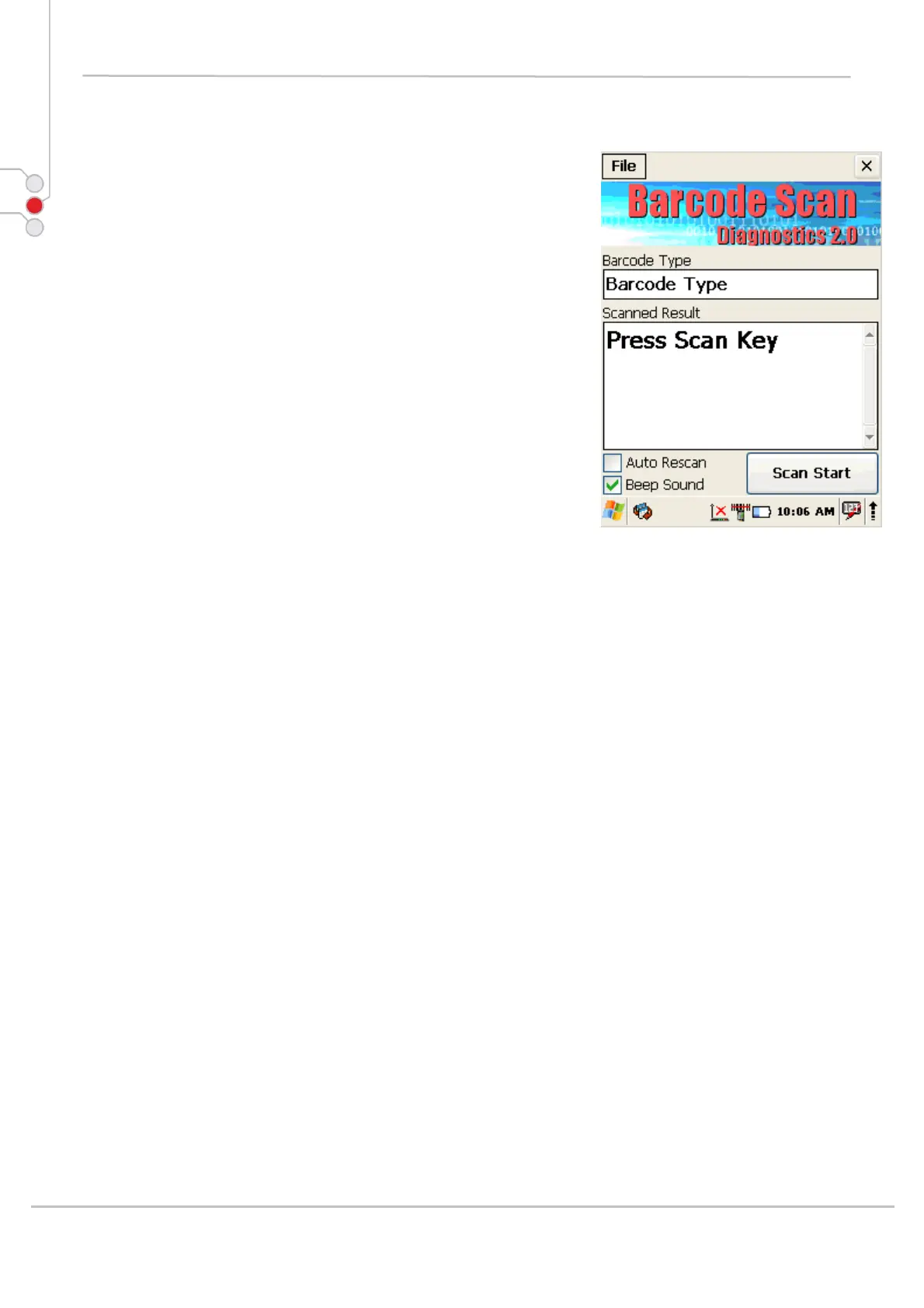
Test barcode scanning
Go to Start > Programs > Scanner > Scandiag
to open scan dialog
Refer to Scanner configuration, Section 0 for more
information about scanner settings
© All rights reserved
Computer Hardware Design 21



 To Next Page