User manual CHD FiVE
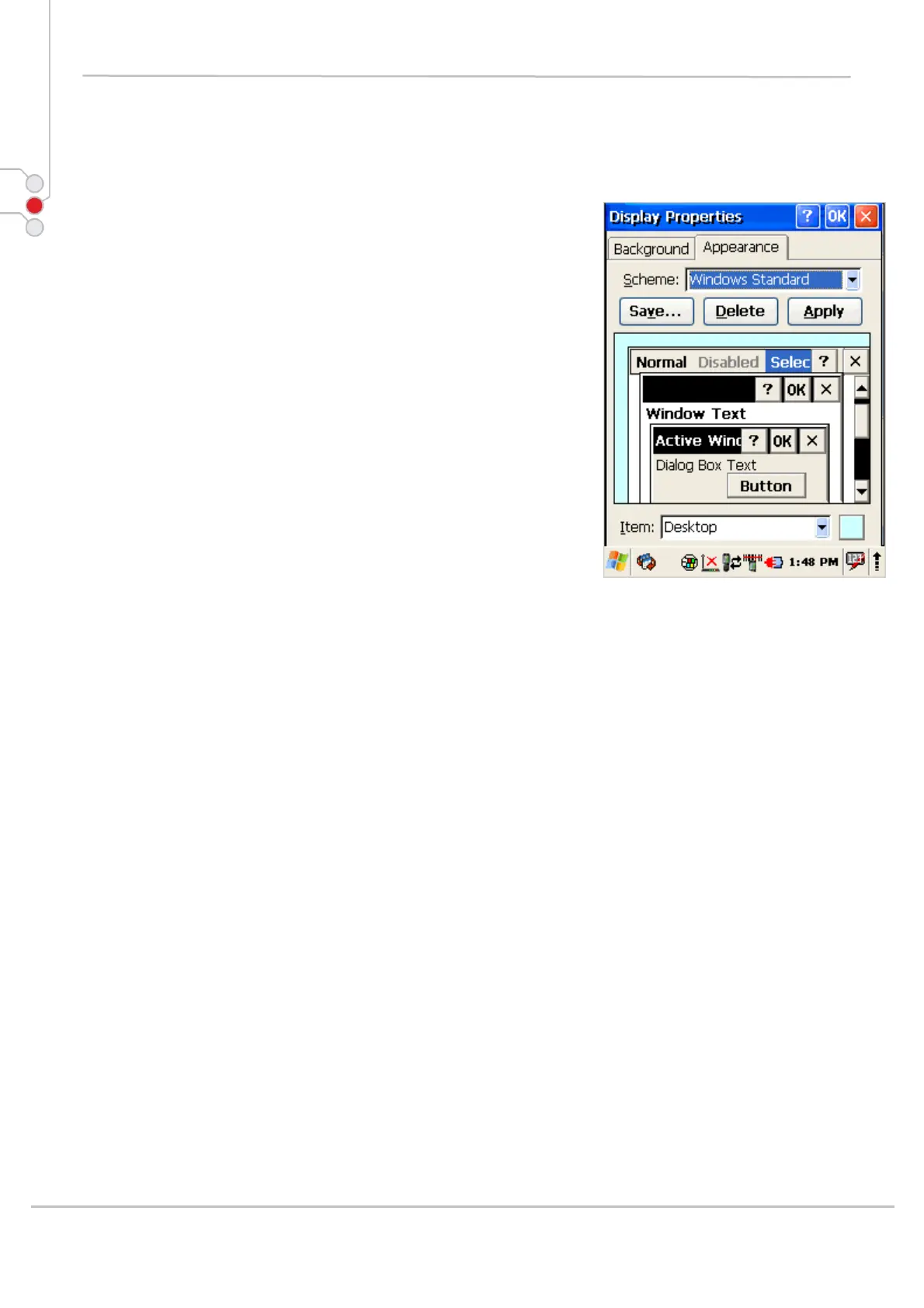
6.6.2 Appearance
Change Windows appearance default settings:
1. Select
Start > Settings > Control Panel >
Display > Appearance tab.
2. Select the desired item form Items dropdown
menu
3. Press on color box to change items color
4. To save your created appearance scheme tap on
Save...
5. To exit Backlight settings, press OK from the
control bar.
© All rights reserved
Computer Hardware Design 35



 To Next Page