User manual CHD FiVE
6.10 NETWORK AND DIALUP CONNECTIONS
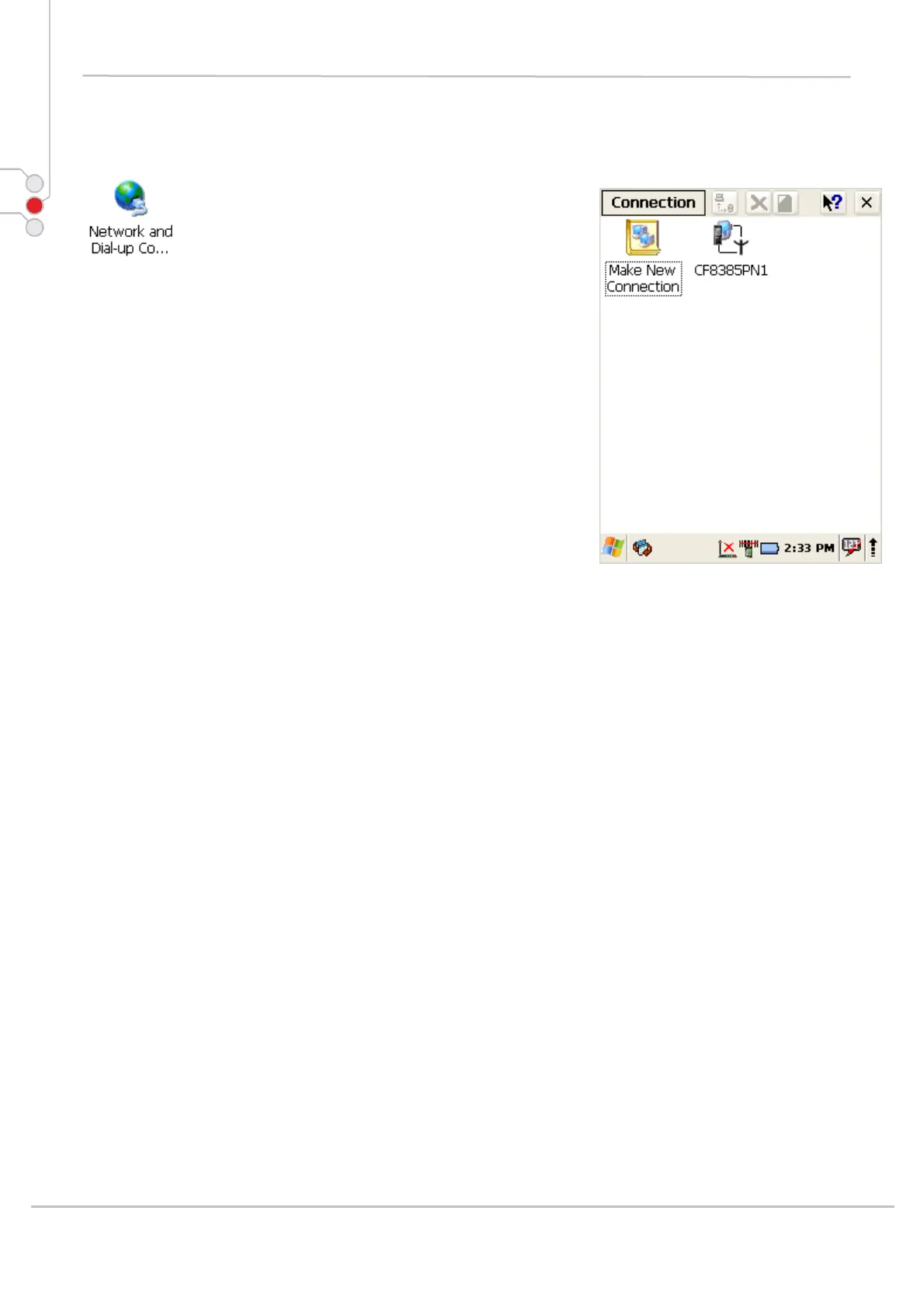
To create new or edit current network connection settings
1. Select
Start > Settings > Control Panel >
Network and dialup connections
2. Double tap on Make New Connection
3. Enter connection name
4. Select connection type
5. Press Next
6. Configure connection
© All rights reserved
Computer Hardware Design 41



 To Next Page