User manual CHD FiVE
6.21 VOLUME & SOUNDS PROPERTIES
Select
Start > Settings > Control Panel > Volume
& sound
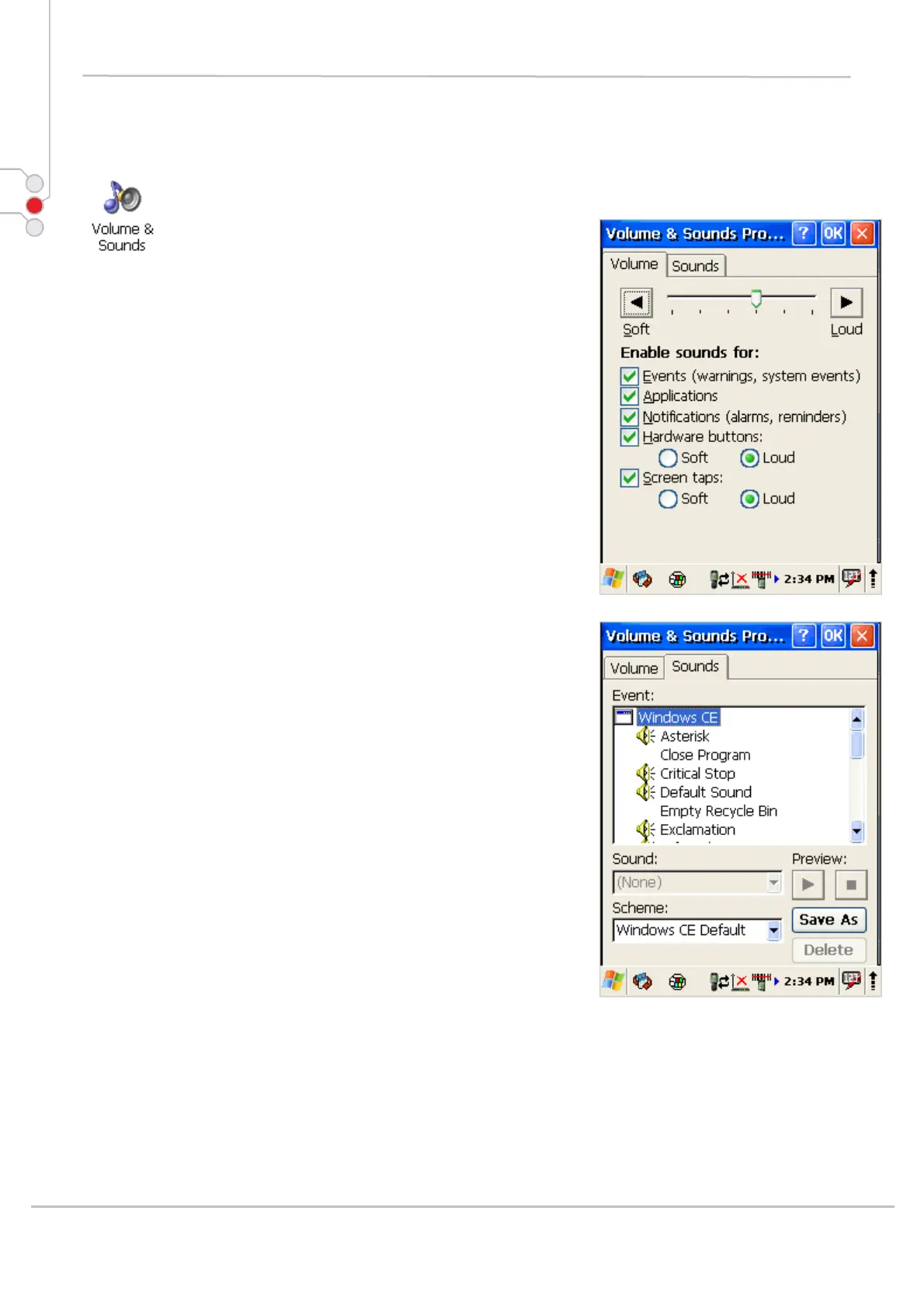
Adjust sound volume and enable sounds.
Change sounds for different items.
Copy custom wav file into /windows/ directory and select
it from list.
To save and exit the Volume & sounds properties
control panel, press OK from the control bar, or press the
< ENT > key on the keypad.
© All rights reserved
Computer Hardware Design 56



 To Next Page