User manual CHD FiVE
6.13 PC CONNECTION
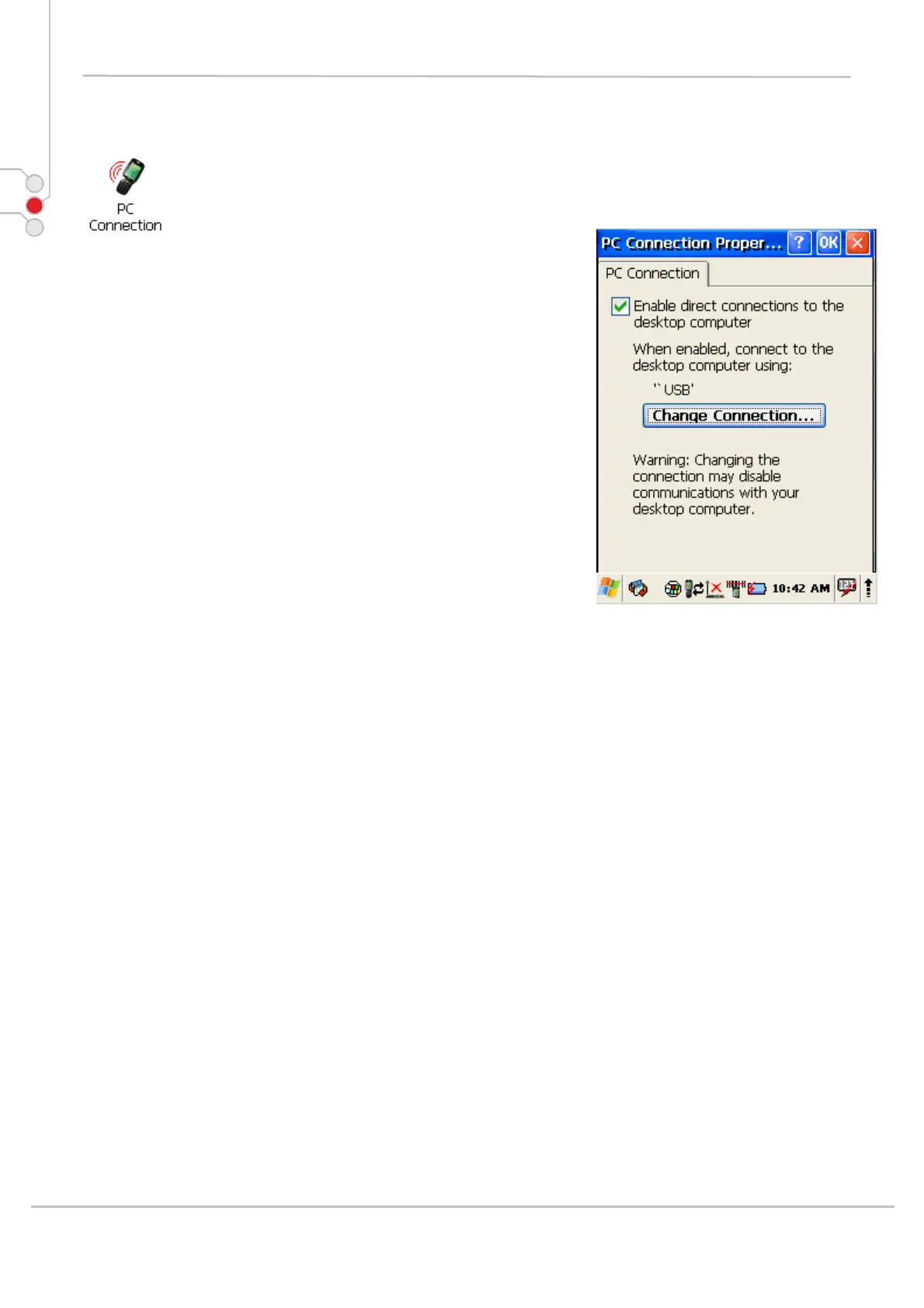
The PC Connection control panel determines how
ActiveSync works with the PDA. To modify the default
settings:
1. Select
Start > Settings > Control Panel >
PC Connection.
2. Select the first checkbox to enable direct
connections to the desktop computer.
3. Tap the Change Connection button to modify
the connection method from USB or Serial.
4. To exit the Change Connection dialog, press OK
from the control bar, or press the < ENT > key on
the keypad.
© All rights reserved
Computer Hardware Design 45



 To Next Page