User manual CHD FiVE
6 Configuring a PDA
Customizing the Settings
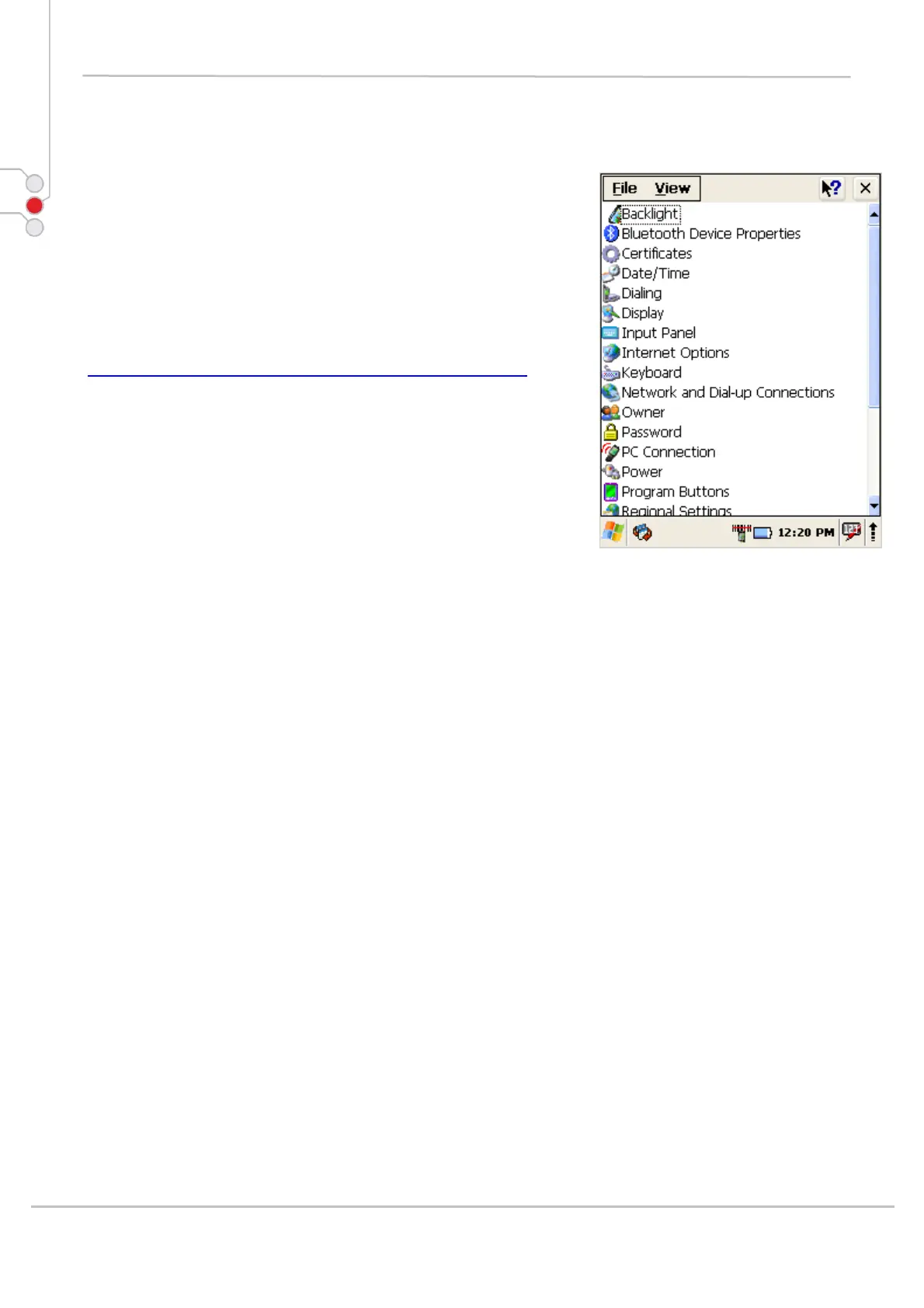
To change the settings on your new PDA, select
Start > Settings > Control Panel
The list of settings (except Quick ScanSet applet) is
standard Windows CE .NET settings. For more
information on the Windows CE .NET operating system,
please refer to Microsoft's website at
http://www.microsoft.com/windows/embedded/ce.net/
.
© All rights reserved
Computer Hardware Design 26



 To Next Page