User manual CHD FiVE
6.5 DIALING
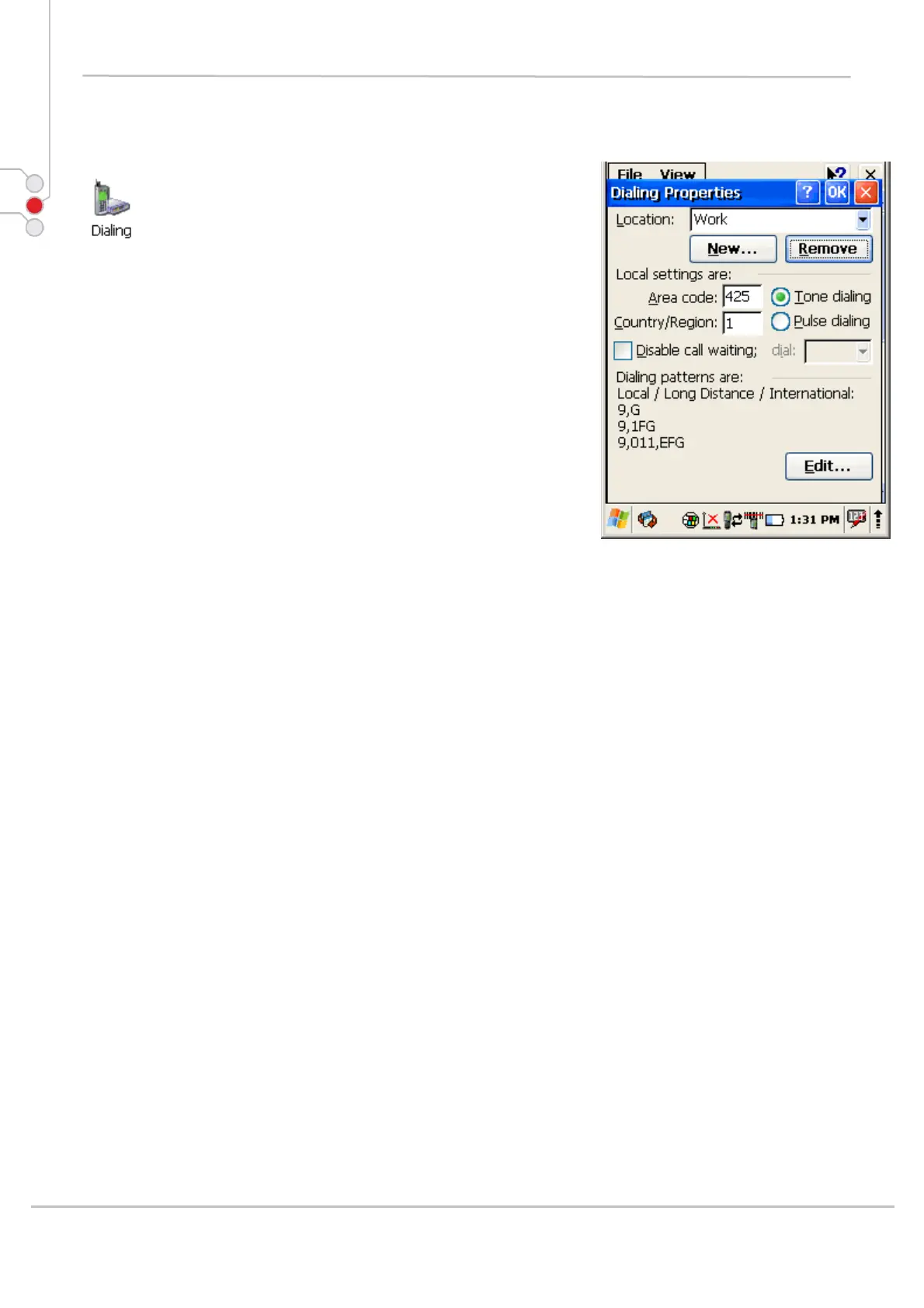
Change dialling properties
1. Select
Start > Settings > Control Panel >
Dialling properties
2. Tap on Edit to change dialling patterns and prefixes
3. To exit, press OK from the command bar, or press the
< ENT > key on the keypad
© All rights reserved
Computer Hardware Design 33



 To Next Page