User manual CHD FiVE
6.8 INTERNET SETTINGS
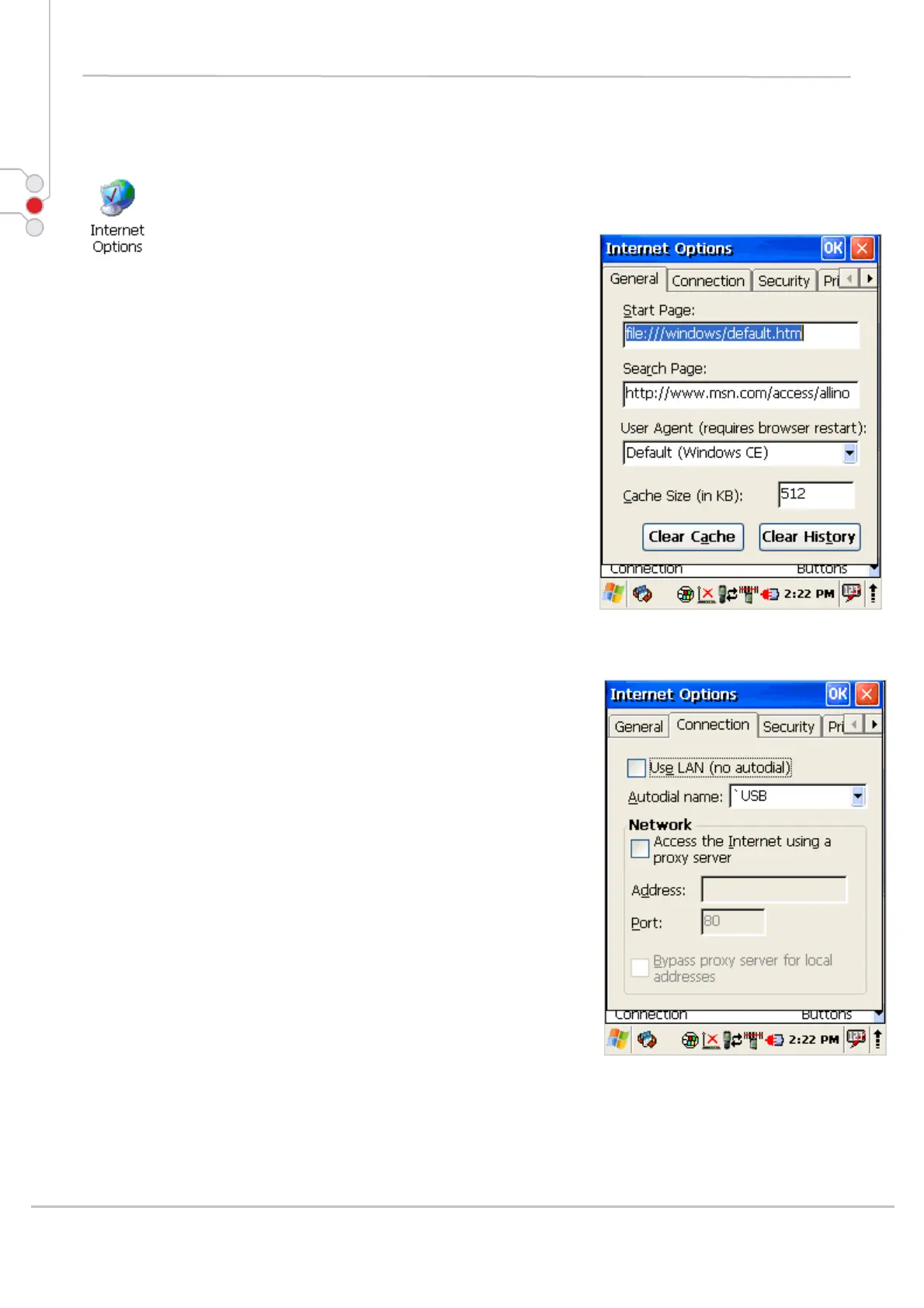
To change the Internet default settings:
1. Select
Start > Settings > Control Panel >
Internet Settings
2. On the General tab type in the URL of the
desired start page and the desired search engine. You
can also change the Cache Size, clear the Cache, and
clear the History.
3. On the Connection tab modify the network
access settings as desired.
© All rights reserved
Computer Hardware Design 37



 To Next Page