User manual CHD FiVE
6.18 STORAGE MANAGER
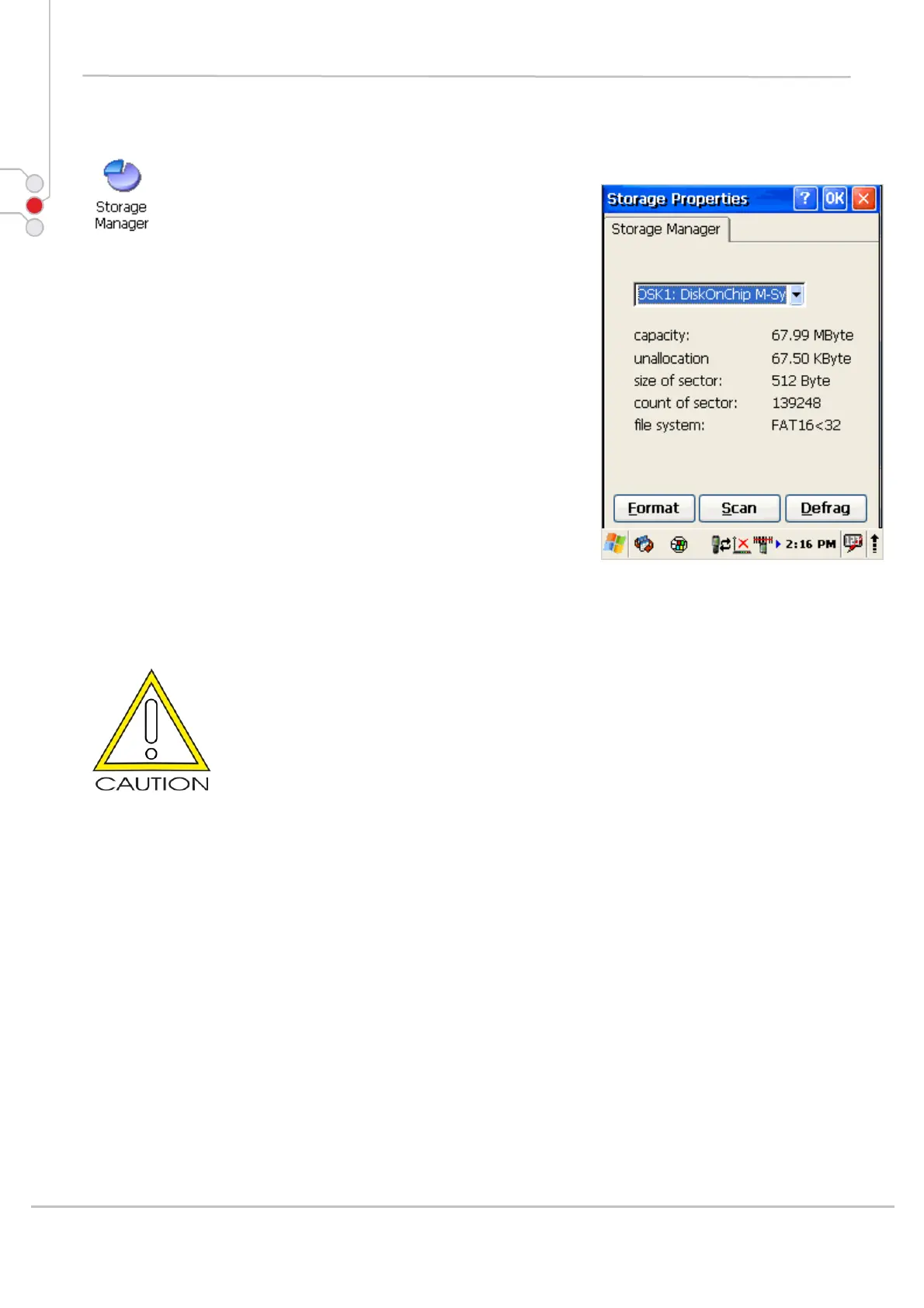
To change the Storage Properties control panel default
settings:
1. Insert secure digital (SD) storage card into the
PDA. Select
Start > Settings > Control Panel >
Storage Properties
2. From the Storage manager pull-down list, select
the desired storage device.
3. You can also format, perform scandisk and defrag.
4. To save and exit the Storage Properties
control panel, press OK from the control bar, or
press the < ENT > key on the keypad.
Formatting the DiskOnChip will erase all files and
programs stored in Flash Memory.
© All rights reserved
Computer Hardware Design 53



 To Next Page