User manual CHD FiVE
7.3.2 Connect to other devices
Before connecting make sure that other devices
Bluetooth connection is enabled.
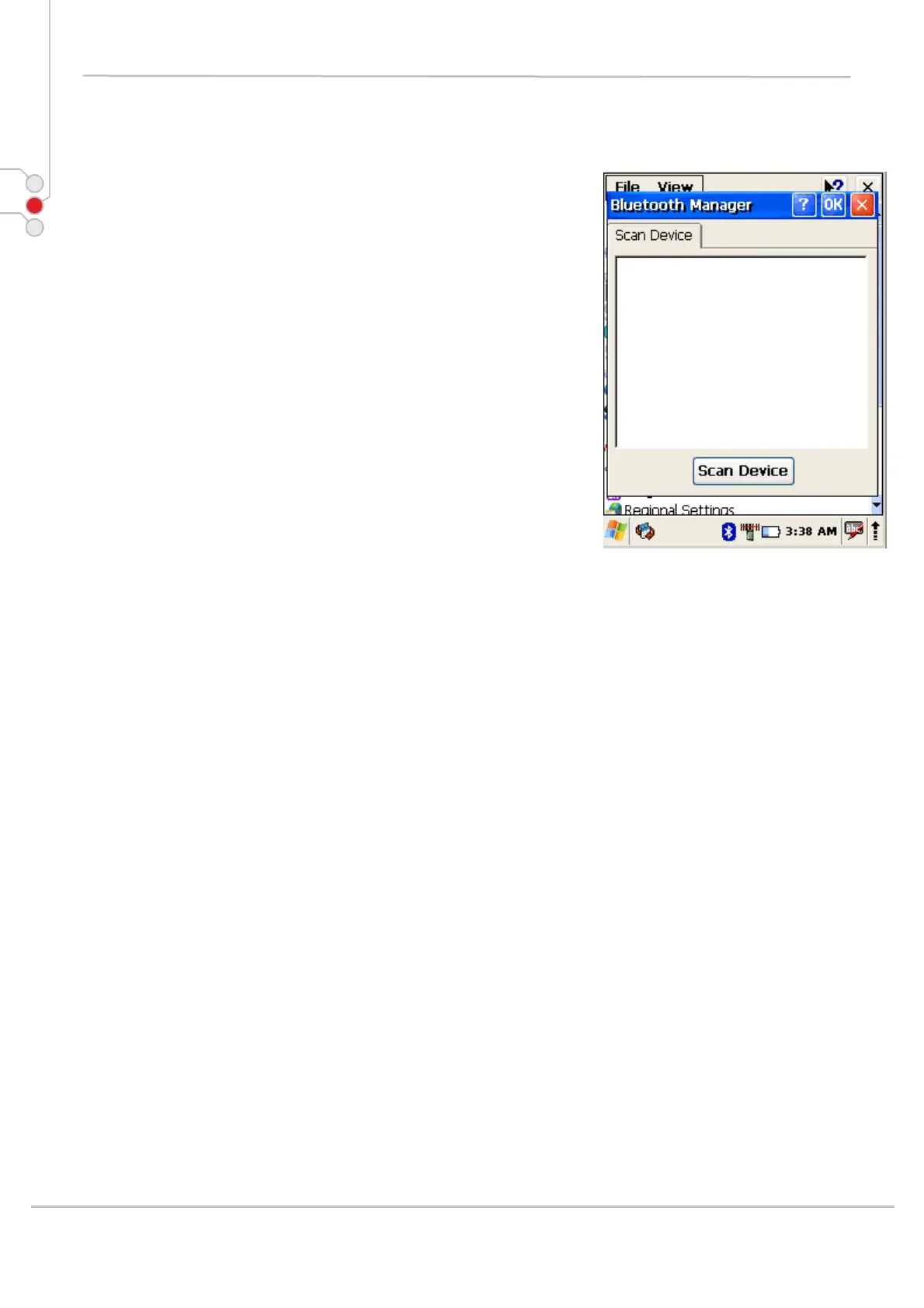
1. Double tap on Bluetooth icon in task bar or
Start-> Settings -> Control Panel ->
Bluetooth device properties
2. Bluetooth manager appears on screen
3. Tap Scan Device button
Available services of all devices in range will be shown in
Bluetooth manager.
© All rights reserved
Computer Hardware Design 69



 To Next Page