User manual CHD FiVE
6.12 PASSWORD
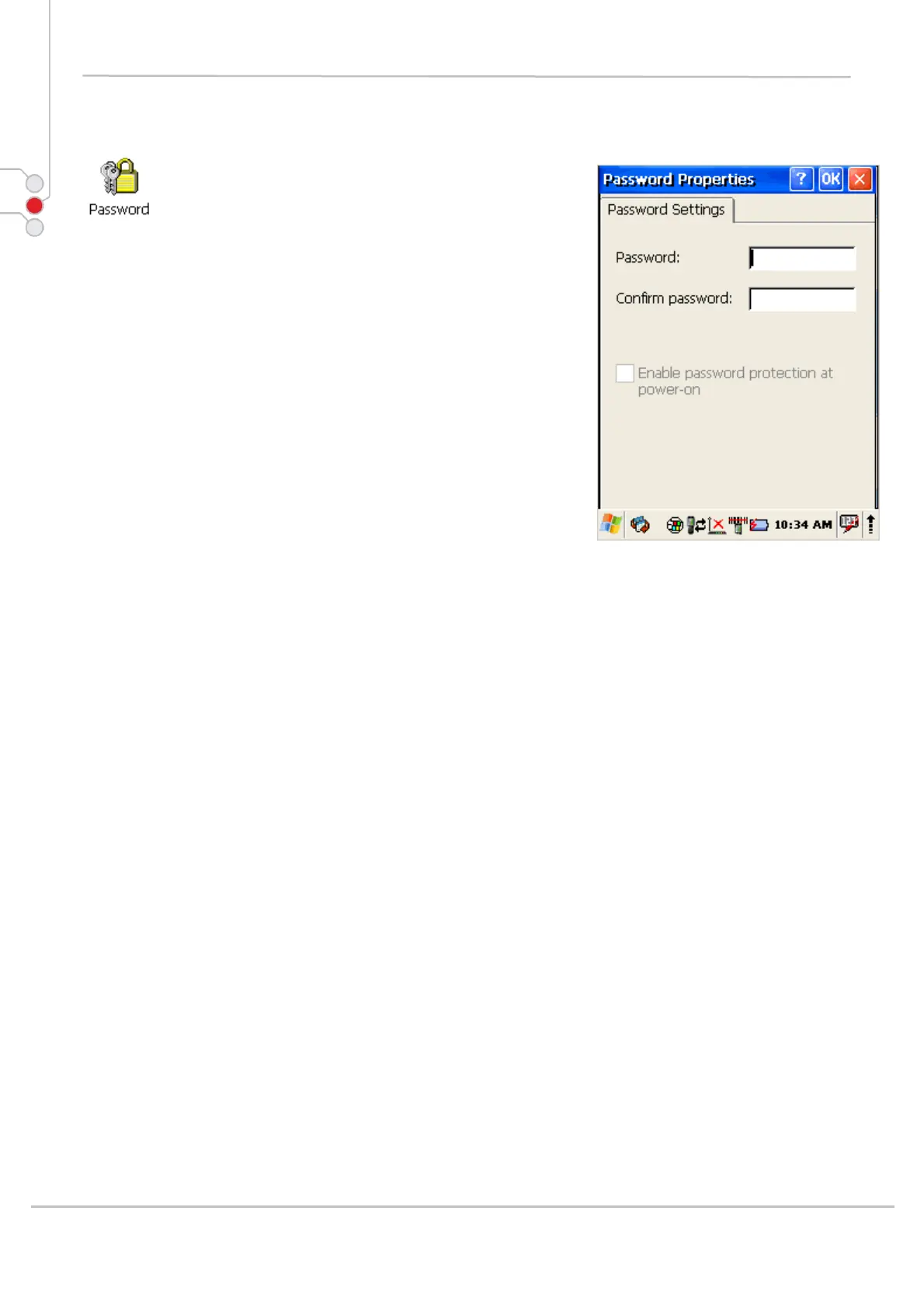
To change the Password default settings:
1. Select
Start > Settings > Control Panel >
Password Properties
2. Enter the desired password twice as indicated in
the two fields.
3. Select to enable password protection at power-on.
4. To exit the Password properties panel, press
OK from the control bar, or press the < ENT > key
on the keypad.
© All rights reserved
Computer Hardware Design 44



 To Next Page