User manual CHD FiVE
6.19 SYSTEM PROPERTIES
Refer to the System control panel for information related
to the system.
6.19.1 General
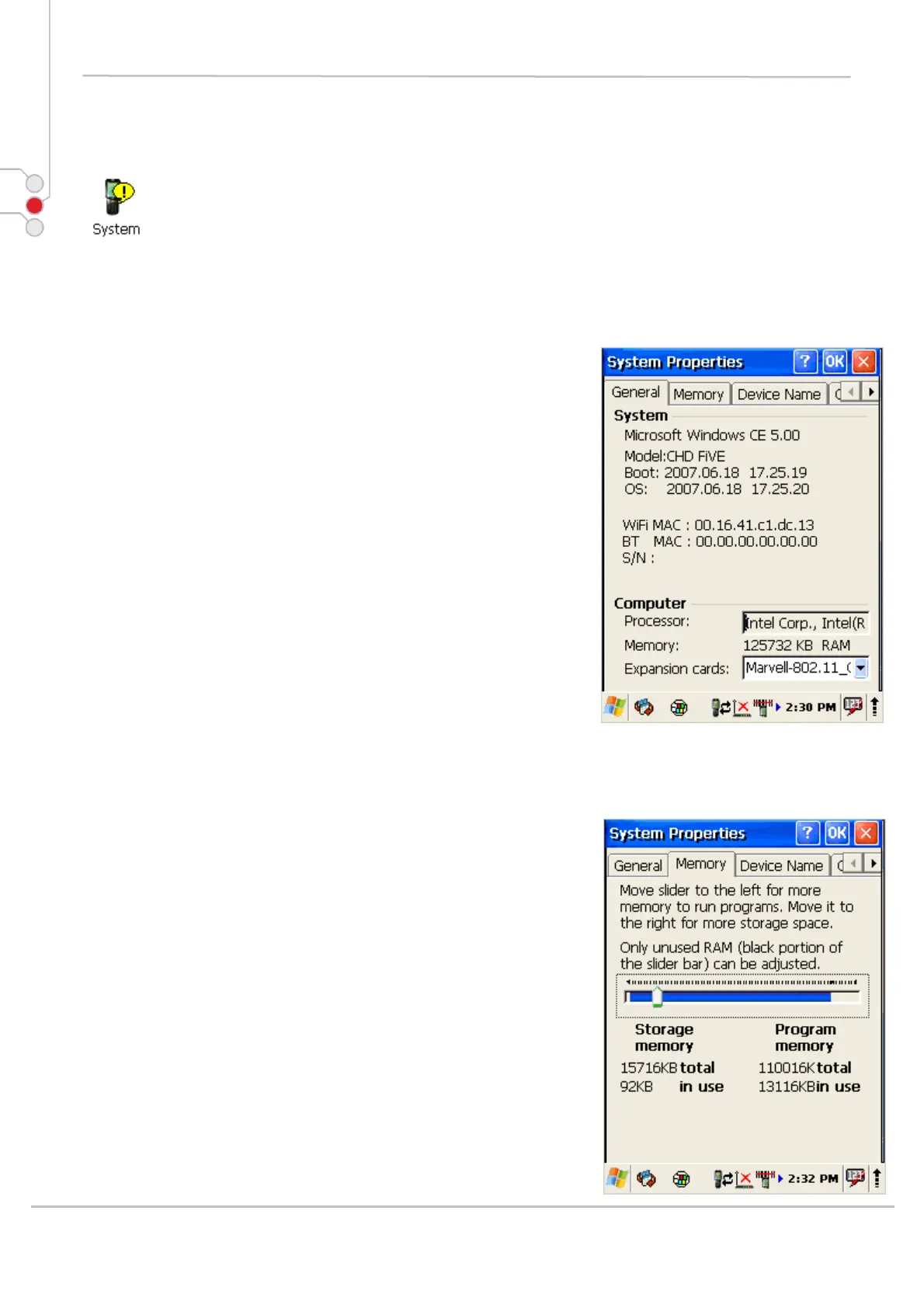
Select
Start > Settings > Control Panel > System
Properties > General tab to determine the following
information about your PDA:
• Operating system
• Model
• Boot time
• OS load time
• WiFi MAC address
• Bluetooth MAC address
• Devices Serial Number
Wireless device address is shown when wireless devices
are turned on for the first time.
6.19.2 Memory
Move the slider to adjust memory allocation.
Move slider to the left for more memory to run programs.
Move it to the right for more storage space.
© All rights reserved
Computer Hardware Design 54



 To Next Page