Viewing Reports
R81.10.X Quantum Spark 1500, 1600, 1800, 1900, 2000 Appliances Centrally Managed Administration Guide|274
Offline installation procedure
If your Security Gateway is not connected to the Internet (versions R81.10.05 and higher), or if
your Security Gateway runs R81.10.00, you can install the latest Dr. Spark tool in this way:
1. Download the installation script for your Quantum Spark appliance model to your
computer:
n
For 2000 / 1900 / 1600 / 1800:
https://support.checkpoint.com/results/download/123706
n
For 1500 / 1400 / 700:
https://support.checkpoint.com/results/download/123700
2. Copy the script from your computer to the Quantum Spark appliance to the /storage/
directory.
3. Connect to the command line on the Quantum Spark appliance.
4. If your default shell is Gaia Clish, then go to the Expert mode:
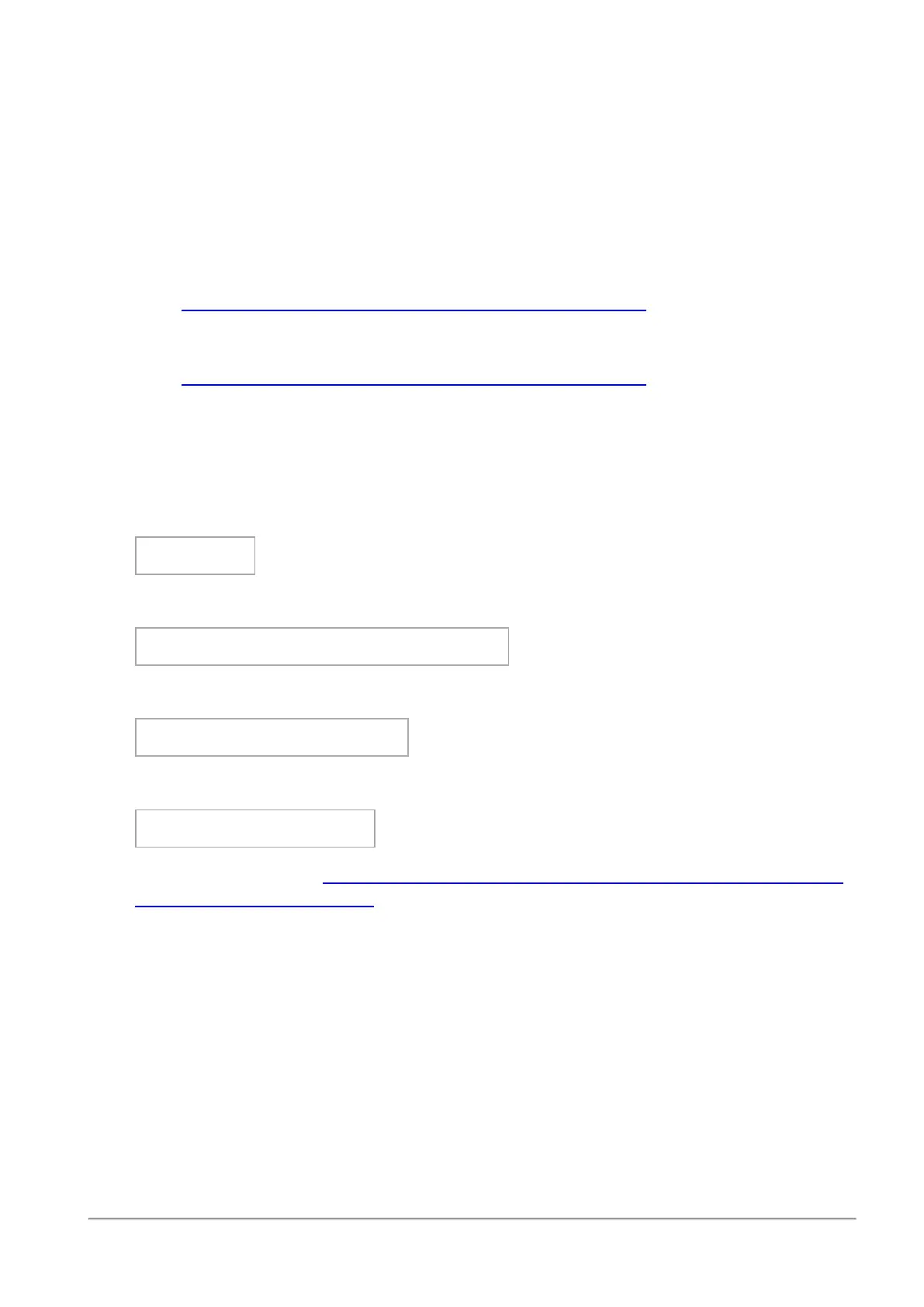
expert
5. Assign the 'execute' permission to the script:
chmod +x /storage/doctor-smb.sh
6. Run the script:
/storage/doctor-smb.sh
7. Run the Dr. Spark tool:
drSMB diag <option>
For the syntax, refer to
Quantum Spark R81.10.X CLI Reference Guide for 1500, 1600,
1800, 1900, 2000 Appliances
> chapter "Working with Dr. Spark."









 To Next Page