Operating Guidelines Edge MAXX
3-10
Interconnected Stop Circuit (option)
Operation Notes
If the unit is part of a line with the Interconnected
Stop Circuit option, it will automatically shut
down whenever any red safety STOP button on
any machine in the line is pressed.
Before any machine on the line can be
restarted, the pressed red safety STOP
button must be reset.
After a shut down, each unit in the line
must be re-started separately.
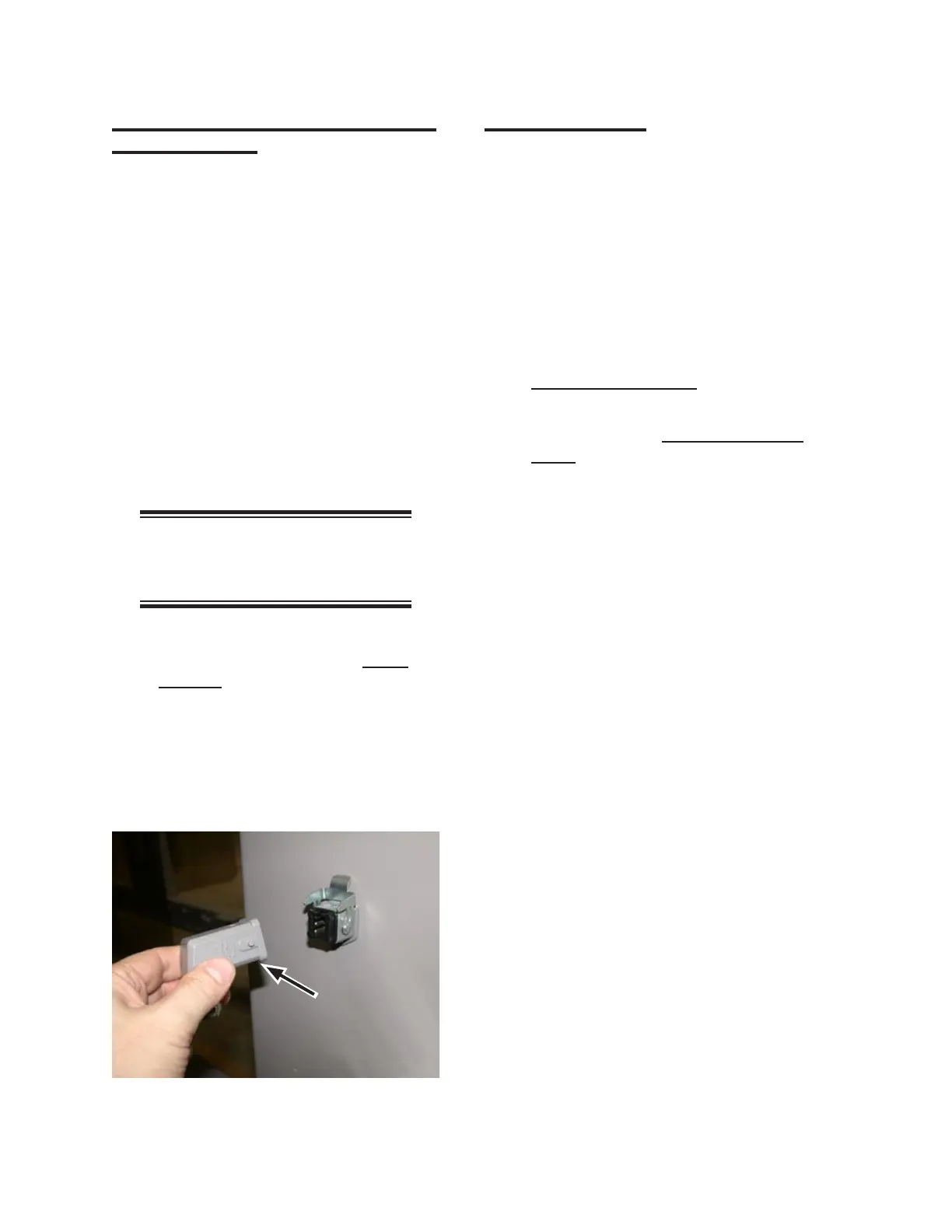
To run one unit independently of the
other units of the line, disconnect
its interconnect cable and install the
dummy plug which shipped with the
unit (Figure 3-11).
NOTE: Units can only operate
when they are connected to each
other, or with the dummy plugs.
Within this chapter, refer to the
Operating Controls
section, Front
Controls specifics regarding interpreting
the indicator lights.
•
•
•
•
Flatwork Handling
The way that operators use the feeder is very
important. They can increase productivity, extend
the life of the unit, and most importantly, promote
safety.
Safety
Always follow the site standards to
avoid repetitive motion injury.
If an item jams, do not reach inside the
unit while the power is on. Refer to
Handling a Jam Safely.
If an item falls, leave it until the end of
the batch. Refer to Handling Misfeeds
Safely.
Program Selection
For large pieces, pressing a STATION key
selects a preset program by number and item
type.
On a standard Edge Maxx, the presets are
for KING Sheet’s, COTTON and 75/25, and
QUEEN Sheet’s, COTTON and 75/25 (Stations
1-4 respectively).
Pressing a STATION key until the light goes
out sends the spreader/feeder into a standby
state.
•
•
•
Figure 3-11: Use the dummy plug to run the folder
independent of other units in the line.



 To Next Page