Edge MAXX Preventive Maintenance
4-9
Inspect Air Filter/Auto Drain
Perform only when the unit is OFF
with power disconnected.
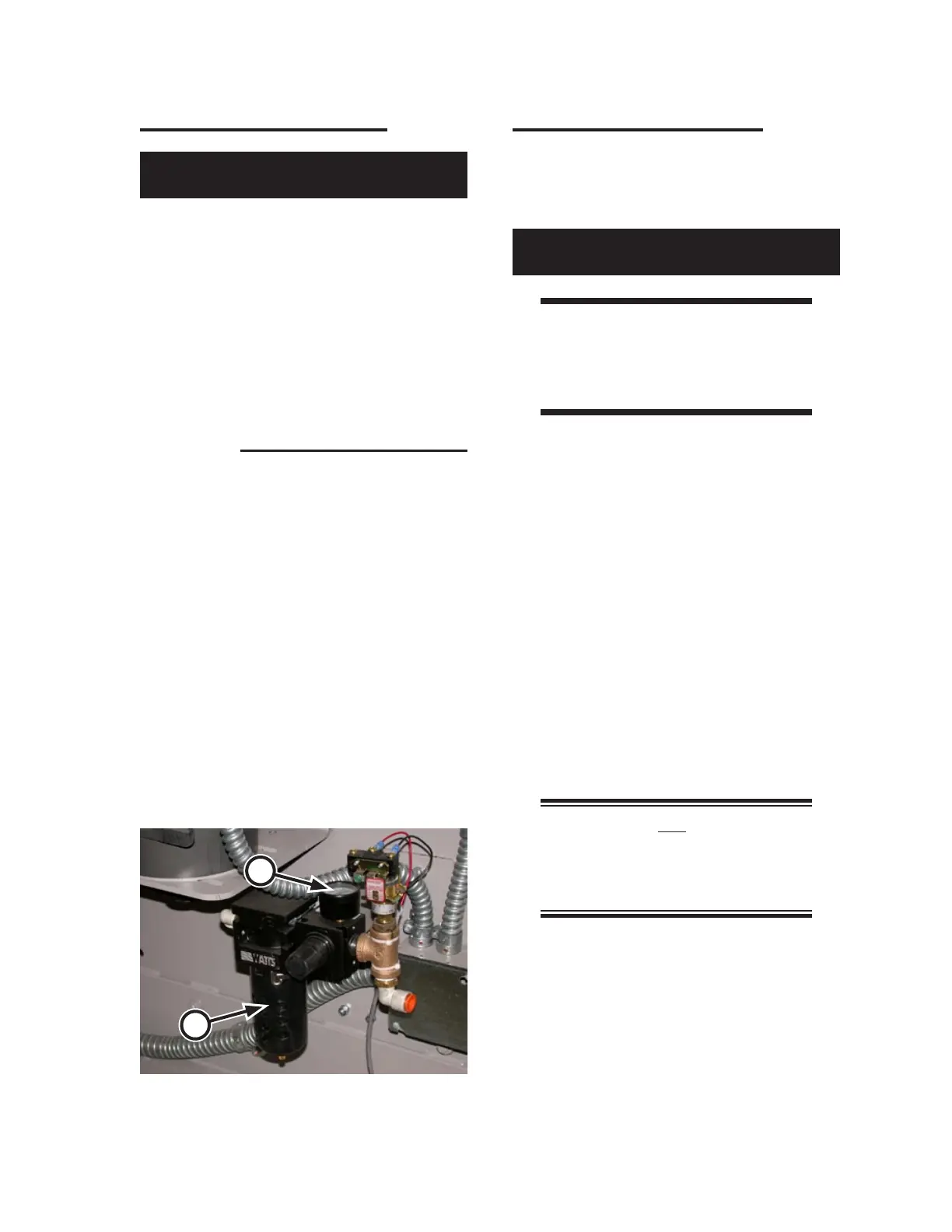
The combination air filter with automatic
drain unit (Figure 4-10, A) located inside the
left endframe, should be inspected on a weekly
basis.
A visible coating of dirt or condensate on the
filter element surface or excessive pressure drop
is an indication that cleaning is necessary.
For instructions within this chapter on cleaning
the air filter/auto drain, refer to the Semi-Annual
PM section, Clean Air Filter/Auto Drain
procedure.
Check Air Pressure Settings
Maintaining proper incoming and internal air
pressures helps keep the machine operating at
peak efficiency.
Perform only when the unit is OFF
with power disconnected.
WARNING
Wear protective eyewear
when working with
compressed air components.
Move the left side of the unit and open the
left endframe door.
Turn ON the compressed air supply to
the unit.
Wait a few seconds and then, in the left
endframe, check the incoming air pressure
gauge (Figure 4-10, B) and make sure it is
set to 80 psi (550 kPa).
Close and secure the left endframe door.
Turn power ON at the main disconnect
switch.
Press the green Start button at either sta-
tion.
NOTE: Do not press a red
Safety STOP button. This will
cause the compressed air system
to depressurized.
Wait about 2 seconds and then press a
square red station Stop button.
1.
2.
3.
4.
5.
6.
7.
Figure 4-10: Check the air filter/auto drain for dirt
and condensate accumulation.
A
B



 To Next Page