[DB600] General Instruction Manual Operation screen (constant value operation)
- 46 -
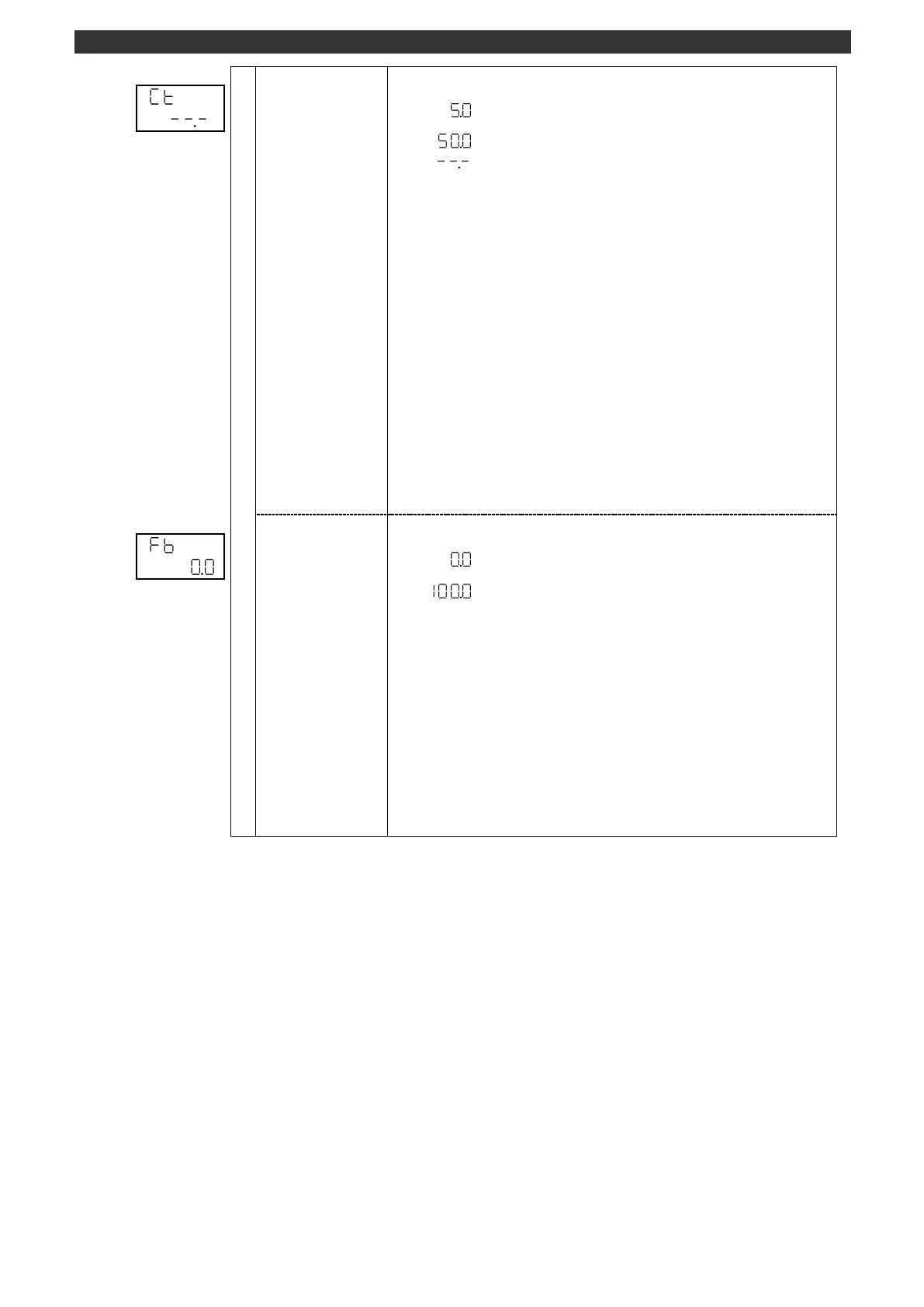
CT/FB measured value display
Displays the heater current value.
Measured value not obtained
Immediately after power start
The pulse ON time is minimal (short cycle, etc.) after measured
value is not obtained
This display is available for the ON-OFF pulse/SSR drive pulse output type on the
specification with heater disconnection detection.
Setting/changing using the [
] or [
] key is unavailable.
The number of decimal places is 1.
The measured value is updated while the output is ON. When both the output 1 and
output 2 use the ON-OFF pulse/SSR drive pulse output type, the measured value is
updated while the output 1 is ON.
When the output is OFF, the last measured value obtained during the last output ON
period will be displayed.
[Switch to operation initial screen]
Press and hold the [MODE] key to display the screen set on the MODEt operation
initial screen.
[AUTO/MANUAL output switch]
Press and hold the [>] key to switch the output between AUTO and MANUAL.
When switch to the MANUAL output, it will be switched to the PV/OUT1 (operation
screen) automatically.
Displays the feedback value of ON-OFF servo.
This display is available for the ON-OFF servo output type.
Setting/changing using the [
] or [
] key is unavailable.
The number of decimal places is 1.
Make sure to perform FB tuning after the wiring for output is done. If FB tuning is not
executed, an error may occur in the FB measured value.
[Switch to operation initial screen]
Press and hold the [MODE] key to display the screen set on the MODEt operation
initial screen.
[AUTO/MANUAL output switch]
Press and hold the [>] key to switch the output between AUTO and MANUAL.
When switch to the MANUAL output, it will be switched to the PV/OUT1 (operation
screen) automatically.



 To Next Page