[DB600] General Instruction Manual Operation screen (program operation)
- 55 -
Starts/checks/forcibly terminates PID auto tuning.
The result of PID auto tuning is stored in the following parameters automatically.
Executing PID (MODE0)
PID, 8 types (MODE3)
* Of the 8 types, only the numbers for "Execution No. selection for program
operation (MODE2)" of the program step currently being executed will be
updated.
The result of PID auto tuning for the output 2 is stored in the following parameter
automatically.
Output 2 PID (MODE7)
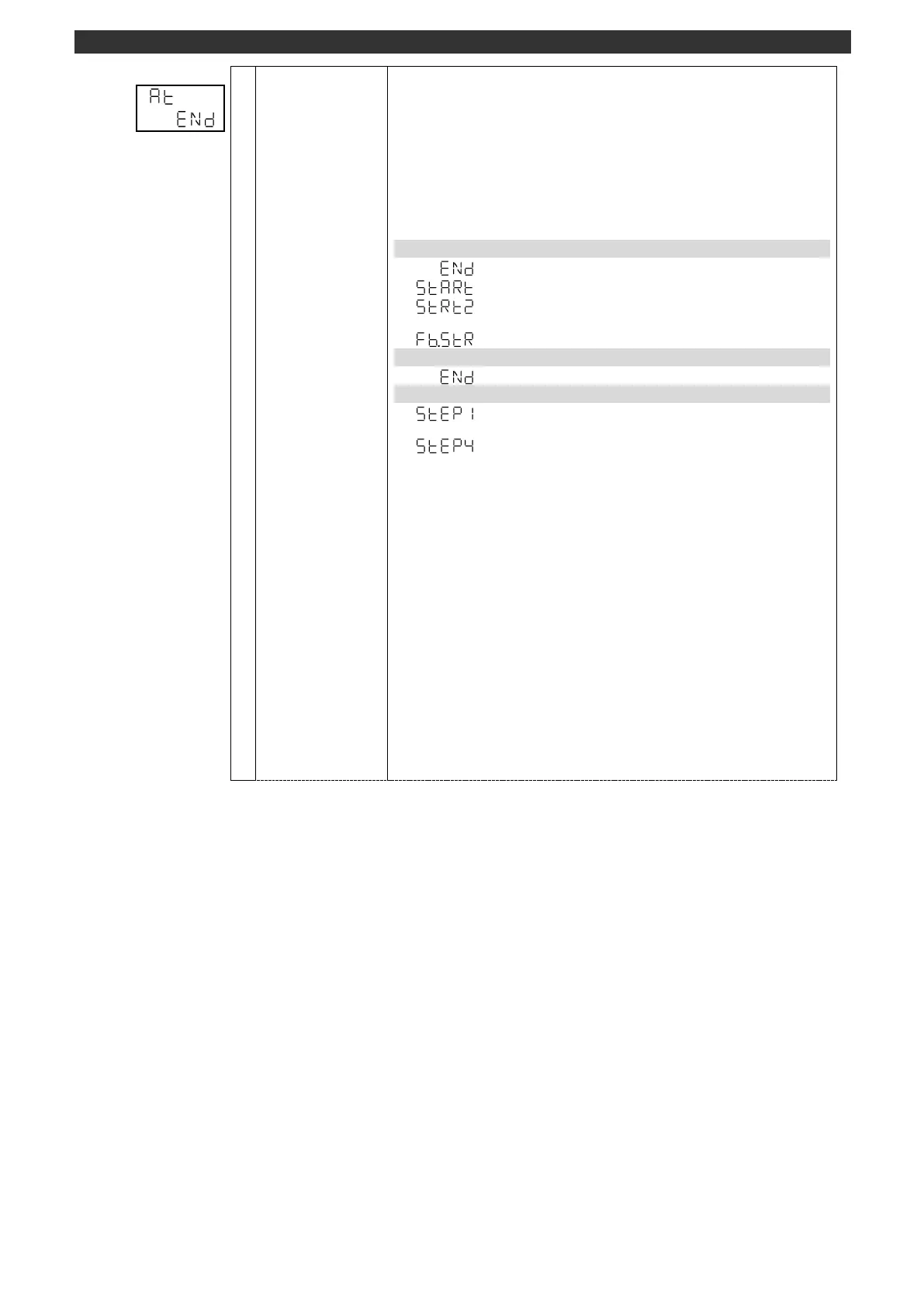
PID auto tuning for the output 1 started
PID auto tuning for the output 2 started
* This display is available for the specification with 2 outputs
FB tuning started. (Refer to FB auto tuning)
PID auto tuning in execution
PID auto tuning forced to terminate
PID auto tuning status display
Auto tuning in execution
Step 1 to 4
* Step 1 may be omitted depending on the forward/reverse
deviation at the start of auto tuning.
Set PID auto tuning by using the [
], [
] and [ENT] keys.
PID auto tuning cannot start when "MANUAL output" is selected at AUTO/MANUAL
output switch (operation screen).
PID auto tuning cannot start when "Program operation RESET" is selected at
"Program drive (operation screen)".
PID auto tuning will be forced to terminate when the power is turned OFF during the
execution of PID auto tuning. PID value will not be calculated automatically.
If a measured value error (±over range) occurs during PID auto tuning, a PV
abnormal output may be made, preventing normal completion of the PID auto
tuning.
[Switch to operation initial screen]
Press and hold the [MODE] key to display the screen set on the MODEt operation
initial screen.
[AUTO/MANUAL output switch]
Press and hold the [>] key to switch the output between AUTO and MANUAL.
When switch to the MANUAL output, it will be switched to the PV/OUT1 (operation
screen) automatically.



 To Next Page