[DB600] General Instruction Manual Operation screen (program operation)
- 56 -
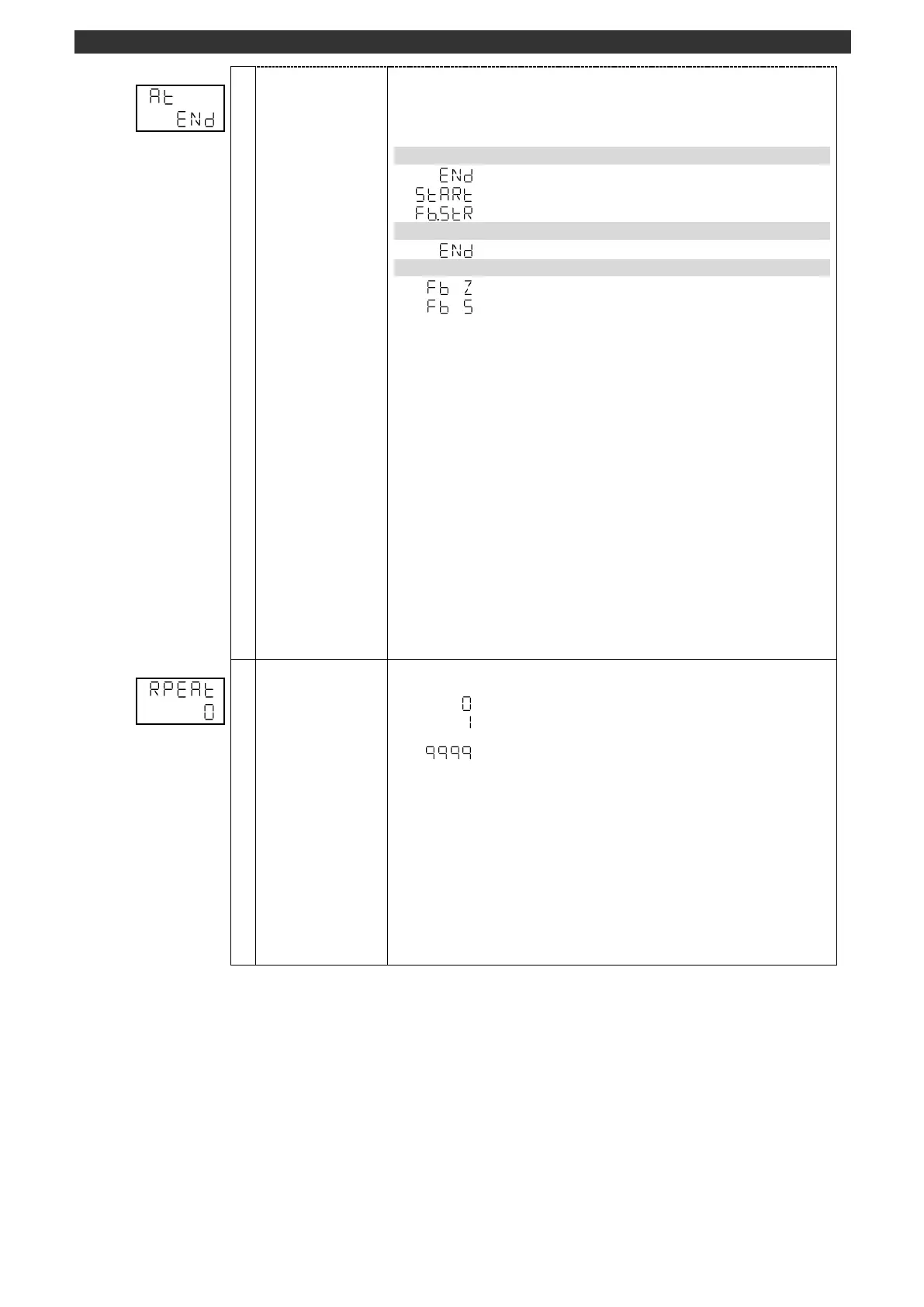
Starts/checks/forcibly terminates FB auto tuning.
The result of FB tuning is stored in the following parameters automatically.
Feedback zero (MODE6)
Feedback span (MODE6)
PID auto tuning for 1 output started. (Refer to PID auto tuning)
FB tuning forced to terminate
FB tuning execution status display
This display is available for the ON-OFF servo output type.
Set FB tuning by using the [
], [
] and [ENT] keys.
This can be executed in the program operation RESET status only.
FB tuning cannot start when "MANUAL output" is selected at "AUTO/MANUAL
output switch (operation screen)".
FB tuning will be forced to terminate when the power is turned OFF during the
execution of FB tuning. FB zero/span value will not be calculated automatically.
If a measured value error (± over-range) occurs during FB tuning, normal completion
of the FB tuning may not be performed.
* Make sure to execute FB tuning immediately after initial power-ON and parameter
initialization.
[Switch to operation initial screen]
Press and hold the [MODE] key to display the screen set on the MODEt operation
initial screen.
[AUTO/MANUAL output switch]
Press and hold the [>] key to switch the output between AUTO and MANUAL.
When switch to the MANUAL output, it will be switched to the PV/OUT1 (operation
screen) automatically.
Remaining number of
pattern repeat
Displays the remaining number of pattern repeat.
Pattern repeat number [times]
1 to 9999 times
Setting/changing using the [
] or [
] key is unavailable.
When the program operation is switched from RESET to RUN, the number will be
initialized to the setting value of "Pattern repeat (MODE2)".
[Switch to operation initial screen]
Press and hold the [MODE] key to display the screen set on the MODEt operation
initial screen.
[AUTO/MANUAL output switch]
Press and hold the [>] key to switch the output between AUTO and MANUAL.
When switch to the MANUAL output, it will be switched to the PV/OUT1 (operation
screen) automatically.



 To Next Page