[DB600] General Instruction Manual MODE 6
- 93 -
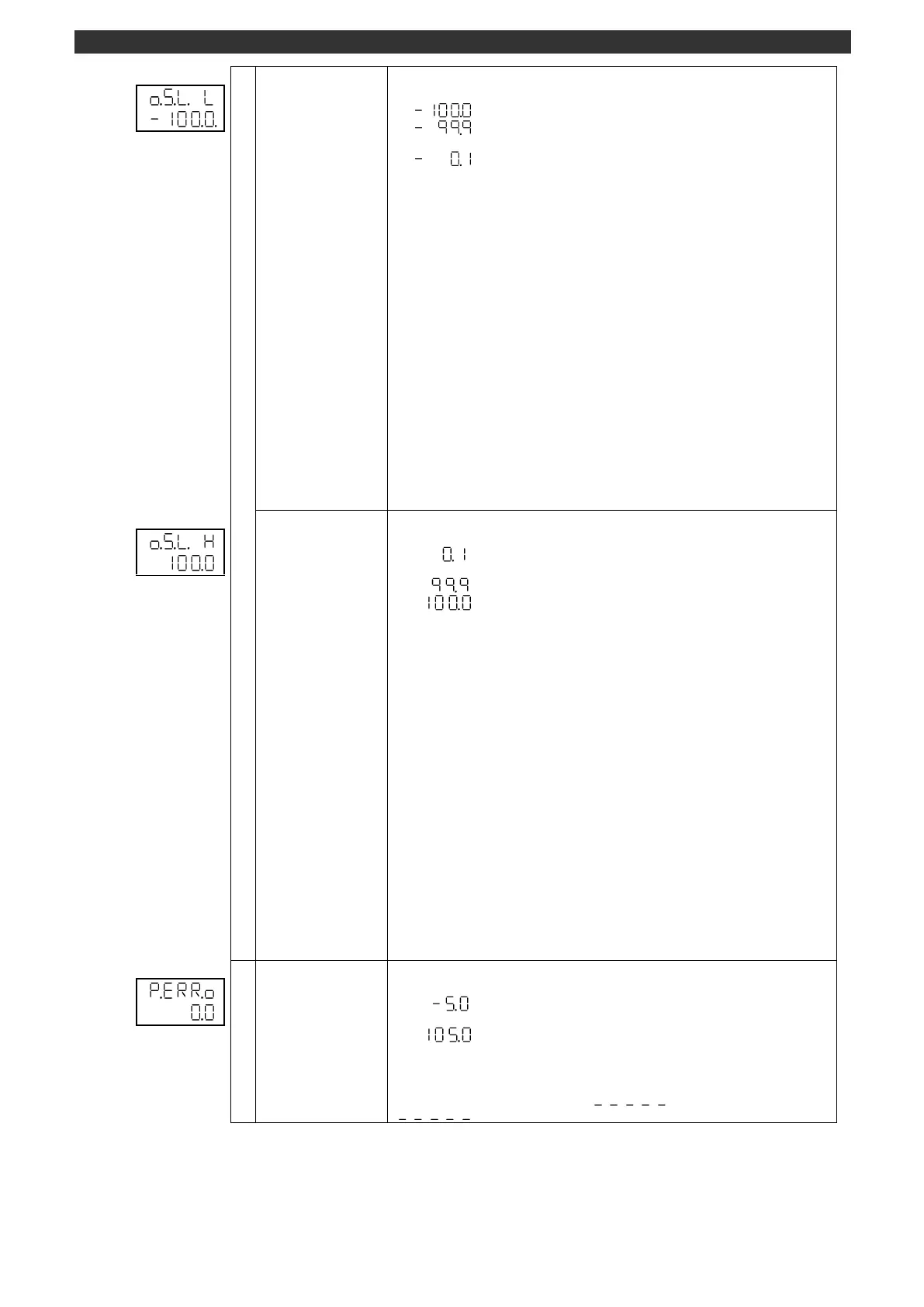
Output variation limiter
for fall
Sets the output variation limiter for fall.
Use the [
], [
] and [ENT] keys to set the output variation limiter for fall.
Use the [>] key to move the cursor to the right digit.
The maximum output variation in the downward direction is suppressed at every
control calculation (every 100msec).
(Example) Output value with the variation limiter set to "-10.0%"
Control calculation result:
100.0%
→
(100msec)
→
80.0%
→
(100msec)
→
60.0%
→
...
Output value: 100.0%
→
(100msec)
→
90.0%
→
(100msec)
→
80.0%
→
...
[Operating condition of output variation limiter]
AUTO output (operation screen)
PID auto tuning (operation screen)
END output (MODE2) [specification with program function]
Preset manual (MODE6)/output 2 preset manual (MODE7)
[Non-operating condition of output variation limiter]
Manual output (operation screen)
Two-position control (MODE0 P = 0)
PV abnormal output (MODE6)
FB tuning (operation screen) [ON-OFF servo output type]
Program operation RESET 0% output [specification with program function]
Output variation limiter
for rise
Sets the output variation limiter for rise.
Use the [
], [
] and [ENT] keys to set the output variation limiter for rise.
Use the [>] key to move the cursor to the right digit.
The maximum output variation in the upward direction is suppressed at every control
calculation (every 100msec).
(Example) Output value with the variation limiter set to "10.0%"
Control calculation result:
0.0% -> (100msec) -> 20.0% -> (100msec) -> 40.0% ->...
Output value: 0.0% -> (100msec) -> 10.0% -> (100msec) -> 20.0% ->...
[Operating condition of output variation limiter]
AUTO output (operation screen)
PID auto tuning (operation screen)
END output (MODE2) [specification with program function]
Preset manual (MODE6)/output 2 preset manual (MODE7)
[Non-operating condition of output variation limiter]
Manual output (operation screen)
Two-position control (MODE0 P = 0)
PV abnormal output (MODE6)
FB tuning (operation screen) [ON-OFF servo output type]
Program operation RESET 0% output [specification with program function]
Sets the PV abnormal output.
Use the [
], [
] and [ENT] keys to set the PV abnormal output.
Use the [>] key to move the cursor to the right digit.
Set the output 1 value while the PV (operation screen) shows under-range state
" " or over-range state " ".



 To Next Page