EasyManua.ls Logo

Chroma 19032 - 6 Description of GPIB;RS-232 Interface (IEEE-488.1); Preface; IEEE-488.1 Command List

Default Icon
138 pages
Print Icon
To Next Page IconTo Next Page
To Previous Page IconTo Previous Page
Loading...
Description of GPIB/RS232 Interface (IEEE-488.1)
6-1
6. Description of GPIB/RS-232 Interface
(IEEE-488.1)
6.1 Preface
When IEEE-488.1 is set to ON in the SYSTEM SETUP menu (parameter 11), the
GPIB/RS-232 commands are accessible (refer to the new command descriptions in this
chapter). For a detailed description of all of the IEEE-488.1 commands, refer to the
GPIB/RS-232 commands manual.
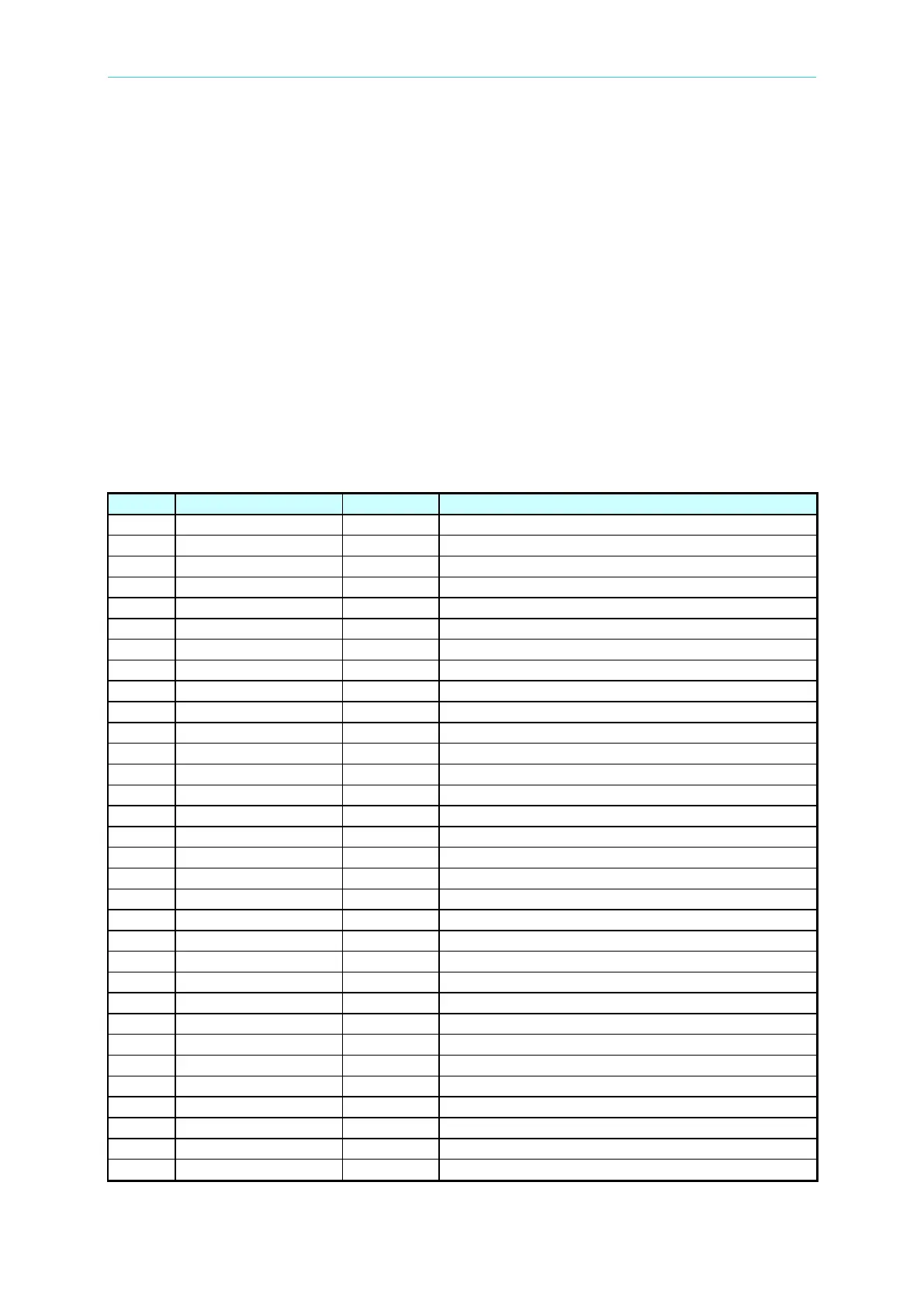
6.2 IEEE-488.1 Command List
Item
Command
Parameter
Function
1
STOP
X
Stop test
2
TEST
X
Start test
3
SHOW (?)
{c}
Sets the test value
4
STEP (?)
{n}
Sets STEP
5
MODE (?)
{n¦c}
Sets test mode
6
SOUR (?)
{f}
Sets output voltage or current
7
VOLT (?)
{f}
Sets output voltage
8
CURR (?)
{f}
Sets output current
9
HILI (?)
{f ¦*}
Sets High Limit
10
LOLI (?)
{f ¦*}
Sets Low Limit
11
SARC (?)
{f ¦*}
Sets ARC
12
BOXN (?)
{n}
Sets Box number
13
HICH (?)
{n ¦*}
Sets High Channel
14
LOCH (?)
{n ¦*}
Sets Low Channel
15
TIME (?)
{f ¦*}
Sets test time
16
RAMP (?)
{f ¦*}
Sets voltage ramp time
17
OFST (?)
{c}
Gets the offset
18
*SAV
{n}
Saves setting value
19
*RCL
{n}
Reads setting value
20
CLER
X
Clears the memory
21
*IDN?
X
Queries ID number
22
*DDT (?)
{n ¦ c}
Sets response of Trigger command
23
*TRG
X
Executes Trigger command
24
*RST
X
Resets the unit
25
DEV (?)
{n ¦ c}
Selects LC human simulation circuit
26
LINE (?)
{n ¦c}
Selects LC test mode
27
POWER (?)
{n ¦c}
Selects LC power measurement
28
PWHI (?)
{f ¦*}
Sets high limit of power measurement
29
PWLO (?)
{f ¦*}
Sets low limit of power measurement
30
PWTV (?)
{f}
Sets target voltage of Simulation
31
LCGS (?)
{1, 0}
Sets Ground Switch (for 6000-05/07/08 only)
32
PUTS (?)
{1, 0}
Sets Pause Mode Under Test

Table of Contents

Other manuals for Chroma 19032

Related product manuals