Electrical Safety Analyzer 19032 User’s Manual
4-14
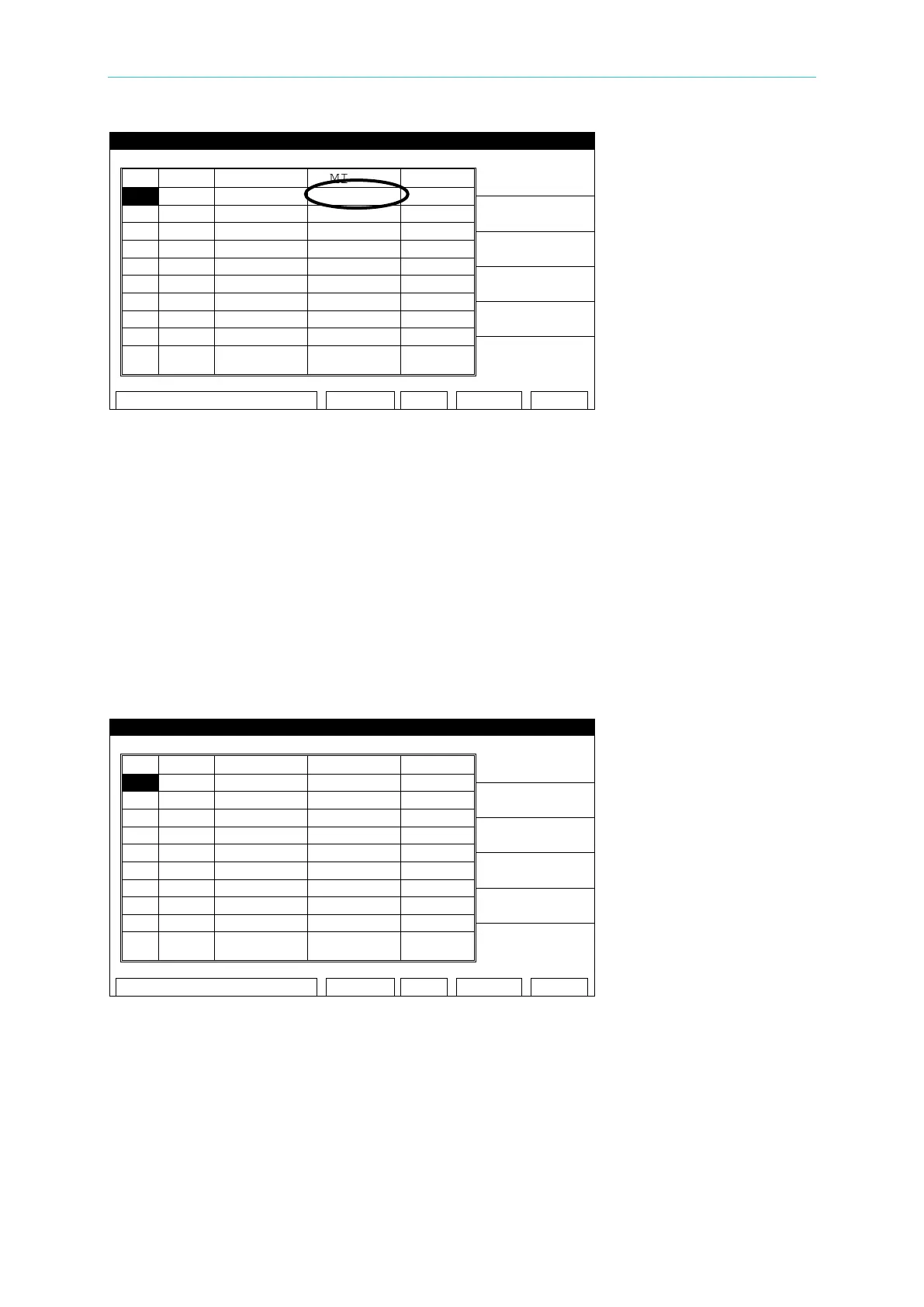
Figure 4-5
4.6.4 Start Wait Function
The Start Wait time is a delay time – after connection to the device is made and before
current is applied to begin the ground bond test. This feature is normally used in a probing
application. For example: If a 3 second start wait time is programmed, once the continuity
between high and low GB connections is made, the unit waits the 3 sec. programmed start
time, then applies current to the DUT.
1. Set Start Wait time, e.g., set to 3 seconds.
2. For example: CURRENT: 25.00A, HIGH LIMIT: 100mΩ, TEST TIME: 3.0sec. (See Figure
4-6)
Figure 4-6
3. After the DUT is connected, press [STOP], then [TEST] to start the test; the countdown
starts as shown in Figure 4-7.



 To Next Page