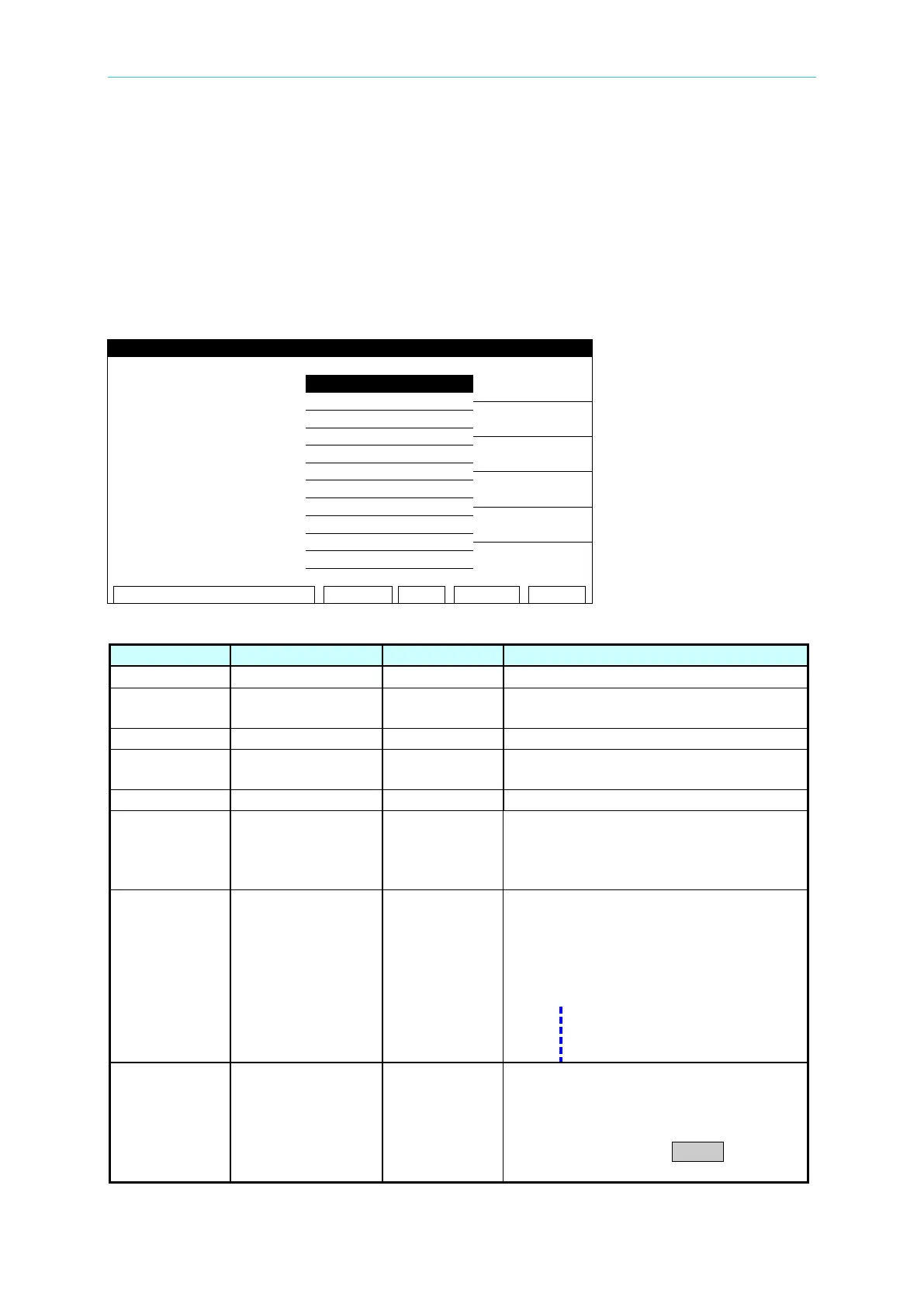
Descriptions of Panel
4-7
4.4 System Parameter Settings
Entering Data:
1. When title shows “SYSTEM SETUP”, press the [], [] keys to move the highlighted
cursor to the parameter to be set.
2. Press the numeric/character key or Function Key to select the parameter data.
3. If the cursor is blinking, parameter data entry has not been completed. If an error is made
when entering data, press [CLR] to clear and enter again. Press [ENTER] to save the
parameter data.
System parameter setting data descriptions:
LC input voltage compensation
Hardware compensation for voltage
over 50VDC
CONTINUE
Length of time the PASS signal on the
REMOTE terminal on the rear panel will
remain active after a successful test of
When the 6000-04~6000-8 scanner is
installed on 19032, it can set the
connected AC Source output voltage
and frequency (6000-04~6000-08) in
LC Mode if Use Source is set to ON.
The models of AC Source can
be connected are CHROMA
RESTART/STOP
(1) When set to CONTINUE, if any test
STEPs fail, the test will continue
until all STEPs are completed.
(2) When set to RESTART, if any test
STEPs fail, press START to restart



 To Next Page