Descriptions of Panel
4-31
4.17 Test Parameter and Example
4.17.1 Single Test Mode
a. Grounding resistance test __ GB MODE
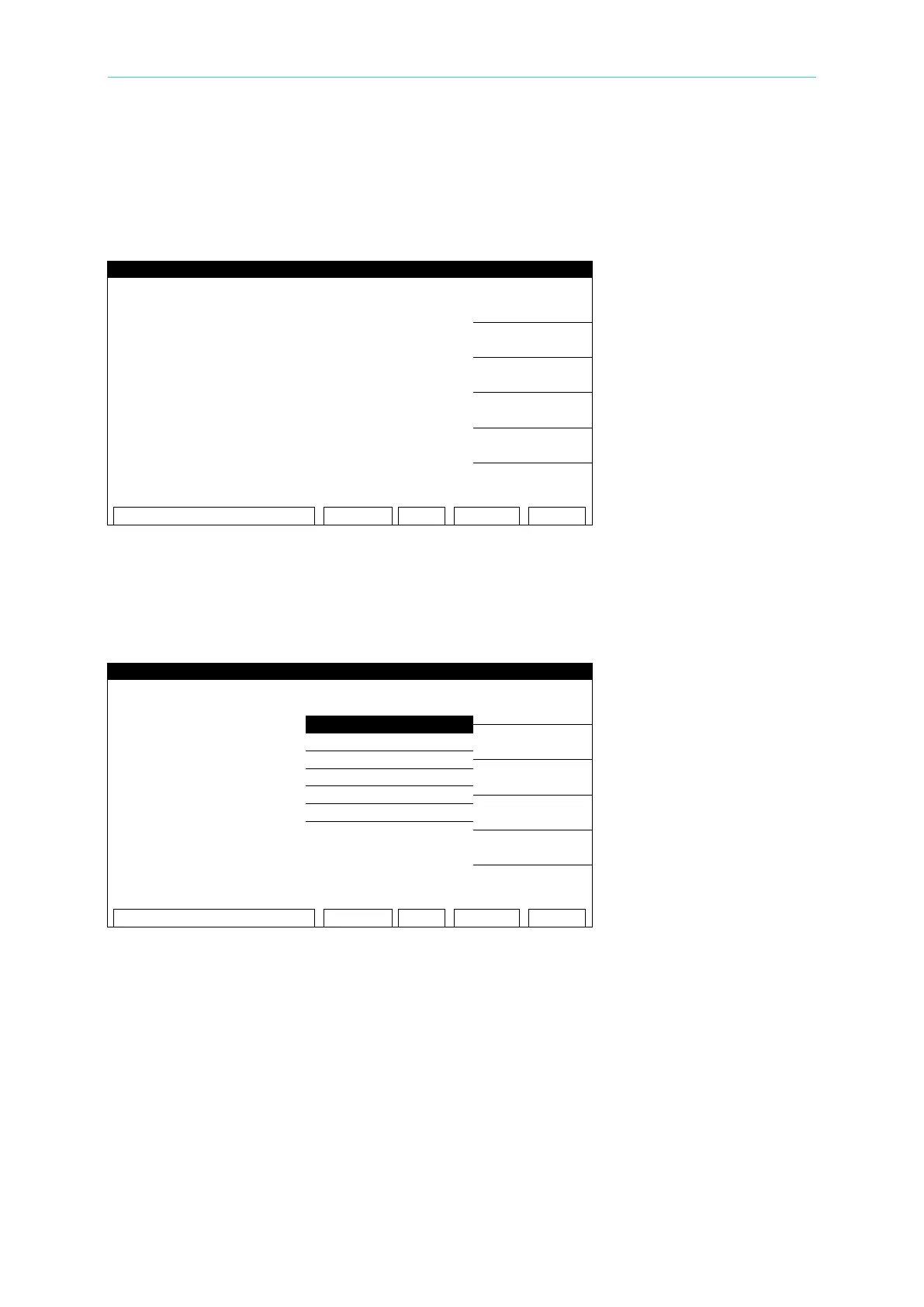
Figure 4-16
After turning on the analyzer, press the [PROGRAM] Function Key on the right side of the
MAIN MENU (see Figure 4-16) to enter the STEP SETTING screen. Move to TEST MODE by
pressing the [ ] key and select GB MODE as shown in Figure 4-17. Step through the menu
and enter all of the parameter values.
Figure 4-17
Set the following parameters as required by the test:
01. TEST STEP: Select the number of the test step to set the parameters for.
02. TEST MODE: Select the test mode – GB / AC /DC /IR / LC (optional modes - PA / OCS)
03. CURRENT: Set the required current – 1 - 30A
04. HIGH LIMIT: Set the high limit - 0.1 - 510mΩ
05. LOW LIMIT: Set the low limit – 0 - HIGH (0 = OFF)
06. TEST TIME: Set the test duration time - 0.3 – 999 Sec (0 = CONTINUOUS)
07. TWIN PORT: Select ON or OFF (When this function is ON, STEP 2 can be set as AC,
DC, or IR in order to execute a Twin Port test for STEP1 and STEP2 simultaneously.)
08. CHNL: Press the (SETUP) Function Key.



 To Next Page