Electrical Safety Analyzer 19032 User’s Manual
8-2
To update the firmware, follow the steps below:
Select the COM Port to be used.
Set the Baud Rate to 19200 Baud.
After clicking on the Load File button, select the program to use for the update.
Select the Erase Chip, Blank Check, Program, and Verify boxes in the Process column.
Click on the RUN button. Wait until Erase Chip, Blank Check, Program, and Verify are
completed (about 10 minutes).
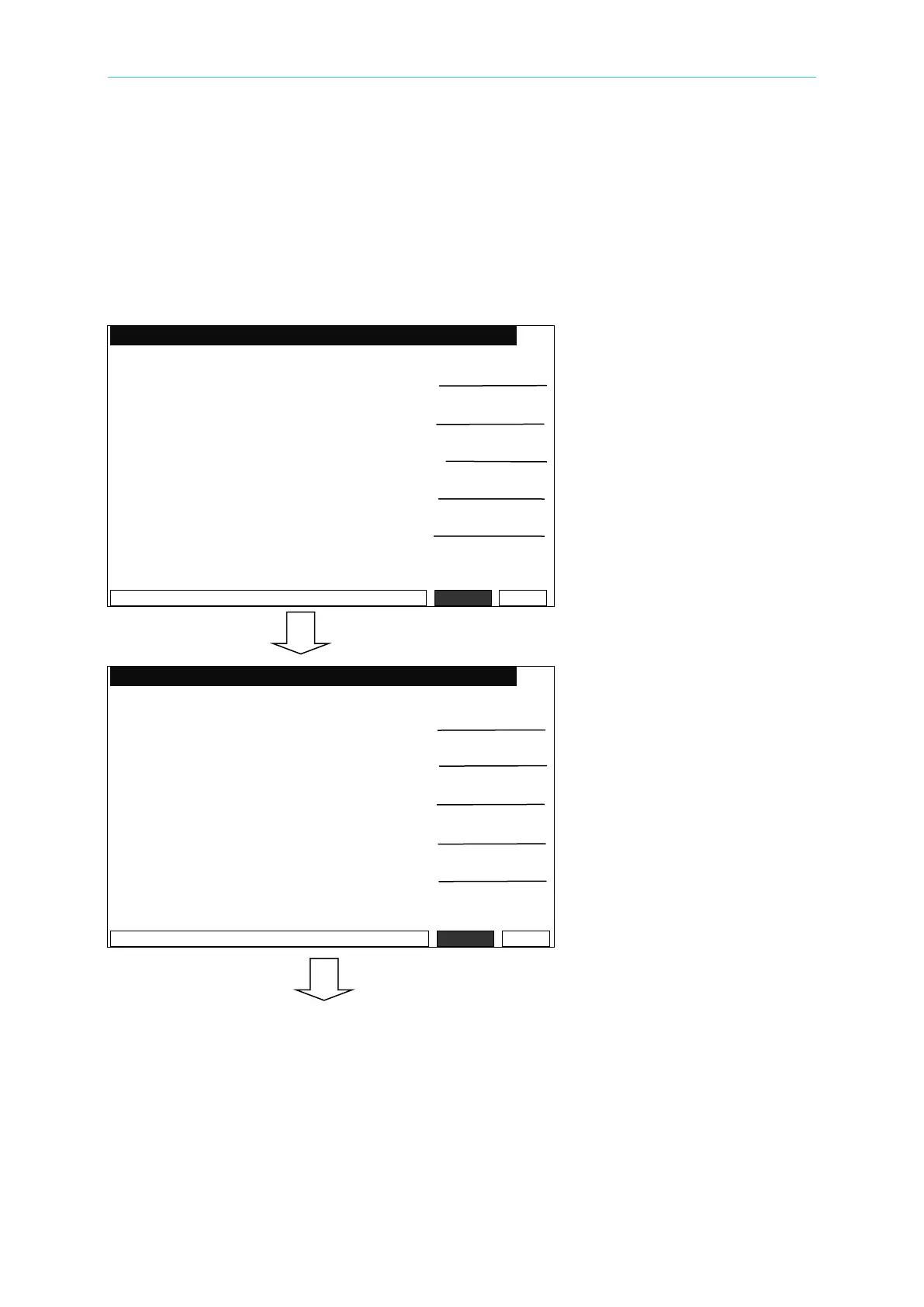
As the update progresses, the following screens will appear in sequence:
Firmware Update Version 3.00
Erase chip. . . . . PASS!
Cancel
_BR:19200 ______ ___Remote Error
Firmware Update Version 3.00
Blank Check. . . . . PASS!
Cancel
_BR:19200 ________ ___Remote Error



 To Next Page