Electrical Safety Analyzer 19032 User’s Manual
4-36
Test Step
a. Confirm there is no voltage output and the high voltage output DANGER LED is not
illuminated. Connect the test cable (black) for low potential to the DRIVE- terminal on the
rear panel. Secure the fixed flap, short circuit the test cable and high voltage output
terminal. Confirm there is no high voltage output.
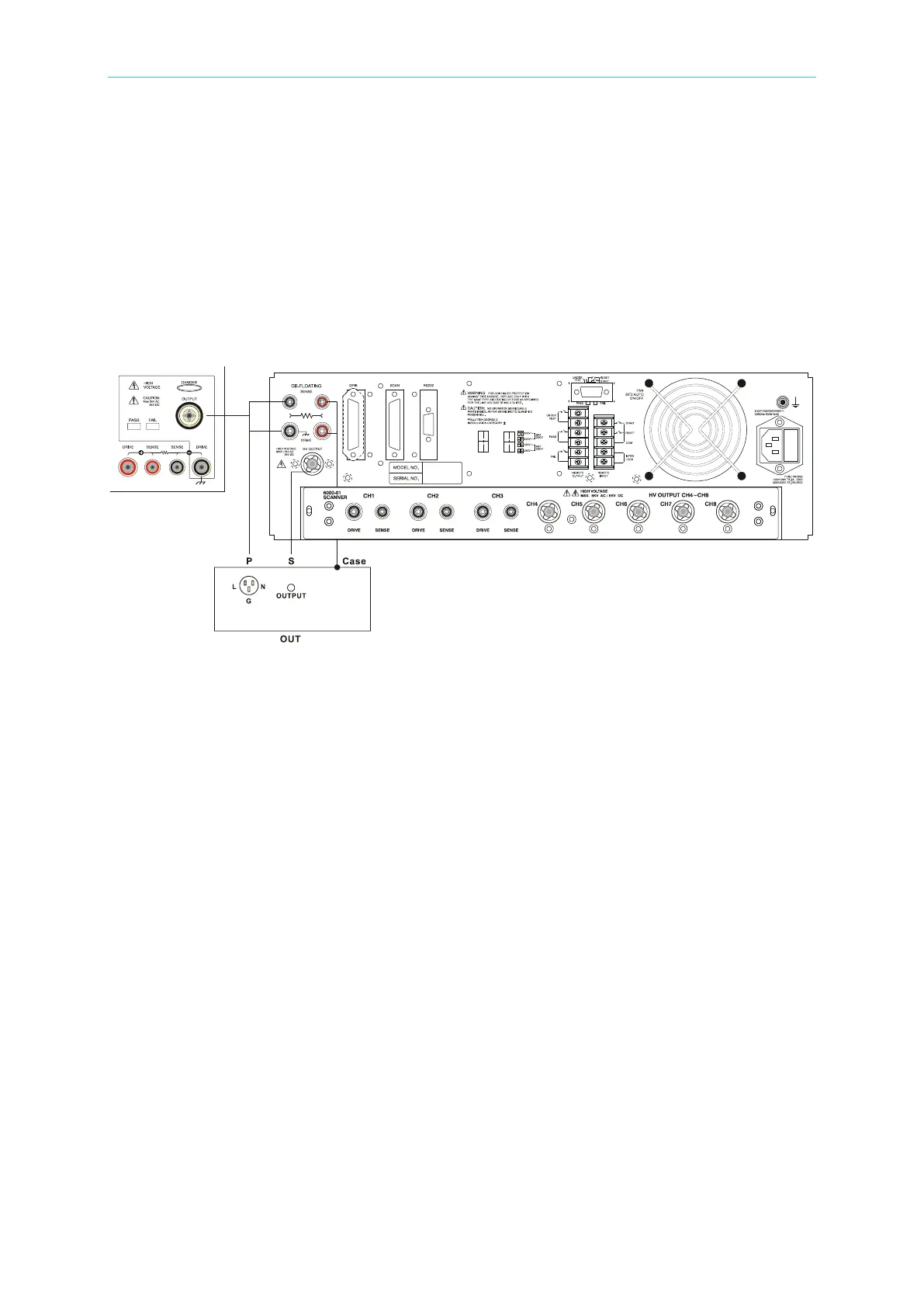
b. Plug the two high voltage test cables (red or white) into the HV OUTPUT terminal (High)
on the front panel and HV OUT (Low) on the rear panel. Connect the low potential test
cable to the DUT and then connect the high potential test cable to the DUT.
c. When doing the P
(L+N)
– S withstanding test, the ground terminal is Floating, as shown
below:



 To Next Page