Panel Description
Setting Item Range Initial Setting Description
Contrast 1∼16 7 Adjust LCD brightness
Beeper Vol. LOW / MEDIUM /
HIGH / OFF
HIGH Adjust buzzer volume
DC 50V AGC ON/OFF ON When set above DC 50V, hardware
automatic gain compensation
function is open or not.
System parameter setting data description table
4.5 Test Parameter and Memory Management of
Test Preset Parameter
4.5.1 How to Enter Memory Management Menu
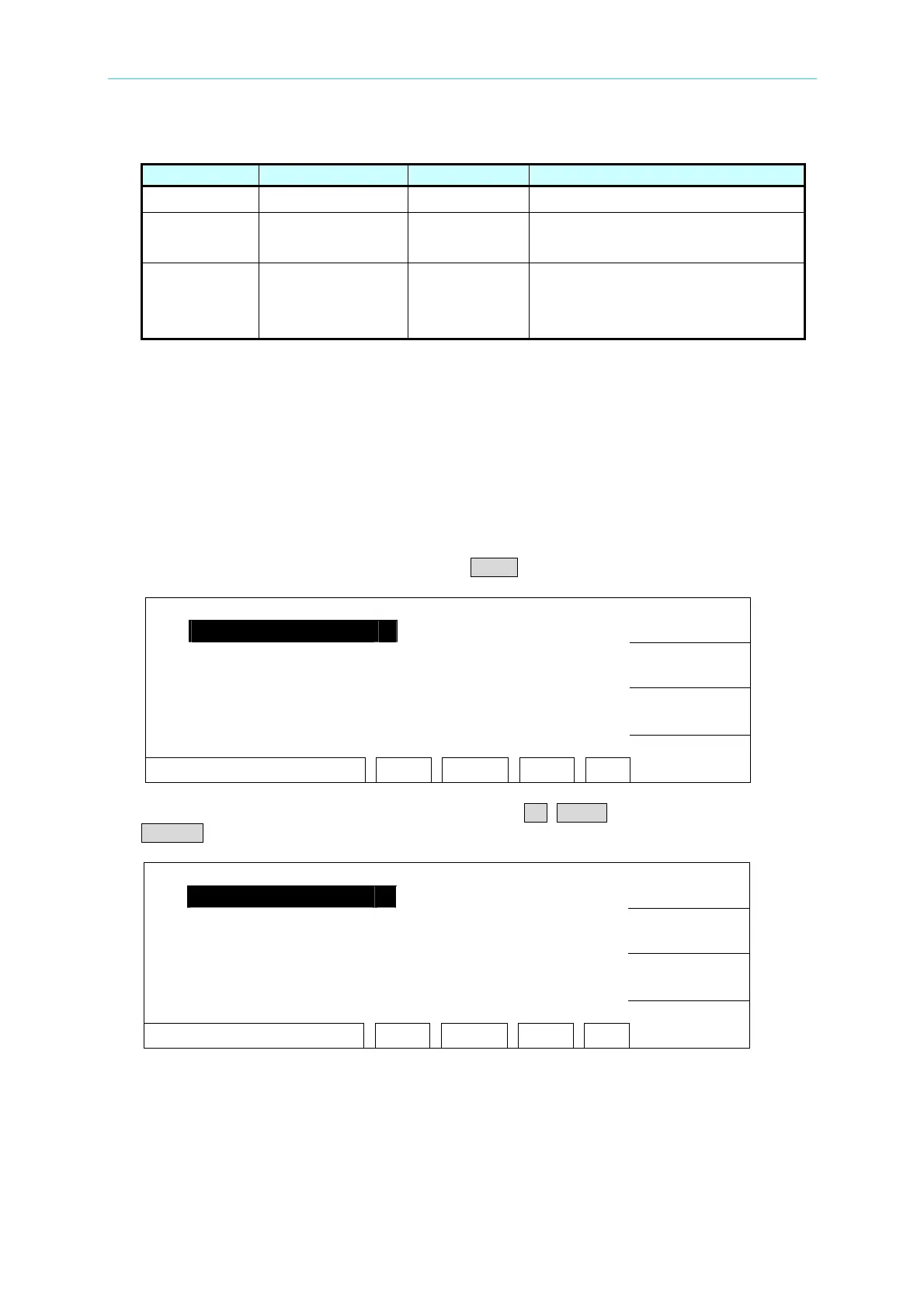
1. Under power on menu, press Function Key MENU the menu as the following:
1. MEMORY
UP
2. SYSTEM
3. OPTION
DOWN
4. CALIBRATION
5. KEY LOCK
SELECT
SELECT FUNC. RMT LOCK OFST ERR
EXIT
2. Move the highlight to "MEMORY" by Function Key UP, DOWN. Press Function Key
SELECT to enter Memory management mode is shown as the following:
1. ( 0 )
STORE
2. ( 0 )
3. ( 0 )
RECALL
4. ( 0 )
5. ( 0 )
DELETE
SELE. MEMORY RMT LOCK OFST ERR
EXIT
3. At this time, can read, store or delete this set memory by Function Key.
4. The value within ( ) means this set memory included test procedure number.
4-5
www.valuetronics.com



 To Next Page