Panel Description
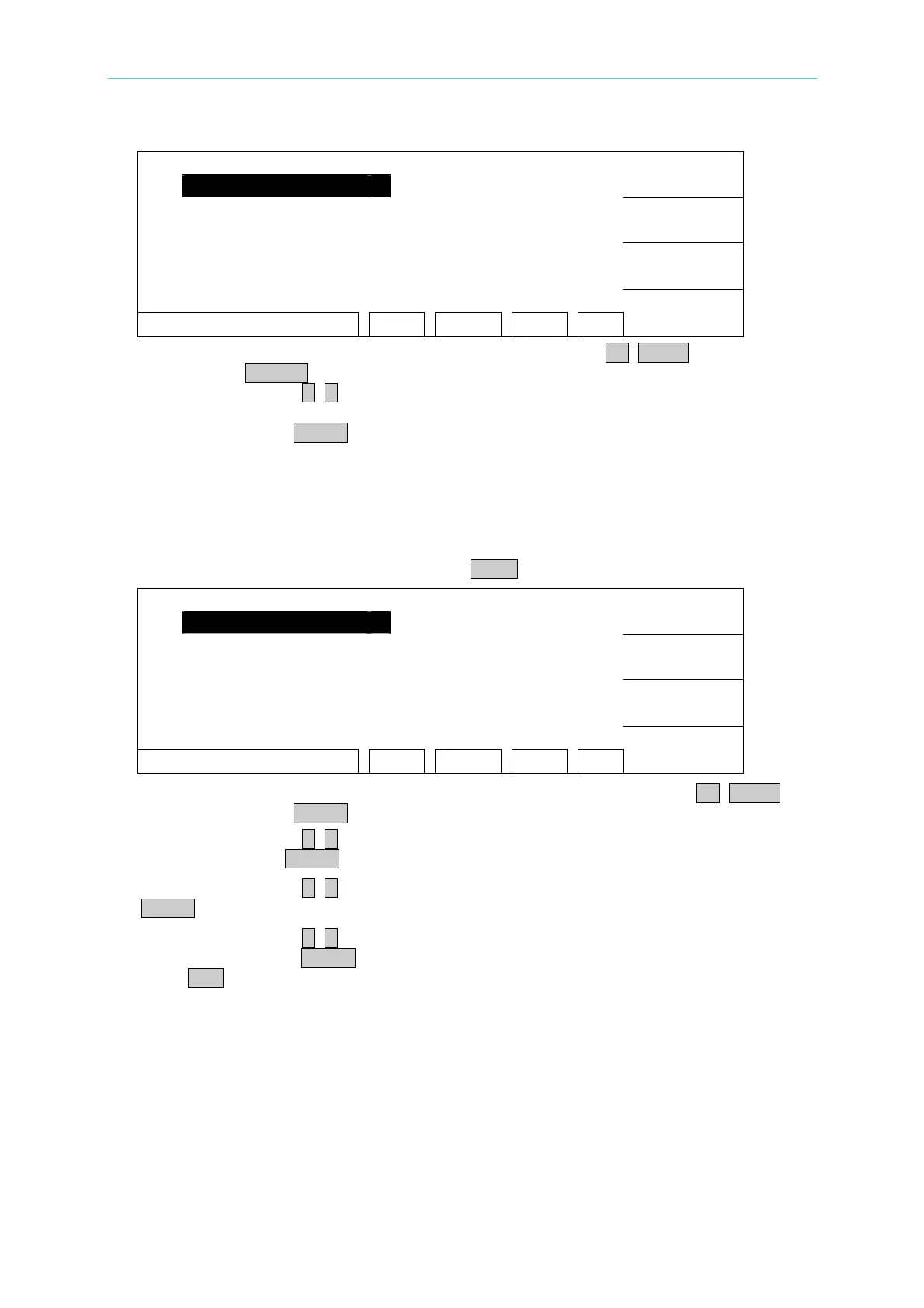
1. MEMORY
UP
2. SYSTEM
3. OPTION
DOWN
4. CALIBRATION
5. KEY LOCK
SELECT
SELECT FUNC. RMT LOCK OFST ERR
EXIT
3. Move the highlighted to "KEY LOCK" by using Function Keys UP, DOWN. Press
Function Key SELECT to enter KEY LOCK release menu.
4. Using Function Keys A, B to input PASSWORD (please input AAAA, when PASSWORD
is not set).
5. Press Function Key ENTER key, "LOCK" text block will release the highlighted. It
means KEY LOCK function is released.
4.10 Setting User Password
1. Under power on menu, press Function Key MENU then show the following menu:
1. MEMORY
UP
2. SYSTEM
3. OPTION
DOWN
4. CALIBRATION
5. KEY LOCK
SELECT
SELECT FUNC. RMT LOCK OFST ERR
EXIT
2. Move the highlighted to "CHANGE PASSWORD" by using Function Keys UP, DOWN.
Press Function Key ENTER to enter password input menu.
3. Using Function Keys A, B to input PASSWORD (please input AAAA, when PASSWORD
is not set). Press ENTER key will show "ENTER NEW PASSWORD" window.
4. Using Function Keys A, B to input NEW PASSWORD (not over ten characters), press
ENTER key will shows “ENTER CONFIRM PASSWORD” window.
5. Using Function Keys A, B to input CONFIRM PASSWORD (the same as NEW
PASSWORD), press ENTER key. At the same time, the setting has been done and can
press EXIT to exit.
4.11 Remote Control
This tester has REMOTE socket of remote switch on rear panel. When you want to control
this tester by external signal, plug the control cable in the socket. Please don’t touch high
voltage terminal or it may cause dangerous. Remote control by high voltage test bar
usually.
Users can use other control circuit instead of high voltage bar. Please notice that is switch
4-17
www.valuetronics.com



 To Next Page