Panel Description
2. After entering PROGRAM setting menu, use Function Keys UP select the test procedure
want to set, the range is 1∼99.
3. Press ENTER key move the highlighted cursor to the parameter item, which want to set.
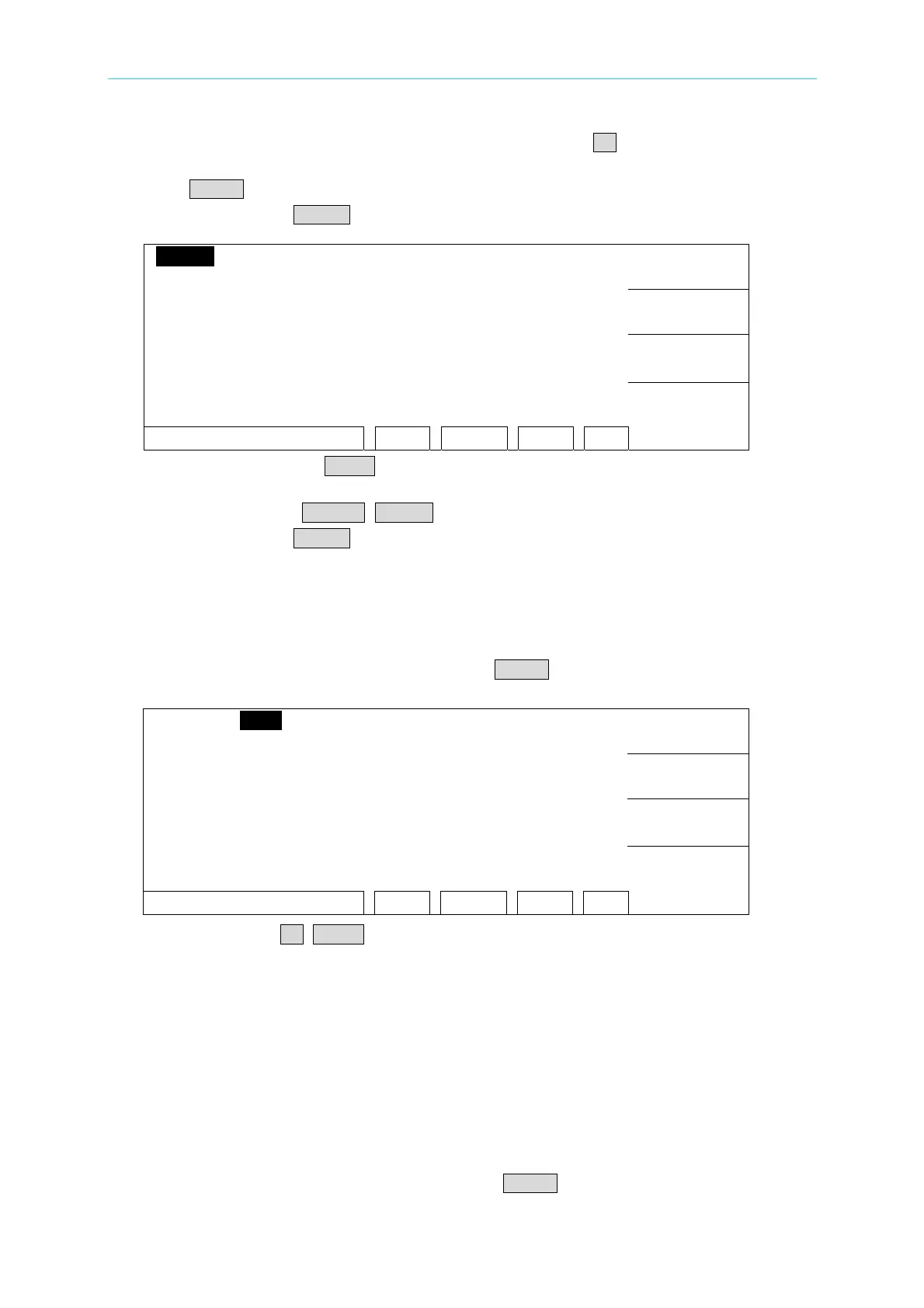
4. Press Function Key MORE.. can switch to other setting menu as the following.
LOW : 0.001mA
STEP 1 DC
ARC : OFF
DELETE
VOLT: 0.050kV RAMP : 999.0s
HIGH: 0.500mA FALL : OFF
INSERT
TIME: 3.0s CHK : OFF
DWLL: OFF 1 2 3 4 5 6 7 8
DOWN
SCAN : X X X X X X X X
PROCESS STEP RMT LOCK OFST ERR
MORE..
5. By using Function Keys DOWN to decrease test procedure which you want to set, the
range is 1∼99.
6. Press Function Keys DELETE, INSERT can delete, insert a test procedure.
7. Press Function Key MORE.. can return to PROGRAM setting menu to continue setting
others test parameter.
4.7.2 Select Test Mode
1. After entering PROGRAM setting menu, press ENTER key to move the highlighted cursor
to the following position.
LOW : 0.001mA
STEP 1 DC
ARC : OFF
UP
VOLT:0.050kV RAMP : 999.0s
HIGH:0.500mA FALL : OFF
DOWN
TIME : 3.0s CHK : OFF
1 2 3 4 5 6 7 8
ENTER
SCAN : X X X X X X X X
SELECT MODE RMT LOCK OFST ERR
EXIT
2. Use Function Key UP, DOWN to select test mode. There are AC / DC / IR / OS / PA test
modes can be selected (19051 only AC / DC / OS / PA). Different test modes have
different test parameters can be set.
4.7.3 SMART KEY Operation Methods
1. When starts SMART KEY function of PRESET parameter in each test, it records the test
parameters. The test parameter includes: withstand test needed voltage, the high limit
value of leakage current, needed test time, the low limit of leakage current, the high limit
of electric arc, needed rise time to setting voltage, the high limit of real leakage current,
scanning selection point. Each parameter can store ten sets of value.
2. After entering PROGRAM setting screen, press ENTER key continuous for one second
4-9
www.valuetronics.com



 To Next Page