HIPOT Tester 19051/19052/19053/19054 User’s Manual
5.3 GPIB Related Panel Descriptions
5.3.1 Address Setting
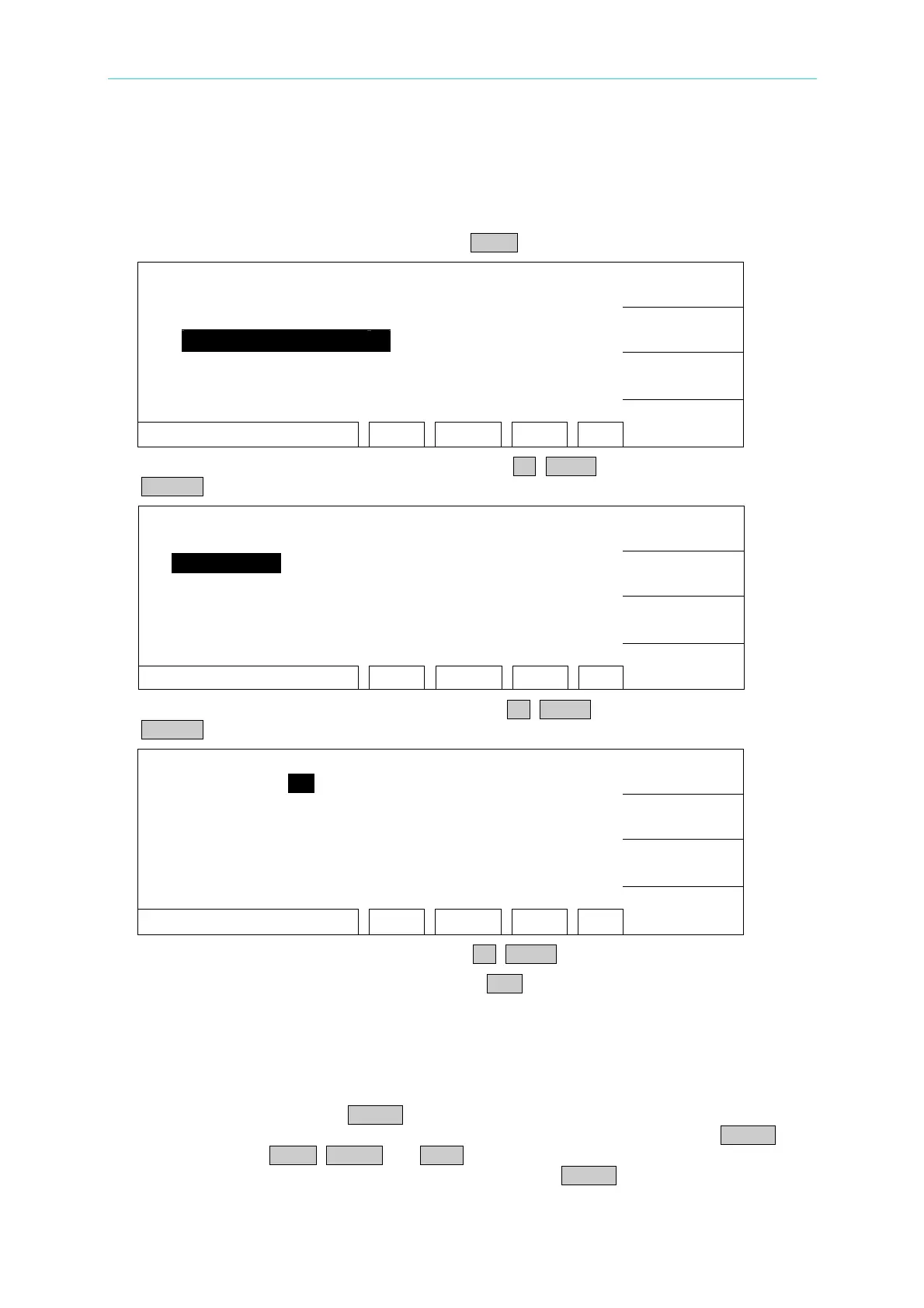
1. Under power on menu, press Function Key MENU as the following:
1. MEMORY
UP
2. SYSTEM
3. OPTION
DOWN
4. CALIBRATION
5. KEY LOCK
SELECT
SELECT FUNC. RMT LOCK OFST ERR
EXIT
2. Move the highlight to "OPTION" by Function Key UP, DOWN. Press Function Key
SELECT to enter OPTION select setting as the following:
1. RS232
UP
2. GPIB
3. SCANNER
DOWN
SELECT
RMT LOCK OFST ERR
EXIT
3. Move the highlighted to "GPIB" by Function Key UP, DOWN. Press Function Key
SELECT to enter GPIB setting menu as the following:
1. GPIB ADDR. : 3
UP
DOWN
ENTER
RMT LOCK OFST ERR
EXIT
4. Then select GPIB Address by Function Key UP, DOWN.
5. The setting is completed, press Function Key EXIT to exit.
5.3.2 Remote / Local
1. The signal block Remote is highlighted, it means the analyzer is on Remote status.
2. On Remote status can use LOCAL key on panel switch the analyzer to Local status.
3. On Remote status, all of panel keys are malfunction except for Function Key LOCAL
(switch to Local) MENU, MORE.. and STOP (reset instrument) keys.
4. By using LLO [Local lockout] command of GPIB makes LOCAL key is malfunction.
5-2
www.valuetronics.com



 To Next Page