Panel Description
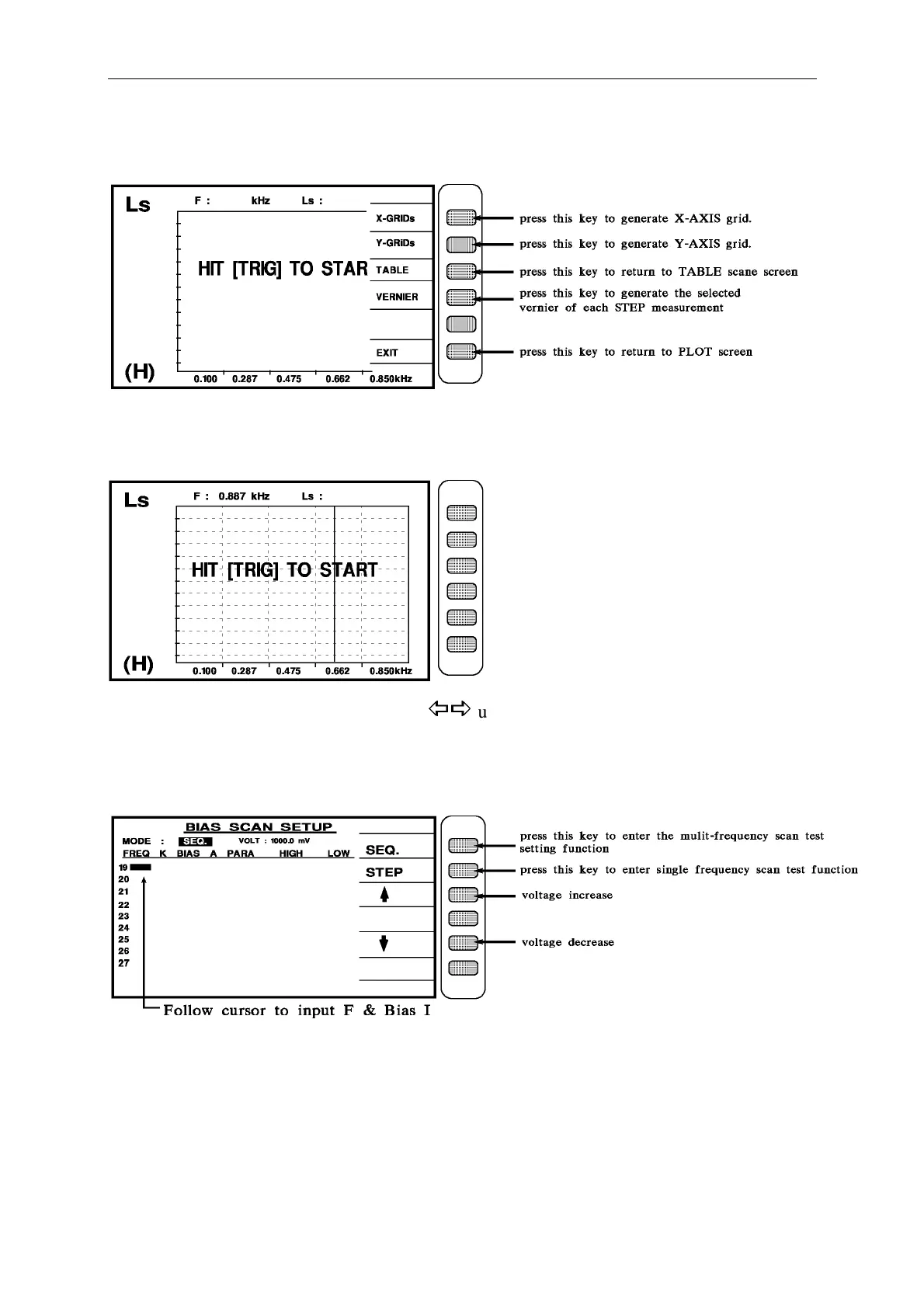
When it enters the PLOT screen as shown above, press TRIG to do PLOT drawing. Press the
Help key can enter the hidden function screen as shown below.
Press X-GRIDs, Y-GRIDs, or VERNIER to enter the PLOT hidden function screen as shown
below.
PS: For VERNIER function, the two keys
under cursor can be used to select each
STEP.
c. When enter [BIAS SCAN] function, the screen shows as below:



 To Next Page