Automatic Transformer Test System 3300/3302 User’s Manual
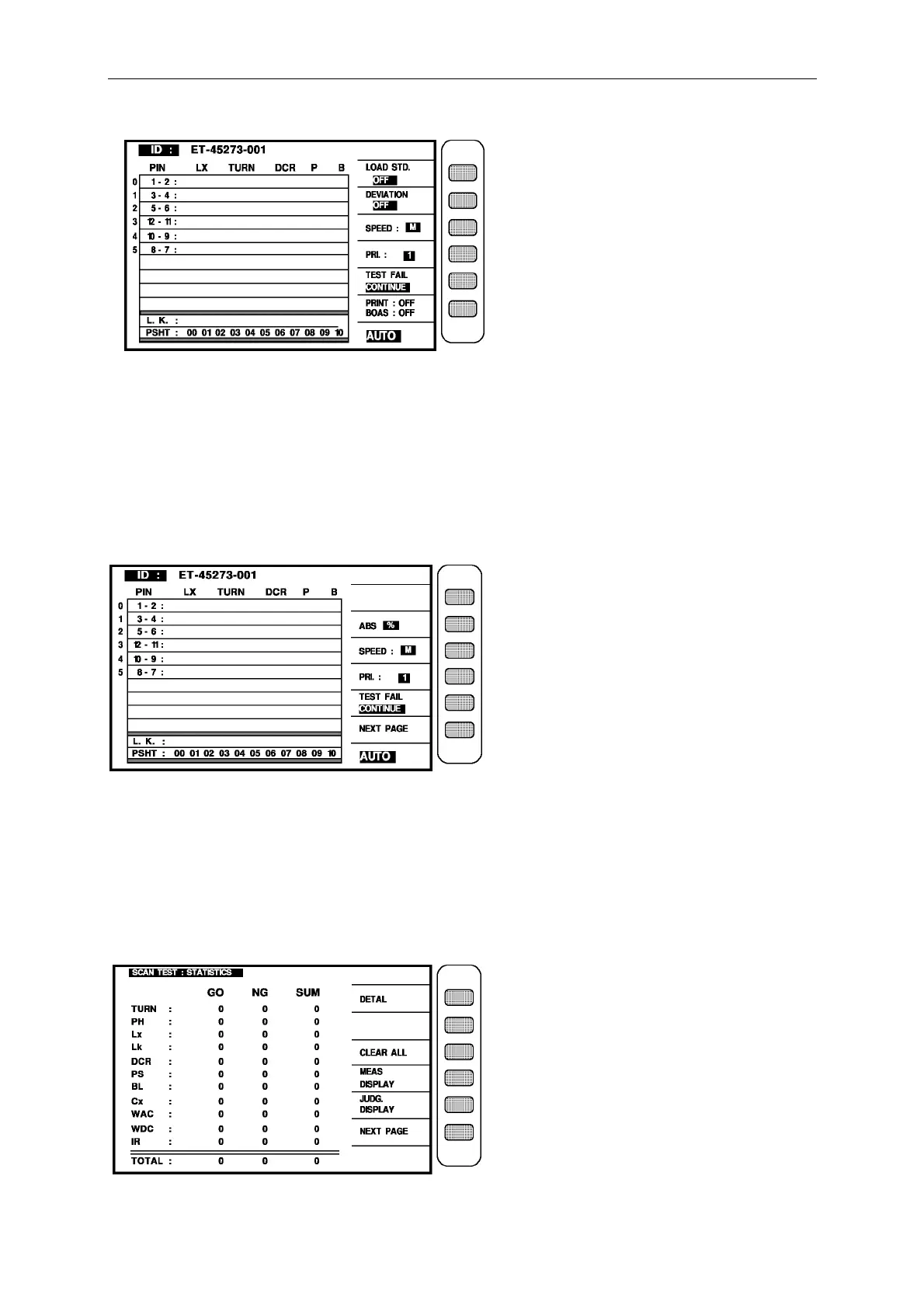
when the instrument shows this screen, that means the instrument is ready to test, just put the
unknown on the test fixture and press the key [ START] on the scan box, then sta rt to scan test,
the measurement will be shown on the screen, if no-good value, the measurement will be in
the block area, the result of scan test can know through the indication light on the scan box.
If the judgment of result are shown (pass/fail) as above figure, press [NEXT PAGE] then enter
the screen of judgment result as below:
The unknown on the test fixture and press the key [START] on the scan box, then start to scan
test, if the good will show “PASS”, the no-good will show high or low depend on over or less,
and the high or low will be shown by back-light.
The result of scan test can be indicated by the scan box indication light.
Check all the result can use statistic screen then press [NEXT PAGE] to enter as below:



 To Next Page