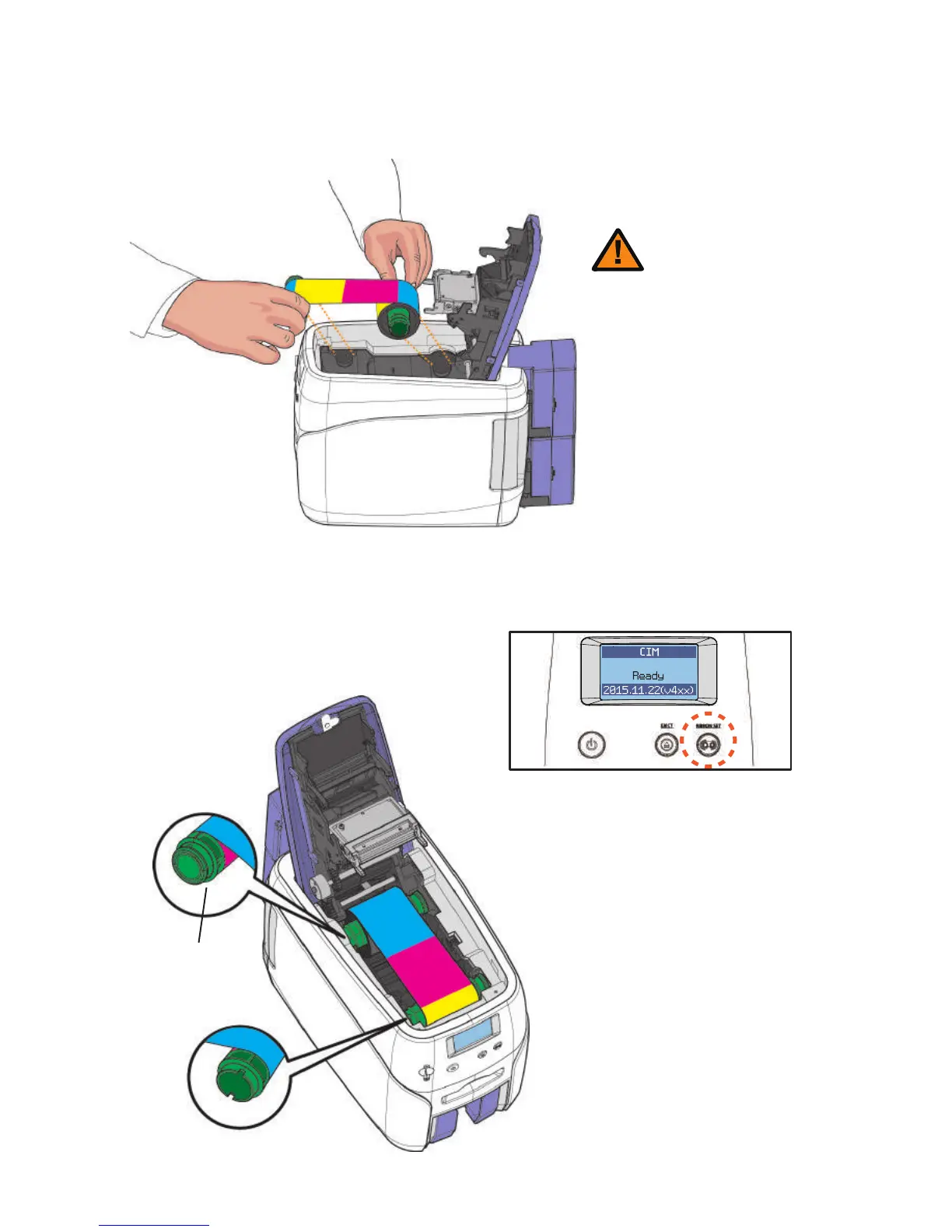
-Load Ribbon
1. Make sure that the ribbon is positioned correctly for loading and roll-
ing.
- Do not close the cover by force
when the ribbon is not placed
properly as this may cause damage.
- If the Top Cover is not closed, the
printer may not print properly (make
sure it is closed completely).
- Make sure that the Ribbon RFID
Tag is positioned correctly.
Caution
23
Ribbon RFID Tag
2. Close the cover and press the “Ribbon
Set” button to complete the process.
CIM User Guide Manual



 To Next Page