- Select Input Hopper 1/2 from External Program
(Windows Preview)
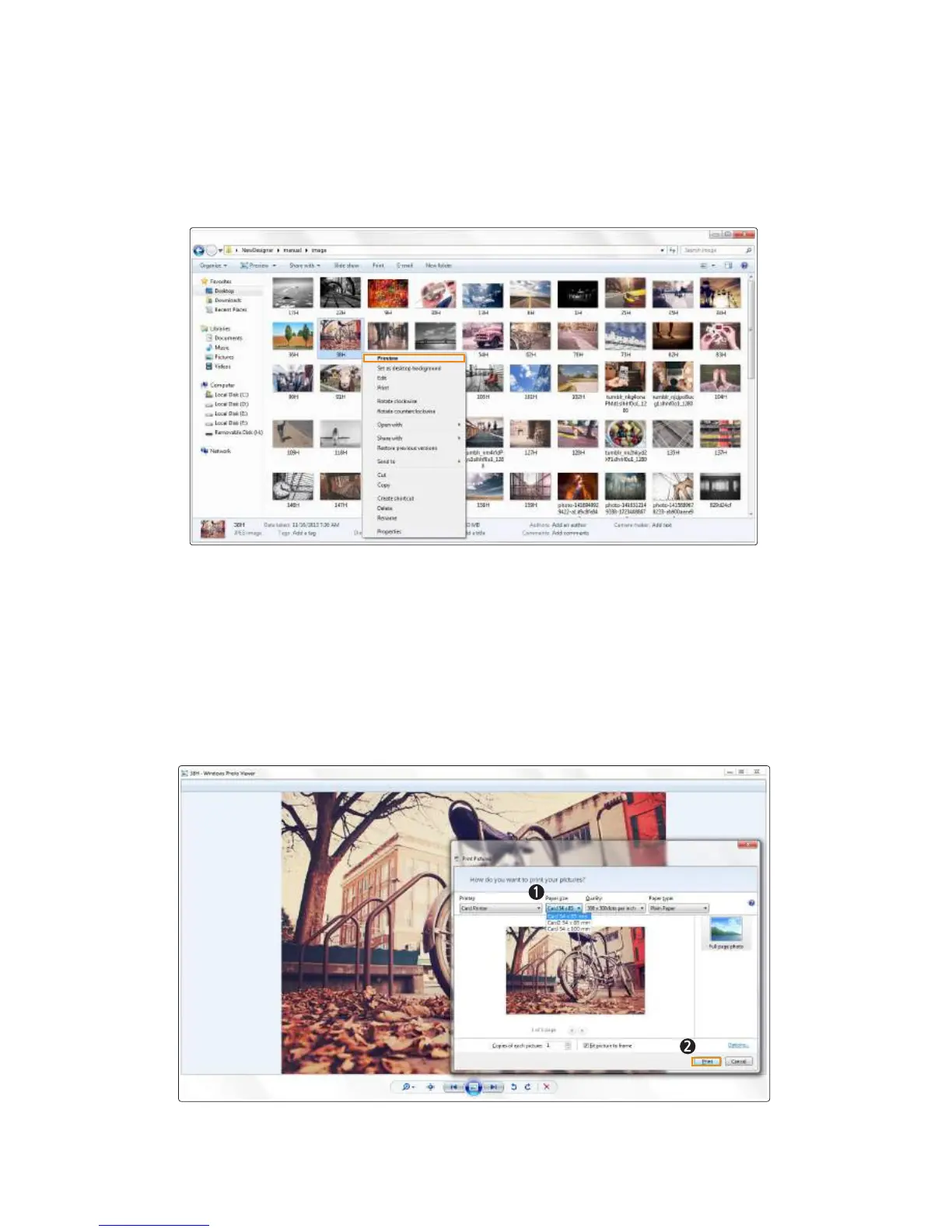
1. Right-click the image you want to print and select “Preview”.
2. Select “Print” on the Windows Photo Viewer to open the print window.
Make sure that the card printer is selected and specify the Input Hopper
using the paper size menu.
Card 54x85mm → Feed the cards from the upper Input Hopper.
Card2 54x85mm → Feed the cards from the lower Input Hopper.
After specifying the Input Hopper, click "Print" to start printing.
54
Install printer and ready



 To Next Page