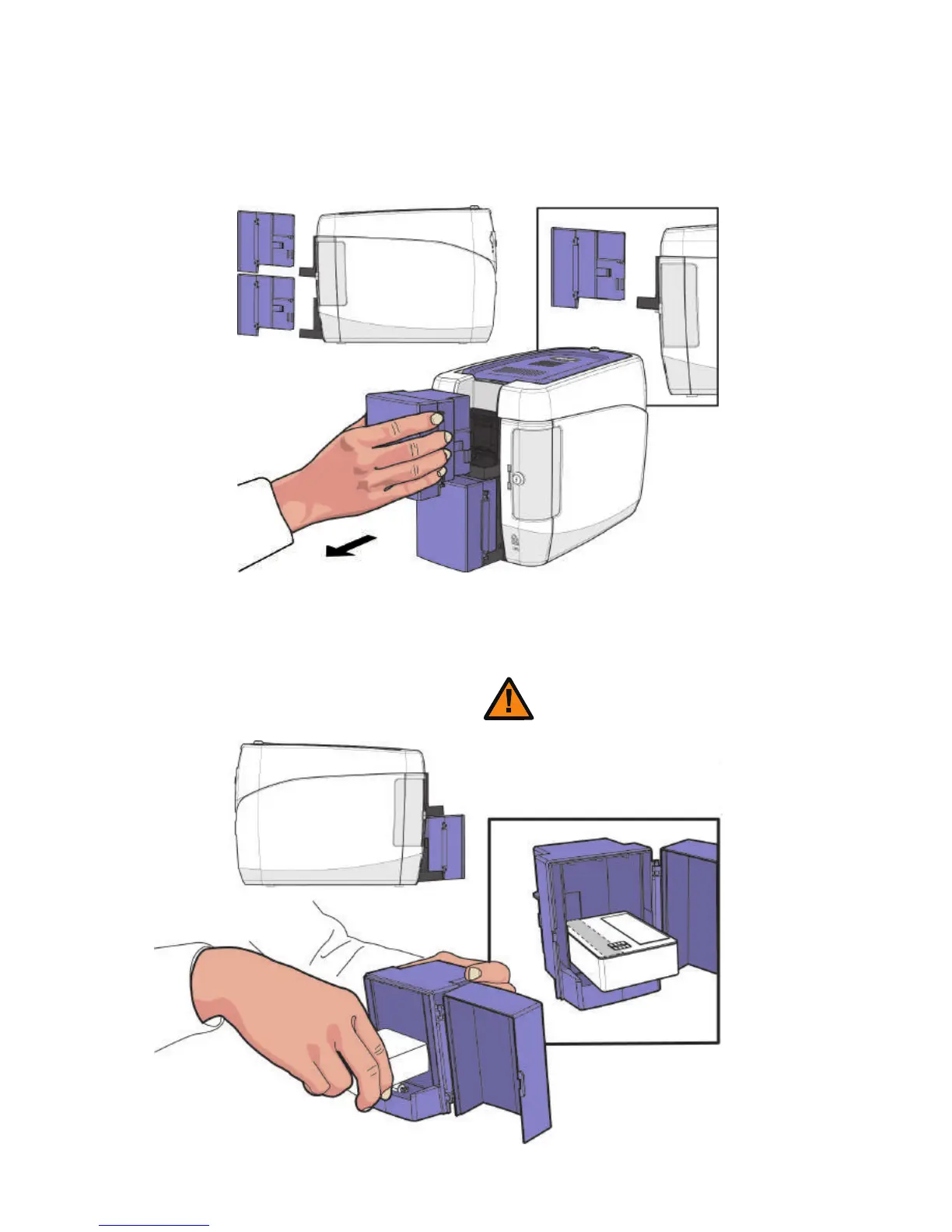
-Place Cards after Removing the Input Hopper
1. Hold the Input Hoppers by the sides, and pull it backward to remove it.
2. Hold the backside of the Input Hopper with one hand and open the cover
with the other. Then, place the cards inside as shown in the picture.
25
- Make sure that the IC chip is facing the outside.
- If IC Cards are not placed correctly, then an error will
occur.
Caution
CIM User Guide Manual



 To Next Page