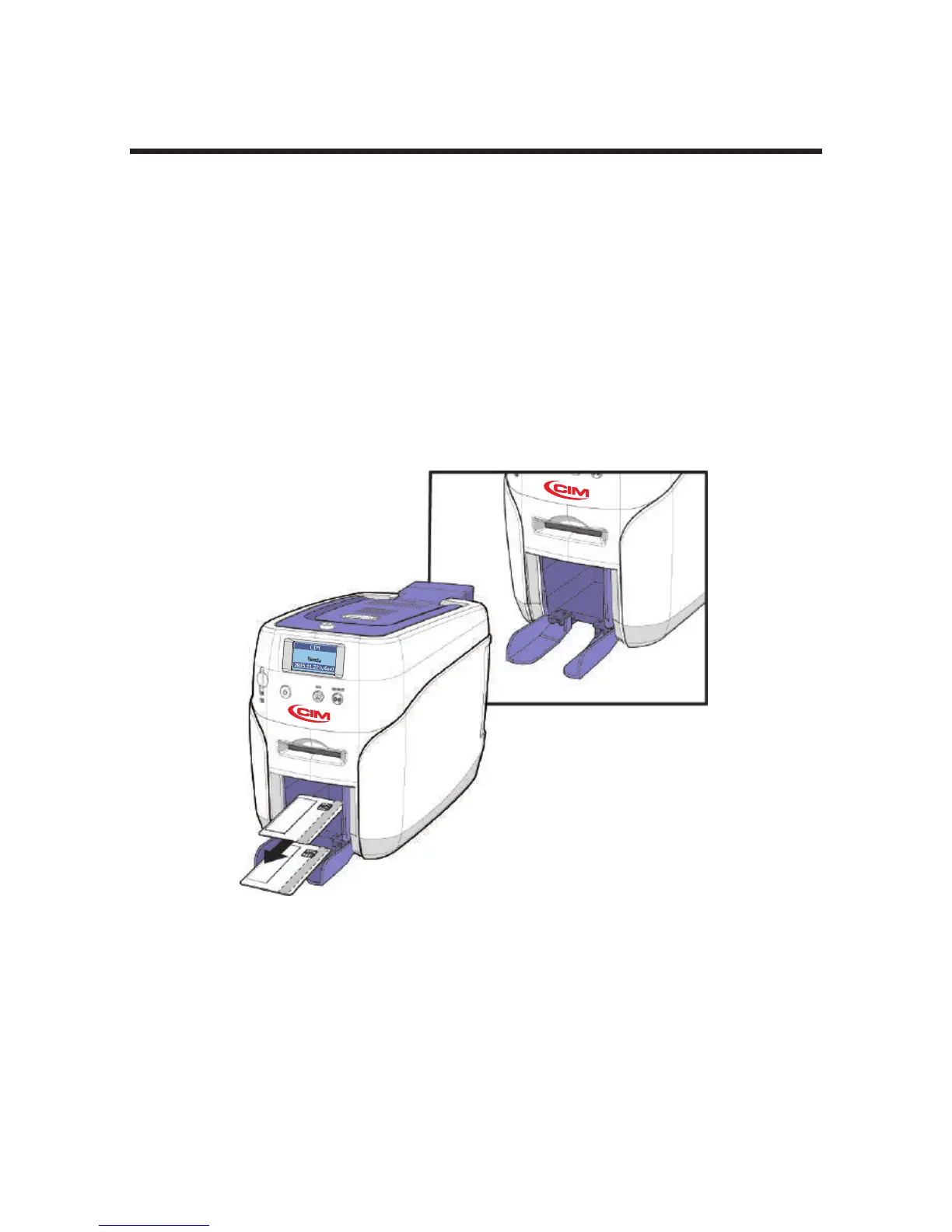
-Open the Output Stacker Cover and Remove
the Cards
Install/Remove Output Stacker
The Output Stacker can be installed or removed as follows:
Option 1: Open the Output Stacker cover and remove the cards.
Option 2: Use the spring load to remove a small quantity of cards.
Option 3: Remove the Output Stacker and the cards.
Lower the Output Stacker cover until it latches as shown in the picture.
Use this method when printing a small quantity of cards and check the
results right away.
30
Install printer and ready



 To Next Page