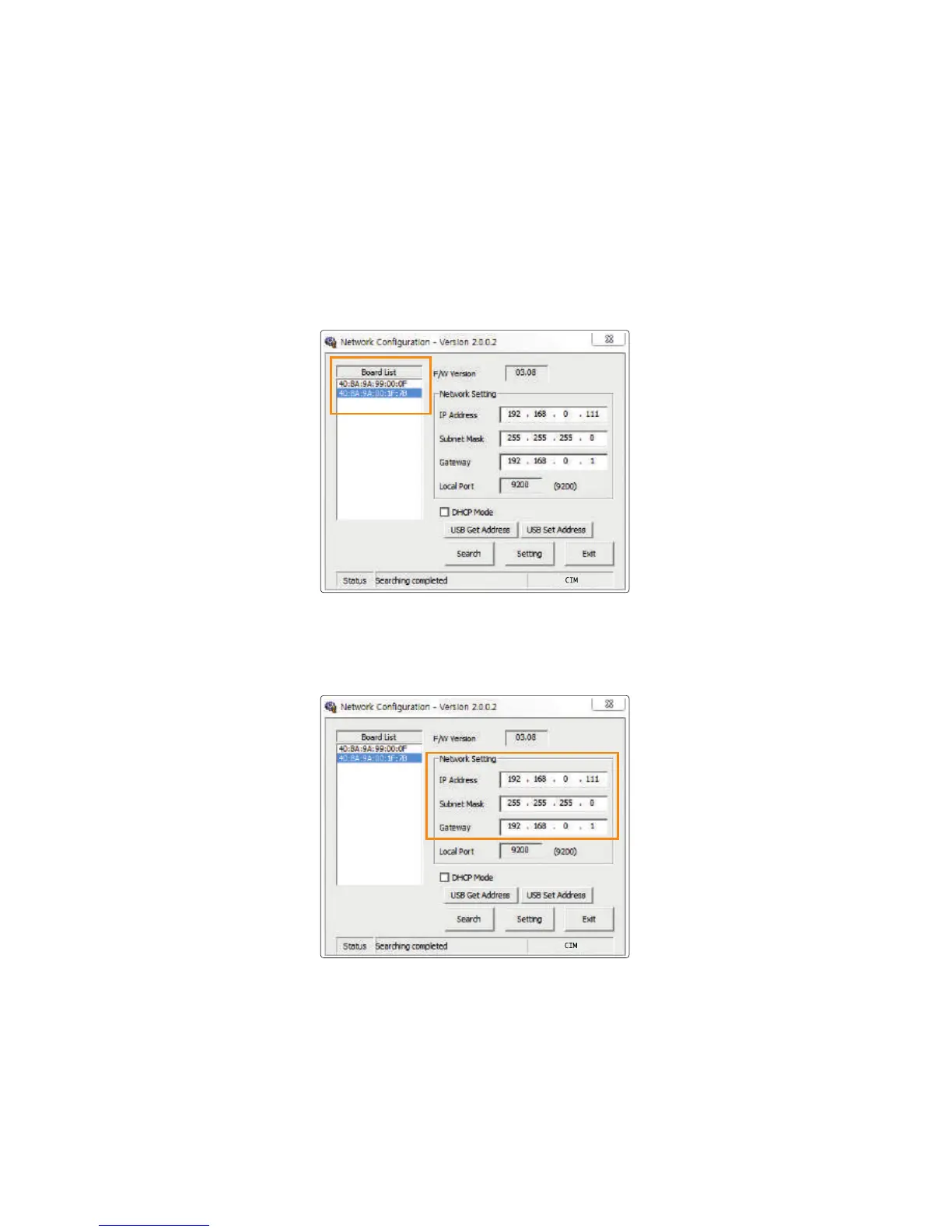
4) Network Setting - Manual
‘1.Go to “Start → All Programs → CIM→ Network” and click “OK”
to open the settings window.
Retrieve the IP Address, Subnet Mask and Gateway to be used by the
printer from the network administrator.
2. Select the MAC address from the Board List.
3. Enter IP Address, Subnet Mask and Gateway.
44
Install printer and ready



 To Next Page