Some of the problems you may encounter while using the printer
can be fixed by referring to the following troubleshooting guide. If
the problem persists, then please contact your local dealer.
Code
10
Code Name Description Solution
Top Cover
(TPH Module)
Check that the cover is closed
properly.
The Cover opens
while printing
11
TPH Up/Down
Failure
Check the TPH up/down module.
The TPH up/down
movement fails or is
interrupted.
13
The TPH thermistor
Temperature is
abnormal.
Check the temperature of the
TPH thermistor (operating temp.:
0c°~70c°).
Abnormal TPH
Thermistor
Temperature
Replace the TPH.
-Errors
① TPH
Replace the TPH open checking
sensor.
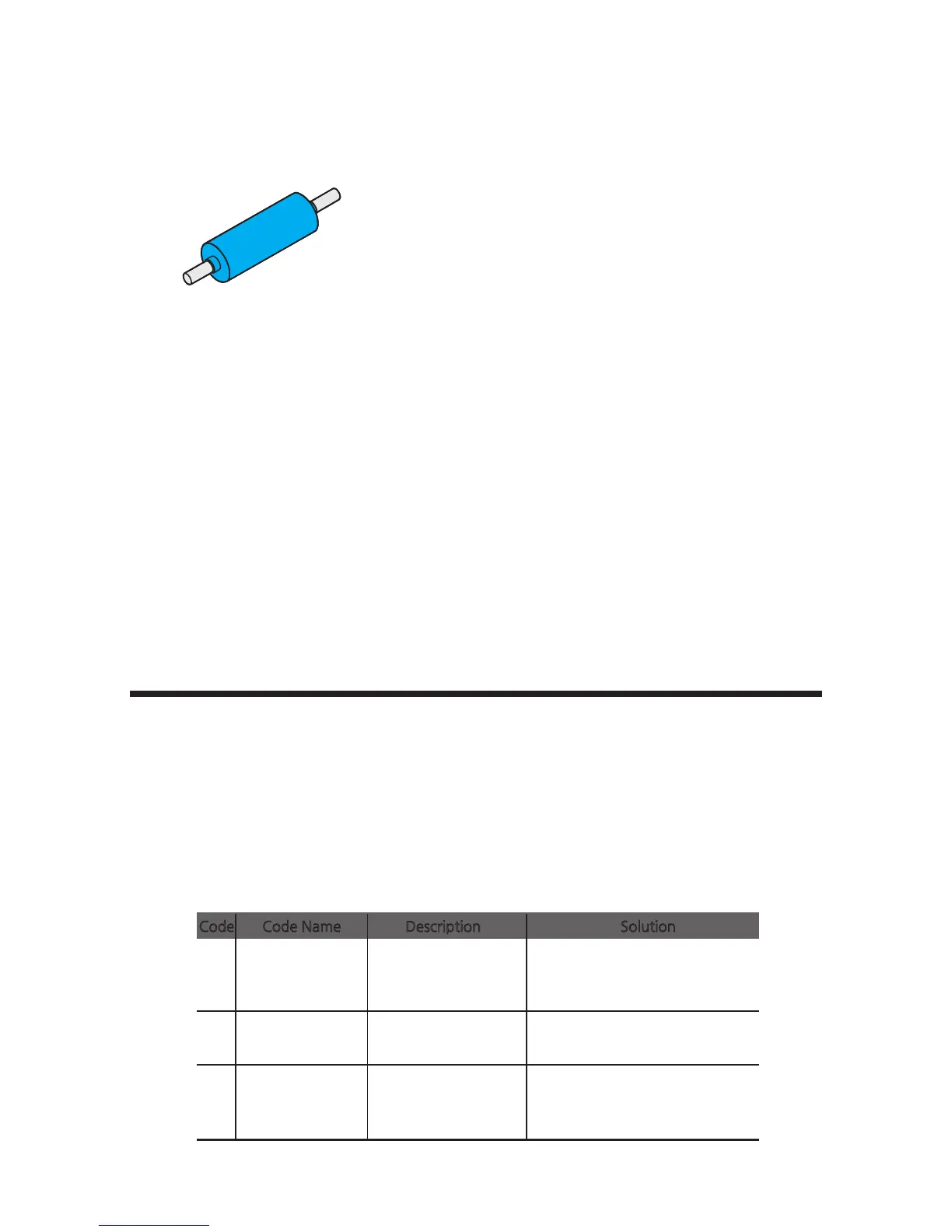
-Clean the Blue Cleaning Roller
Blue Cleaning Roller
This cleaning tool is designed to remove any unwanted materials from the
surface of cards, and it can be used semi-permanently since it can be washed. It
is recommended to clean it at least once every two weeks or every 200 cards.
1. Remove the cleaning roller from the printer.
2. Wash it under running water.
3. Make sure that it is fully dried before installing it into the printer.
Troubleshooting
75
CIM User Guide Manual



 To Next Page