-Print Self-Test Card
1. Turn on the printer connected to a PC.
① If Connected to a PC
2. Load the ribbon and press the “RIBBON SET” button.
3. Insert a single card into the slot or load it on the Input Hopper.
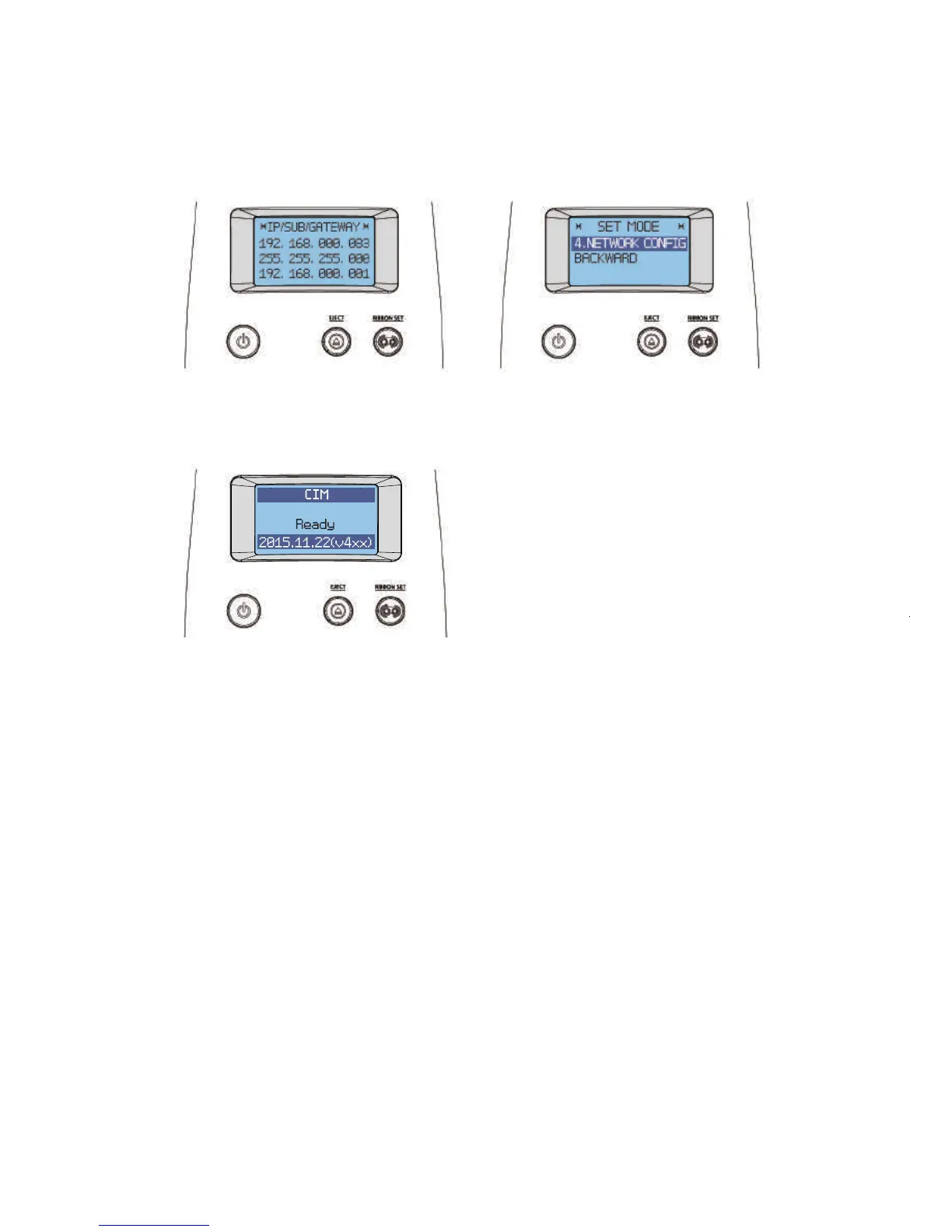
4. To go into STAND-BY mode, hold down both the “EJECT” button and
“RIBBON SET” button together to go to the previous menu (“4. NETWORK
CONFIG”). Then, hold down the “EJECT” button to enter STAND-BY mode.
4. Go to "Hardware and Sound → Devices and Printers" in the "Control Panel".
64
Install printer and ready
NETWORK CONFIG
IP/SUB/GATEWAY
STAND-BY MODE



 To Next Page