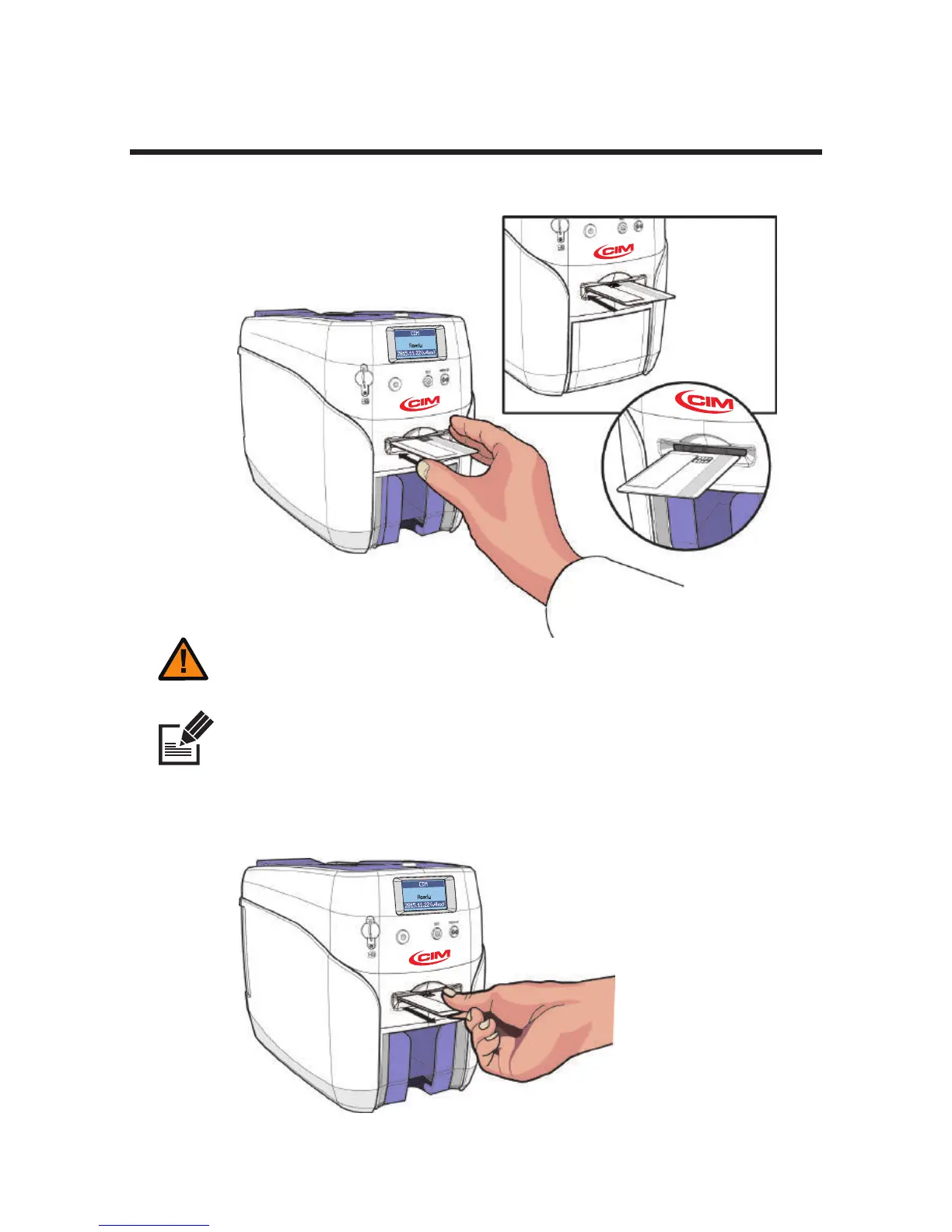
Print Single Card
- The card loaded in the single card slot is printed first, even if there are cards in the
Input Hopper.
1. Insert a card into the front single card slot as shown in the picture.
- This feature is intended for printing both a large quantity of cards (e.g. standard
cards) and a small quantity of cards (e.g. VIP membership cards) without removing
the cards loaded in the input hopper.
- Make sure the IC Chip is on the leading edge into the printer
- If IC Cards are not placed correctly, then an error will occur.
Caution
Note
27
CIM User Guide Manual



 To Next Page