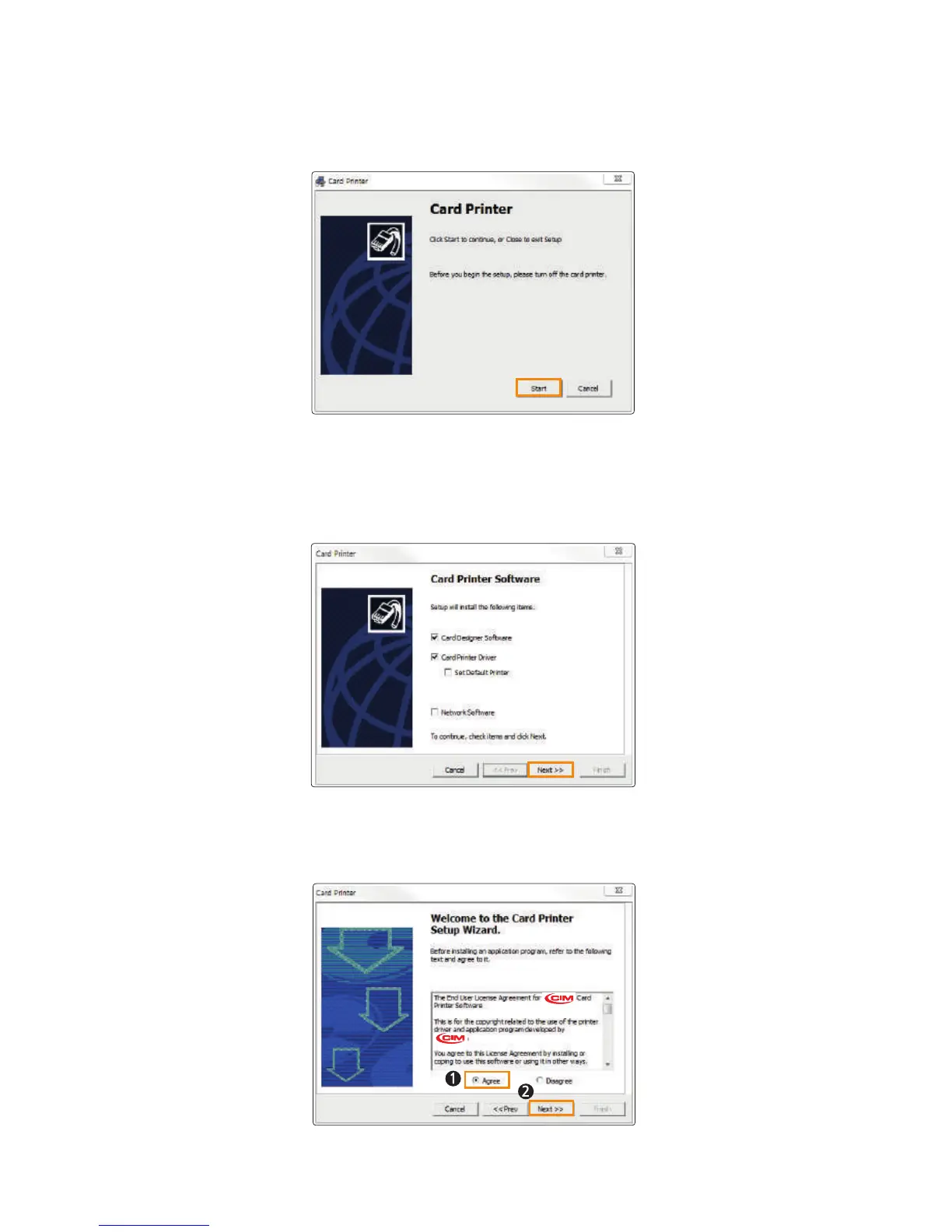
2. The initial screen of the Card Printer Driver is displayed as shown in
the picture. Click “Start” to install the program.
3. Select the software to install and click “Next” to proceed.
(Card Designer Software, Card Printer Driver)
4. Read the Terms of Use and check “Agree”. Then, click “Next” to proceed.
34
Install printer and ready



 To Next Page